Free Quiz Maker for Teachers - TriviaMaker

Free Quiz Maker for Teachers
Build Grid-Style, Trivia & More in Minutes

Create engaging classroom games your students will love. 6+ game styles, AI-powered quiz generation, and no student accounts needed.

20 free participants
7 game styles
No credit card
Trivia
List
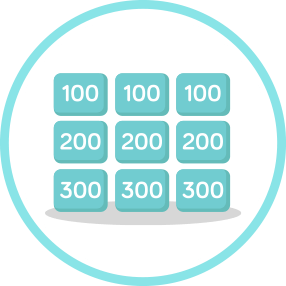
Grid Game
No Login Needed!
AI Powered
How It Works

Quiz-Ready in 3 Simple Steps

1

Create

Build your quiz in minutes - or let AI generate it for you. Pick from 6+ game styles.

2

Share

Students join with a simple 6-digit code. No accounts, no passwords, no friction.

3

Play

Project on the big screen and watch your classroom light up with engagement.

Built for How Teachers Actually Teach

Whether it's test prep or Fun Friday, TriviaMaker adapts to your classroom needs. See all features.

Formative Assessment

Gauge understanding in real-time. See which students need help before the test.

End-of-Unit Review

Turn boring review days into exciting game shows. Students actually want to study.

Vocabulary Games

Make vocab stick with interactive word games. Hangman and list modes are perfect.

Spelling Bees

Host digital spelling competitions that keep every student engaged, not just the finalists. Try our List or Hangman modes.

Professional Development

Use it for staff training and PD sessions. Adults love trivia games too!

Zero Friction

Share with Students - No Account Needed to Play

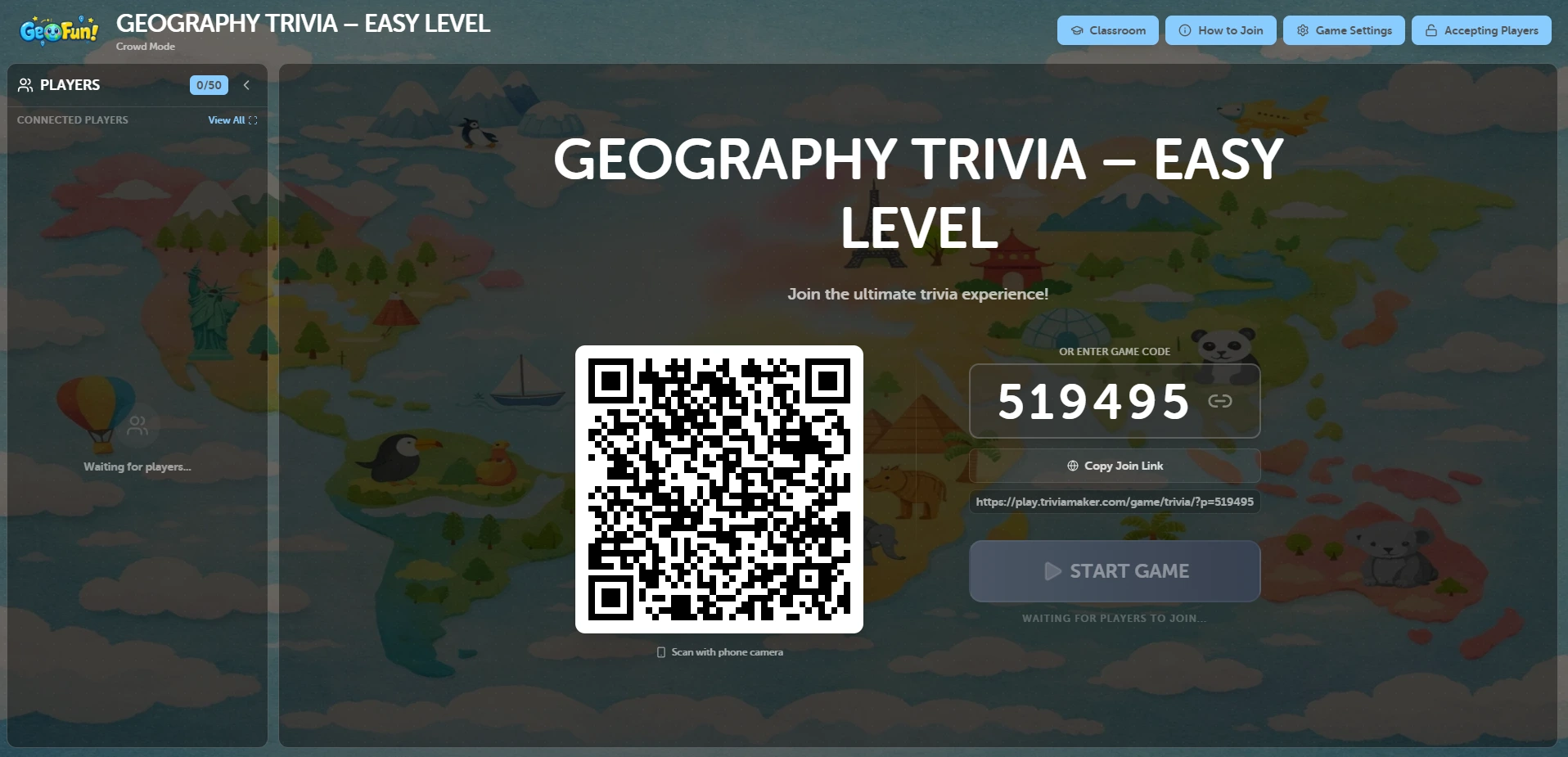
Students join with a simple 6-digit game code - just like Zoom. Works on any device, any browser. No downloads, no sign-ups.

No Passwords
No Email Collection
Instant Join
Join game with 6-digit code
Student A joined!
Student B joined!
AI Quiz Generator

AI Quiz Generator for Teachers

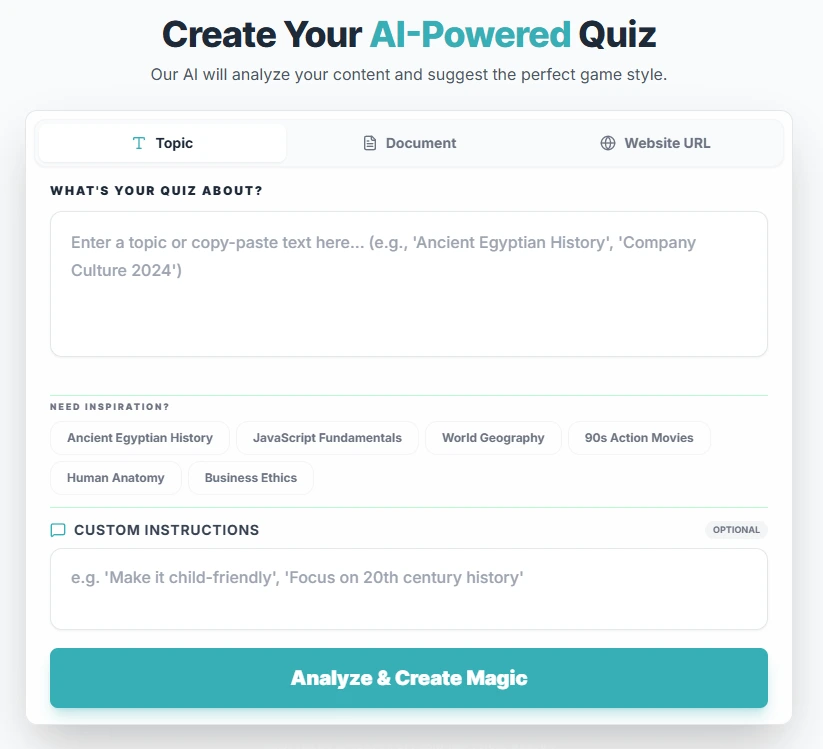
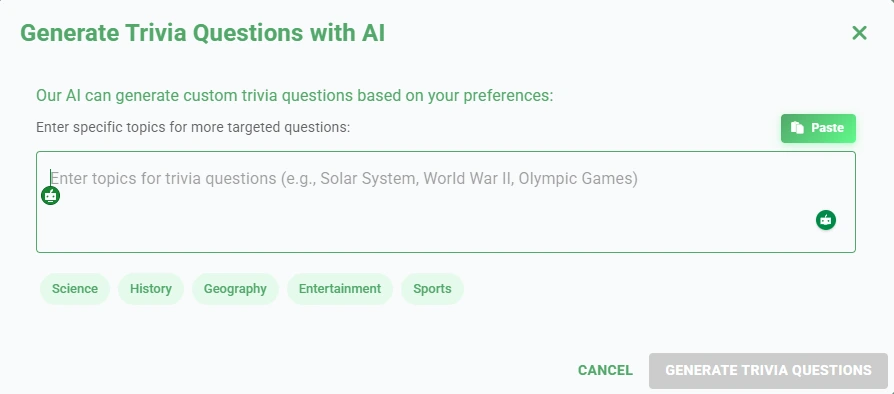
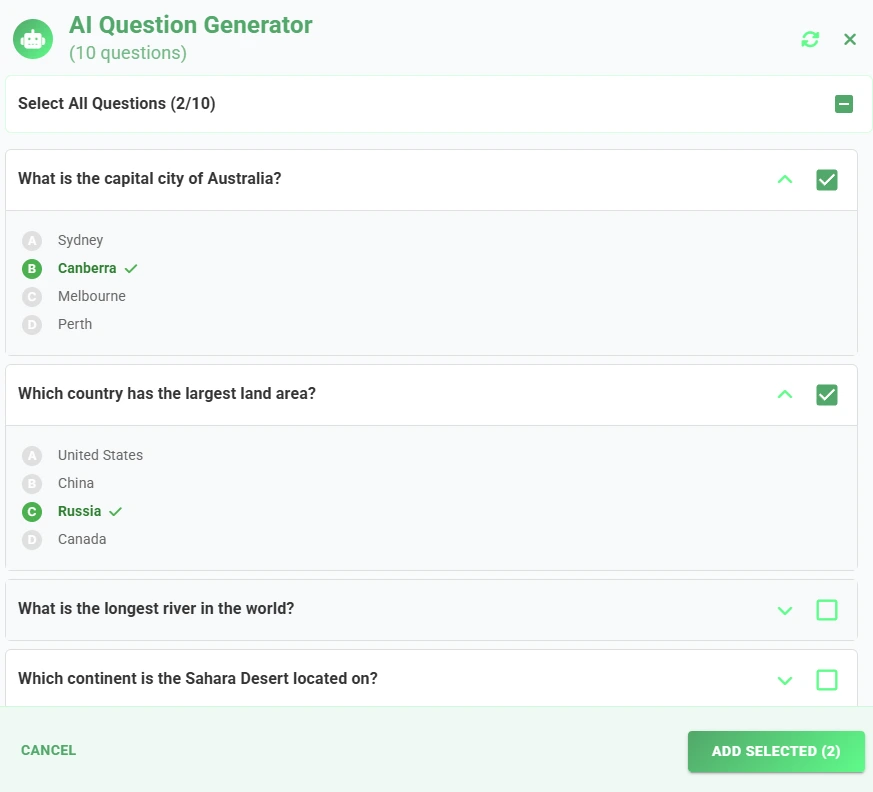
Save hours of prep time. Enter your topic and let our AI generate questions instantly. Then edit and launch.

Multiple choice questions
Vocabulary reviews
Test prep quizzes
Subject-specific trivia
Try AI Quiz Generator
Why Switch?

TriviaMaker vs. Kahoot & Blooket

If you're comparing tools right now, here's why teachers are switching. See how to create a Kahoot alternative game.

Other Apps
Kahoot, Blooket, etc.
6+ game formats
No student login required
AI quiz generation
Free plan with all game styles
Custom branding & themes
Affordable premium plans
Assignment mode
Crowd mode for events
RECOMMENDED
TriviaMaker
More flexible, more fun
6+ game formats
No student login required
AI quiz generation
Free plan with all game styles
Custom branding & themes
Affordable premium plans
Crowd mode for events
Truly Affordable

Plans That Respect Teacher Budgets

Free
Great for Testing
$0forever
  • Up to 20 participants
  • Limited game styles
  • Unlimited quizzes
  • Basic customization
  • 2 teams max
  • No credit card required
Start Free
Event-Ready
50% OFF Launch Price
$49.99one-time
  • Up to 200 participants
  • 200 teams / buzzers
  • Assignment mode (500 entries)
  • Crowd modefor assemblies
  • Perfect for pep rallies
  • School competitions ready
Get Event Plan
Got Questions?

Frequently Asked Questions

Everything teachers ask before making the switch to TriviaMaker.

Yes. The free plan is free forever - no credit card required. You get access 3 game styles, unlimited quiz creation, and up to 20 participants per session. If your class is larger or you want features like custom branding or Assignment mode, paid plans start at $19/year - designed to fit a teacher's budget, not a school district's IT contract.

No. Students join with a 6-digit game code - the same way they'd join a Zoom call. No email address, no passwords, no app download. Works on any device and any browser. You can start a session and have every student in the room playing within 60 seconds.

Most teachers build their first quiz in under 5 minutes. If you use the AI quiz generator, you can enter a topic - like "photosynthesis" or "Civil War vocabulary" - and get a ready-to-play quiz in seconds. You can then edit any question before going live.

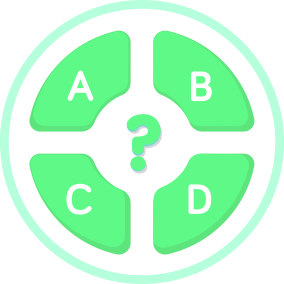
Kahoot is great for multiple-choice - but that's mostly all it does. TriviaMaker gives you 7 game formats: Grid-style, Trivia, Hangman, Spin Wheel, Tic-Tac-Toe, List mode, and Fusion. You can match the game style to the subject - vocabulary review, spelling bees, test prep, end-of-unit competitions. One tool, many more ways to engage students.

Yes. Beyond live classroom games, TriviaMaker has an Assignment mode where students complete quizzes independently at their own pace - useful for homework, early finishers, or flipped classroom setups. For live sessions, you can see how students perform in real time and spot who needs help before the actual test.

All of them. Teachers use TriviaMaker for everything from kindergarten spelling to AP exam review. The game styles adapt to any content - science vocabulary, math facts, history timelines, literature terms. If you can write a question about it, you can build a game around it.

The free plan supports 20 participants. The Premium plan (from $6.99/month) handles 50. If you're running a school assembly, pep rally, or academic competition, the Event-Ready plan supports up to 200 participants at once with Crowd mode built in.

Both. Live game mode is great for projecting in class, but Assignment mode lets students complete quizzes remotely on their own devices. Whether you're in a physical classroom, teaching hybrid, or running a flipped model, TriviaMaker works for how you actually teach.

You don't have to switch completely. Many teachers use TriviaMaker alongside other tools because of the grid-style format - none of the popular alternatives offer it. The AI quiz builder also tends to be faster for subject-specific questions, and the pricing is significantly lower than most competitors for comparable participant limits.

Loved by Teachers

What Teachers Are Saying

"

"My students literally ask me every Friday if we're doing TriviaMaker today. I started using it for test review and the difference in participation was immediate - even my quietest kids are raising their hands now."

AR
Amanda R.
5th Grade Teacher
"

"I swapped out our end-of-unit review slides for a Grid-Style game and my 8th graders were actually competitive about it. Best class energy I've had all semester. Setup took me under 10 minutes."

MJ
Marcus J.
8th Grade History Teacher
"

"The no-login feature is a lifesaver. I project the code, kids are in within 30 seconds, and we're playing. No tech issues, no lost passwords, no wasted class time. I use it at least twice a week now."

PT
Patricia T.
6th Grade Science Teacher
The Best Kahoot Alternative for Teachers

More Flexibility. More Engagement. More Affordability.

More classroom-friendly formats
Better pricing for schools
AI built for educators
No student accounts required
Higher value per dollar
Start Your Free Teacher Account

Free forever plan available. No credit card required.