01
Silent rooms and blank screens
The same few people answer while everyone else watches. A live game gives every participant a clear action.

Create branded live trivia for meetings, training, onboarding, and company events. Build questions faster with AI, choose from seven game-show styles, and give every employee a simple way to join.
Free to start • No credit card required • No player account in Crowd Mode
Trusted by teams at






Passive content makes it easy to multitask and hard to know who is following. TriviaMaker gives the room a reason to respond.
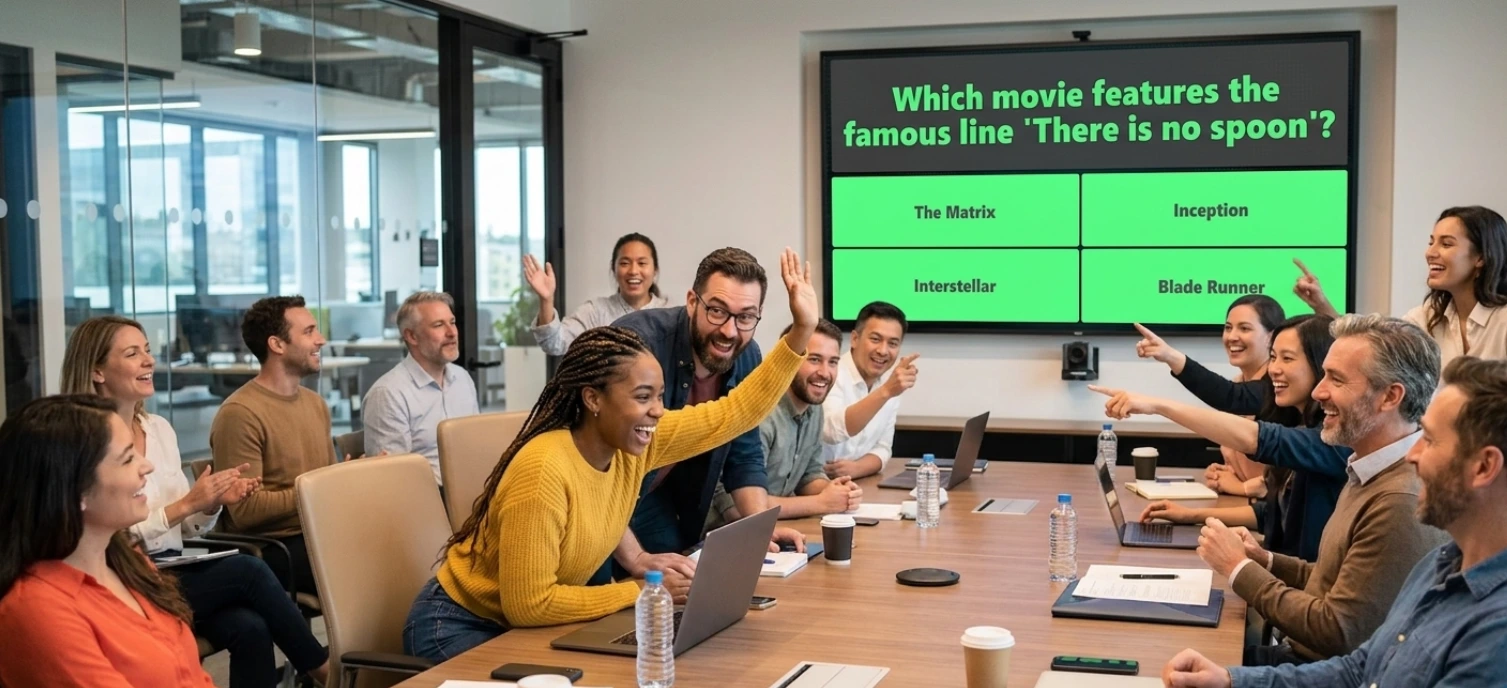
The same few people answer while everyone else watches. A live game gives every participant a clear action.
Teams finish the session, but key messages are quickly forgotten. Quiz rounds turn recall into active practice.
An off-brand screen feels disconnected from an important company moment. Paid controls help keep it recognizable.
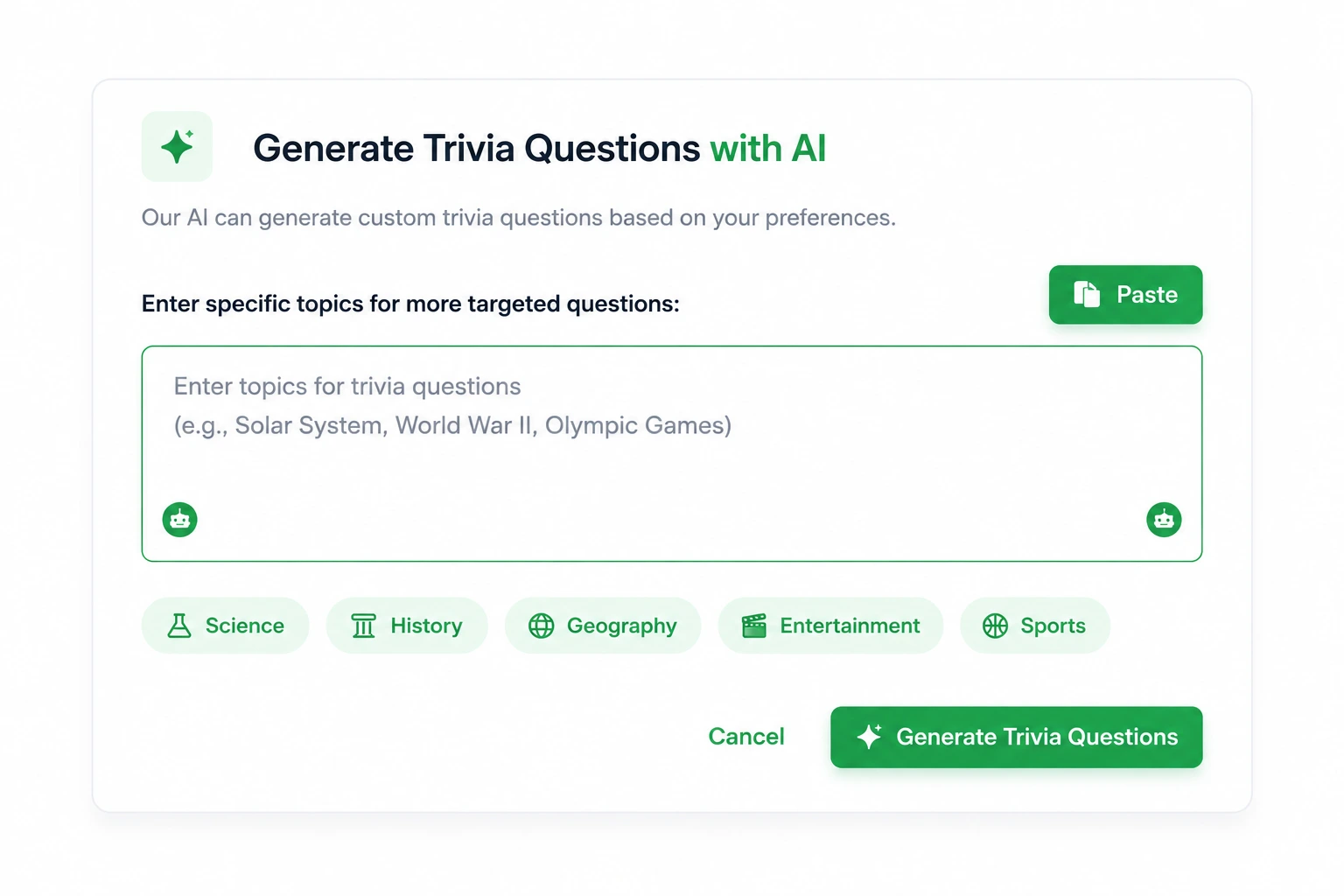
Busy teams need a fast starting point. AI-assisted creation can turn a topic or document into editable questions.
Use the feature that solves the participation problem without forcing employees through a complicated setup.
Start from a topic or document, generate a first draft, then review every question for accuracy and tone.
Premium featurePaid plans advertise logos, colors, backgrounds, music, photos, videos, and fonts.
Brand controlsIn Crowd Mode, employees use a game code or QR code. No player account is required.
Low-friction joiningUse live response visibility and the leaderboard to adjust the discussion or celebrate a win.
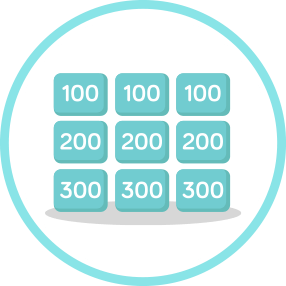
In-session feedbackUse Trivia, Grid, List, Wheel, TicTac, Hangman, or Fusion instead of repeating one quiz layout.
Seven game stylesPublic information advertises Crowd capacity from 20 on Basic to 2,000 on Enterprise.
Enterprise scaleStart with material your team already uses. AI creates a first draft so subject-matter experts can focus on reviewing rather than typing every question.
Run a quick check-in, a team competition, a word challenge, or a multi-round company game show.
Choose a use case to see the outcome, format, and content that fit the job.
Open with a three-minute pulse check, recap decisions with a fast challenge, or close with a team round that gives everyone a voice.
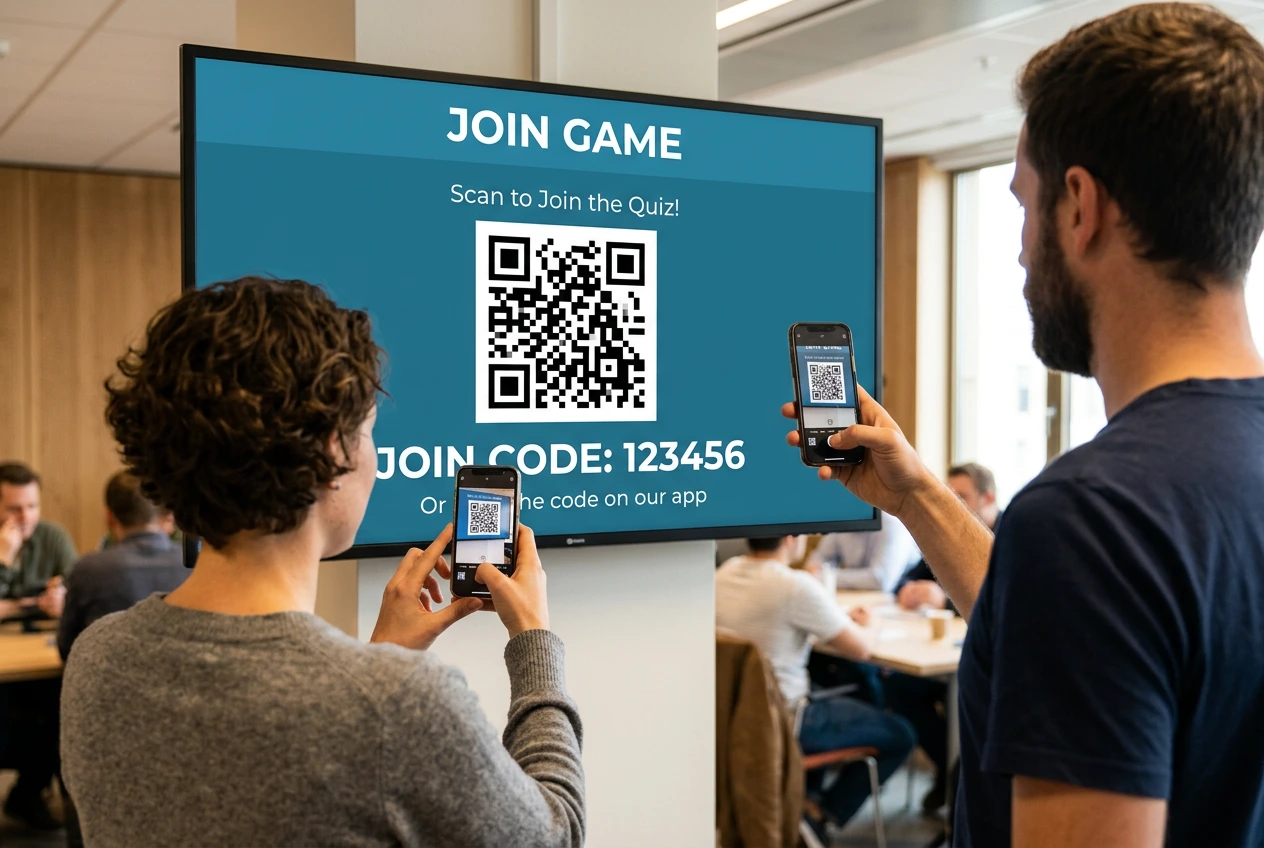
Employees use their own phone, tablet, or computer while the host shares the main game screen.
TriviaMaker is strongest when the goal is a visible, reusable game-show experience that employees can join quickly.
| Business requirement | TriviaMaker | Why it matters |
|---|---|---|
| Different energy for different sessions | Seven named game-show styles | A workshop, onboarding session, and company event do not need to feel the same. |
| Fast content creation | AI-assisted creation from a topic or document | Experts review a draft instead of starting blank. |
| Company brand consistency | Logo, colors, backgrounds, media, music, and fonts on paid plans | The activity feels connected to the organization. |
| Low joining friction | Browser-based Crowd Mode using a code or QR code | Employees can participate without a player account. |
| Hybrid delivery | Works through screen sharing | The same activity supports in-room and remote employees. |
| Large live audiences | Up to 2,000 Crowd participants on Enterprise | Use the format beyond a small meeting. |
TriviaMaker is not a full slide-authoring, survey, LMS, or employee-experience suite. For formal recordkeeping, exports, SSO, or procurement requirements, confirm the current workflow before purchase.
"Worked perfectly for our staff training day. People actually paid attention!"

"I use TriviaMaker for test review in my class and the students love it!"

"We use it all the time for Youth Group. We project it on the big screen!"

Team engagement activities are easy to join, relevant, and active rather than passive. A short team trivia game can boost meeting participation, reinforce training, welcome new hires, and energize company events..
Yes. In Crowd Mode, participants join from a modern browser using a code or QR code without creating a player account.
Paid plans advertise customization for logos, colors, backgrounds, music, photos, videos, and fonts. Confirm the exact controls included in the selected plan.
Yes. The host can share the main game screen through Zoom, Teams, Meet, or another screen-sharing platform. This is a screen-sharing workflow, not a native integration.
Public information advertises Crowd capacity from 20 on Basic to 50 on Premium, 200 on Premium Plus, and up to 2,000 on Enterprise. Confirm the plan before a critical event.
Crowd Mode provides live response and leaderboard visibility during the session. Do not promise saved Crowd reports or exports without confirming the current capability.
Create the first game free, then upgrade when you need more players, AI, all seven styles, or company branding.