
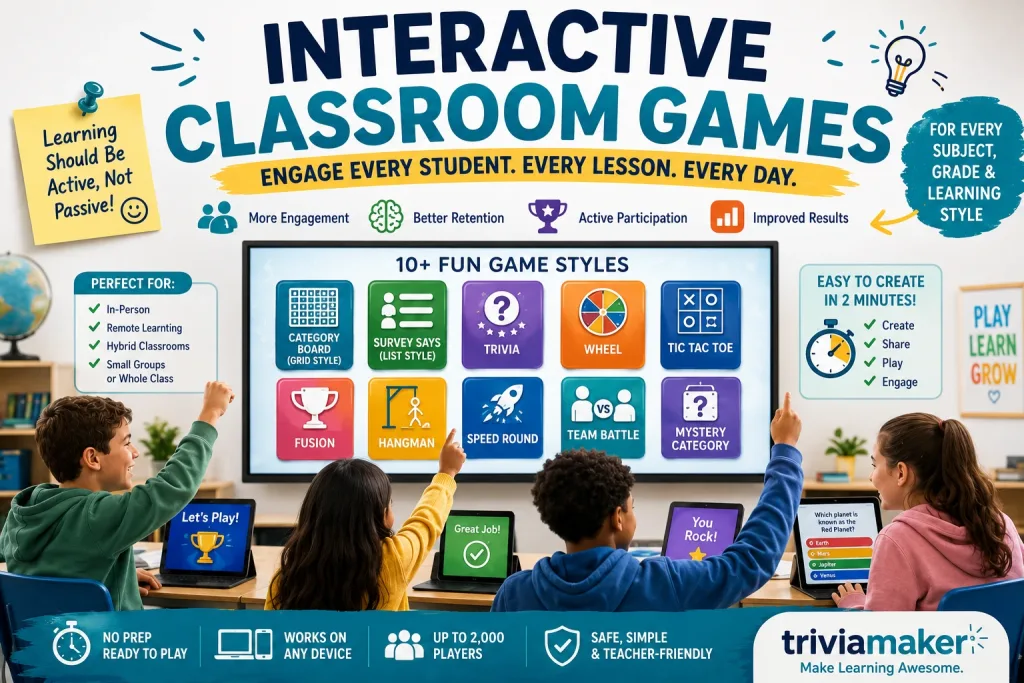
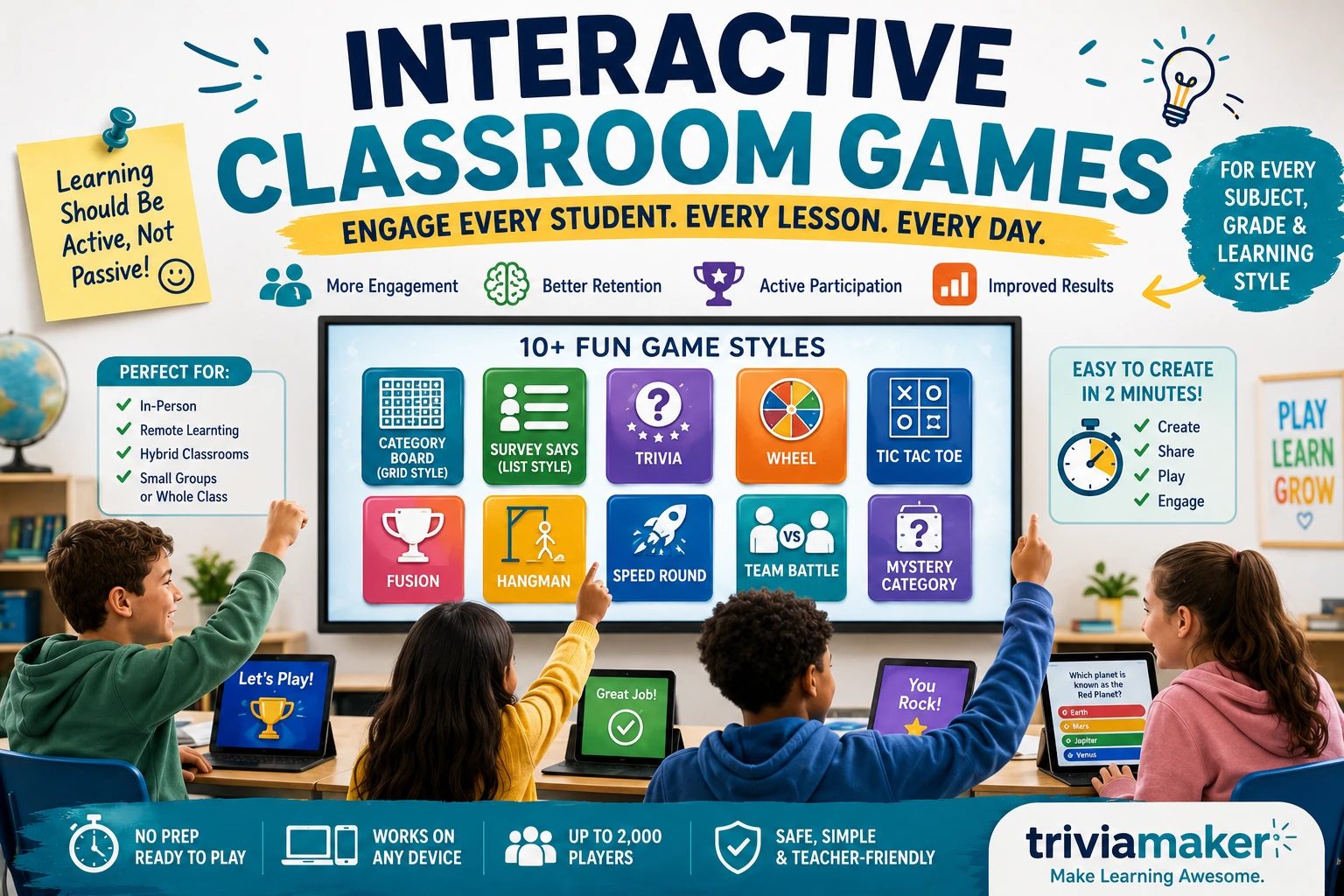
Interactive classroom games turn passive listening into active participation – replacing silent worksheets with live competition, movement, and immediate feedback. Most classrooms still rely on the same old worksheet stack: a prompt about summer, a dull pencil, and twenty-five kids counting down the minutes. It fills the period, but it doesn’t stick.
This guide covers the full range of classroom games – warm-ups, icebreakers, team-building, remote-friendly formats, and daily engagement strategies for every grade and subject. If you’re looking specifically for structured pre-test review games, see our companion guide: Classroom Review Games, which covers 10 dedicated formats with exam-timing guidance.
Why Interactive Games Improve Learning
Interactive games improve learning because they force active recall instead of passive review. When students retrieve an answer under mild time pressure or in front of teammates, that retrieval strengthens memory far more than re-reading notes. Games also lower the emotional stakes of being wrong, making struggling students more willing to try.
The Research Behind Game-Based Learning
Roediger and Karpicke (2006) demonstrated that students who practiced retrieving information retained roughly 80% of material after one week, compared to only 36% for students who simply re-read the same passages. A game is structurally a series of low-stakes retrieval attempts with immediate feedback – exactly what retrieval-practice research says works best.
Retrieval practice – the mechanism behind every quiz game – is one of the most consistently replicated findings in educational psychology. Students who are tested on material, even informally, tend to retain it longer than students who simply reread it. Read more: Roediger & Karpicke (2006) – Test-Enhanced Learning
Engagement Psychology – Why Competition and Low Stakes Both Work
Good classroom games balance two things that seem contradictory: competition and psychological safety. A leaderboard gives students a reason to care about the next question. A team format or an anonymous digital answer gives them permission to be wrong without an audience. Black and Wiliam’s landmark review of formative assessment research found that low-stakes classroom interactions – where students receive feedback without it being graded – produce some of the largest learning gains available in education, particularly for lower-achieving students. You don’t need both in every game – but the strongest formats usually have at least one.
Games vs. Worksheets: What Actually Changes
A worksheet asks a student to produce an answer once, silently, for a grade. A game asks the same student to produce an answer, see it evaluated immediately, and often try again. That immediate feedback loop – right away, not three days later when the worksheet comes back graded – is the single biggest functional difference, and it’s why games tend to outperform worksheets for review specifically, not necessarily for deep independent practice.
Get instant access to 3 free game styles – Trivia, Grid, and List. Host up to 20 students with no credit card required. Just a game and active learners.
Create a Free Game NowHow to Choose the Right Interactive Game for Your Class
The right game depends on three things: your class size, how much energy the room needs right now, and how much prep time you actually have. A game that’s perfect for eight students at a table will fall apart with thirty-two, and a high-movement game two minutes before a fire drill practice is a bad idea no matter how good the questions are.
By Class Size
- Pairs or small groups: word-guessing games, strategic board formats, and quiet review games work well because everyone gets frequent turns.
- Whole class (20-35 students): team-based formats with a shared screen keep everyone accountable without requiring 30 individual turns.
- Large groups or assemblies (100+): you need a format built for scale – live digital games with a join code work here; most no-tech games don’t.
By Energy Level Needed
If your class is restless after lunch or a long test, pick a movement-based no-tech game. If you need to bring energy back down before dismissal or a transition, pick a seated digital game with a calmer pace.
By Setup Time
No-tech games are typically zero-prep. Digital games range from a five-minute build using an existing template to a longer build-from-scratch session – unless you’re using an AI generator, which collapses that build time down to under a minute (more on that below).
Low Floor, High Ceiling – Making Games Work for Mixed-Ability Classes
The best classroom games have a “low floor” (an easy way in, so struggling students can participate immediately) and a “high ceiling” (room for advanced students to push further). This principle aligns with Universal Design for Learning (UDL) guidelines, which emphasize providing multiple means of engagement so that all learners – regardless of ability, language background, or processing speed – can access the same activity. Team formats naturally create this: a student who doesn’t know the answer can still contribute strategy, timing, or a supporting guess. For English Language Learners and students with IEPs, look for games that let answers be visual, physical, or multiple-choice rather than requiring open recall under time pressure every round.
For ELL students and students who process language more slowly, give the question a few seconds of silent “think time” before anyone can answer or buzz in. It costs you almost nothing and it noticeably changes who participates.
Interactive Classroom Games Without Devices
No-tech interactive games use nothing but space, voices, and a whiteboard, which makes them the fastest option when you need something running in the next 90 seconds. They’re also the most reliable choice when Wi-Fi is unpredictable or when devices aren’t allowed.
Four Corners
Label each corner of the room 1 through 4. Ask a question with four possible answers and have students walk to the corner they think is correct.
Prep time: none.
Best for: quick formative checks, any grade.
Trashketball
Split the class into teams. A correct answer earns a shot at a paper ball into the trash can, with farther shots worth more points.
Prep time: 5 minutes to write questions.
Best for: test review, upper elementary through high school.
Around the World
One student stands behind a seated classmate’s desk. Ask a quick-recall question – a math fact, a vocabulary term – and whoever answers first moves on to challenge the next desk.
Prep time: none.
Best for: math fluency, spelling, quick recall drills.
Team Jenga (Trivia Edition)
Number each Jenga block and write a matching review question on a card. Pulling a block means answering its question before placing it on top.
Prep time: 15 minutes, one-time setup.
Best for: small-group review stations.
Charades – Academic Edition
Write vocabulary terms, historical figures, or scientific processes on cards and have students act them out silently for their team to guess.
Prep time: 10 minutes.
Best for: ELA and history vocabulary, kinesthetic learners.
| Situation | Better fit |
|---|---|
| Unreliable Wi-Fi or no devices allowed | No-tech |
| Class needs to burn off energy | No-tech |
| You need instant scoring and a leaderboard | Digital |
| Group is larger than ~35 students | Digital |
| Remote or hybrid students are joining | Digital |
| You want reusable questions for next semester | Digital |
Digital Interactive Classroom Games
Digital classroom games replace paper score sheets and one-at-a-time turns with live scoring, instant feedback, and formats that scale from a laptop to a packed auditorium. Most platforms, including TriviaMaker, let students join from any device with a code – no student accounts required.
Category Board Games (Grid Style)
A category board splits review content into topics and point values, and teams choose which square to answer next. It’s the format most teachers already picture for a review-day game show, and TriviaMaker’s Category Board (Grid Style) builds one from your own question set in a few minutes.
Survey Says Games (List Style)
Instead of one correct answer, students guess the most popular response to an open-ended prompt, and answers reveal ranked by popularity. It’s a strong icebreaker format because there’s no wrong answer, only more or less common ones. Try TriviaMaker’s Survey Says (List Style) for this.
Live Trivia Competitions
Classic multiple-choice, answered live on any device, with results shown after each question. This is the fastest format to build and the easiest for students to jump into cold – see TriviaMaker’s Trivia style.
Wheel Games
A spinning wheel decides the next category, question, or student – useful for random selection without playing favorites. Explore TriviaMaker’s Wheel style.
Digital Escape Rooms
Students solve a chain of curriculum-based puzzles to “unlock” the next clue, usually in small groups. Strong for building collaboration and sustained focus over a full period.
Live Polling & Word Clouds
Not quite a “game” in the competitive sense, but a fast way to turn a lecture into a two-way conversation – useful as a warm-up before a more structured game later in the period.
AI-Powered Classroom Games
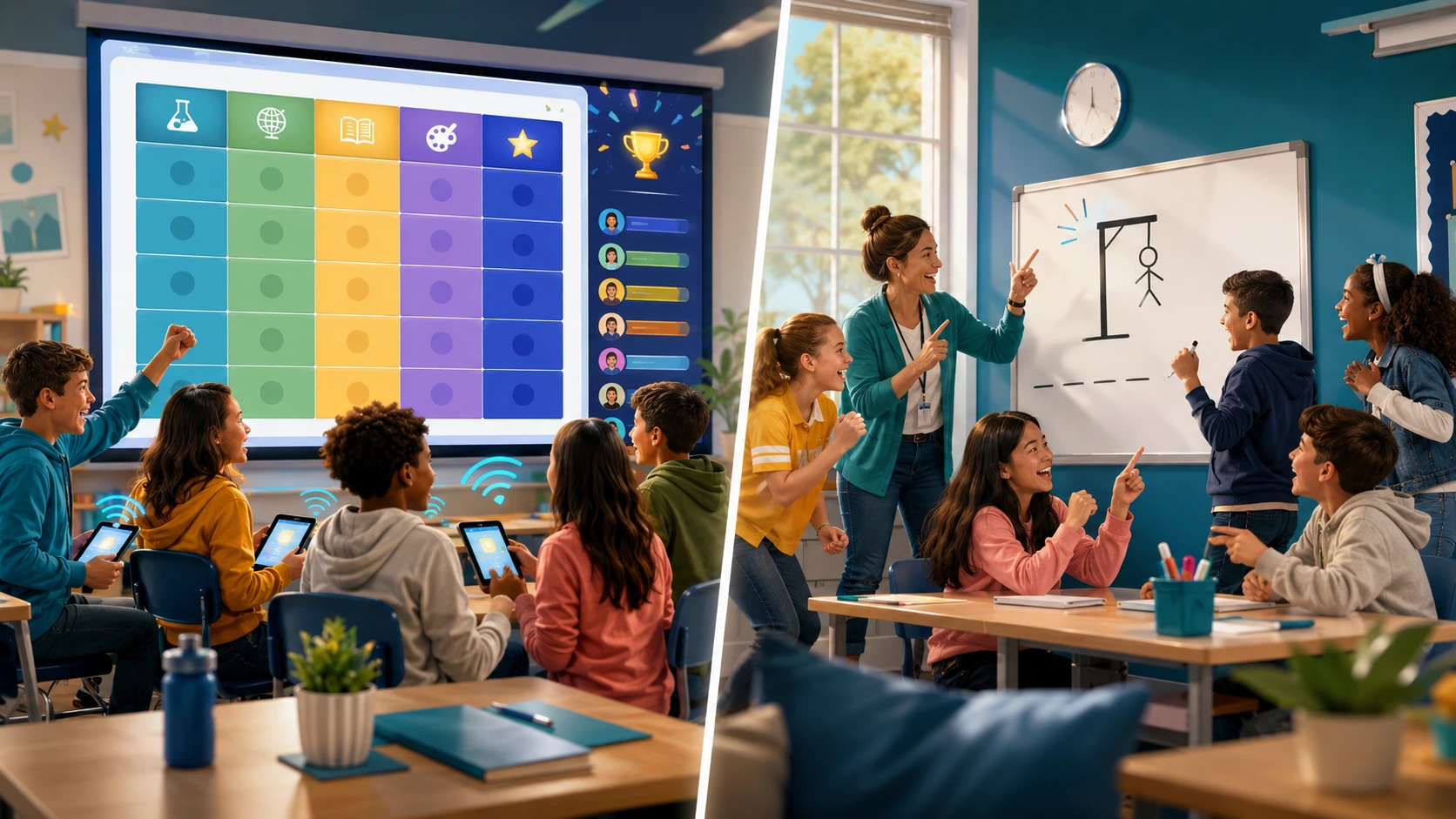
AI question generation turns a topic, a set of notes, or an uploaded document into a playable game in under a minute, without changing what the game actually tests. It doesn’t replace teacher judgment – it replaces the hour you’d otherwise spend typing out thirty questions by hand.
What AI Question Generation Actually Saves You
It saves time, not quality control. Tools like TriviaMaker’s AI Quiz Maker can generate a full question set on any topic in about 30 seconds, which is the difference between building a review game the night before a test and not building one at all.
Turning a Lesson, PDF, or Topic Into a Playable Game
- Enter a topic name, paste your notes, or upload a document.
- Let the AI generate a full set of questions and answer choices.
- Review each question before it goes live.
- Pick a game style and launch.
What to Still Review Before You Hit “Play”
Skim every generated question once before launch. AI-generated distractors (the wrong answer choices) occasionally need a small edit to match your specific curriculum wording or grade-level vocabulary – treat the generator as a fast first draft, not a final one.
None of the major “best classroom games” guides currently cover AI-generated games at all – despite it being one of the fastest ways teachers are now building review activities.
Turn your lesson content into a live Trivia, Category Board, or Survey Says game in minutes. Free plan supports 20 players – no student accounts, no downloads, no credit card.
Start Free Now →Interactive Classroom Games by Subject
Different subjects call for different game mechanics – the format that energizes a vocabulary warm-up won’t necessarily spark the same engagement in a math drill or a science lab review. Use these pairings to match game types to your subject for daily engagement, not just test-prep.
| Subject | Best-fit formats | Daily / general-use example |
|---|---|---|
| Math | Around the World, Category Board, Trivia | Use Around the World as a 5-minute bell ringer to drill multiplication facts or fraction conversions before the lesson begins. |
| Science | Category Board, Charades, digital escape rooms | Run a Charades round where students silently act out lab procedures (titration, dissection steps) to reinforce process vocabulary mid-unit. |
| ELA / Vocabulary | Hangman, Charades, Survey Says | Open each class with a Hangman round using that week’s vocabulary words to build spelling recognition before reading. |
| History & Social Studies | Category Board, Trivia, Survey Says | Use Survey Says as a discussion launcher: “Name a cause of the Industrial Revolution” surfaces what students already know before a new unit. |
| Geography | Wheel, Trivia, map-based prompts | Spin the Wheel to randomly select a continent, then rapid-fire capital-city questions as a daily geography warm-up. |
| Foreign Language | Hangman, Charades, Trivia | Use Hangman to reinforce target-language spelling patterns, or Trivia for quick translation drills at the start of each period. |
| STEM / Cross-Curricular | Fusion, digital escape rooms | Run a Fusion game that blends math, science, and ELA questions into a single team challenge for project-based learning days. |
Interactive Classroom Games by Grade Level
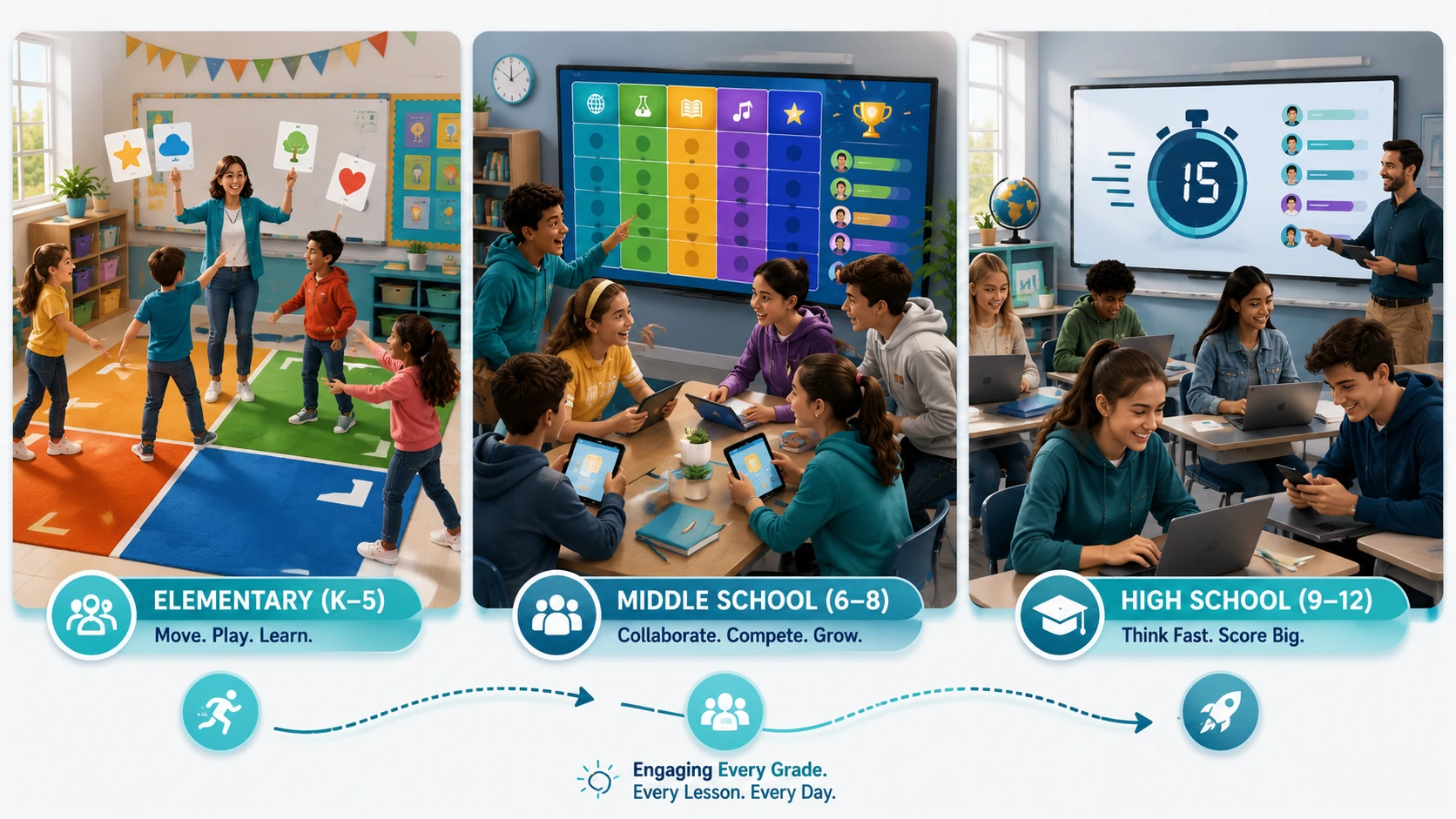
Younger students need shorter game cycles, clear visual rules, and physical movement, while older students respond better to leaderboards, team stakes, and faster pacing. Adjust your game choice to match developmental needs – the same format rarely works equally well across K-12.
Elementary (K-5)
Keep rounds short (under 5 minutes), favor movement (Four Corners, Around the World), and use visual, low-pressure digital formats like Wheel for random selection. Focus on participation and effort over correctness – at this age, building a positive association with answering questions matters more than the score.
Middle School (6-8)
Team-based formats with a live leaderboard hit the sweet spot here – students are competitive enough to care about scoring but still enjoy full-class formats like Category Board and Trivia. Rotate game styles weekly to prevent format fatigue; middle schoolers disengage faster from repetition than younger or older students.
High School (9-12)
Faster pacing, more complex Survey Says prompts, and multi-round Fusion games hold attention better than simple recall formats at this age. Use games as transitions between lecture segments – a 5-minute Trivia burst mid-period re-engages attention better than a full-period game that overstays its welcome.
Games for Specific Classroom Moments
Bell Ringers & Warm-Ups
A quick 3-5 question digital Trivia round as students settle in beats a silent worksheet – it gets everyone’s attention on the board within the first minute. See our full list of bell ringer activities for more starter ideas.
Exit Tickets & Formative Assessment
A short digital quiz at the end of class gives you real-time data on who needs reteaching tomorrow – faster than collecting and grading paper exit slips overnight.
First-Day and Icebreaker Games
Survey Says formats are ideal here since there’s no wrong answer. For a full first-week plan, see our All About Me activities and All About Me questions collections, plus 33 back-to-school trivia questions ready to load into any format.
Team-Building Activities
Multi-round Fusion games work well for a dedicated team-building block, since they mix formats and give every student more than one way to contribute.
Review Games Before a Test
For structured pre-test review – including 10 dedicated review game formats, subject-specific timing, and test-day strategy – see our companion guide: Classroom Review Games.
Interactive Games for Remote & Hybrid Classrooms
Digital classroom games solve the biggest challenge of remote and hybrid teaching: keeping every student equally engaged regardless of whether they’re physically in the room. No-tech games mostly stop working the moment even a few students are remote, but digital formats don’t have that problem – everyone joins the same live session from any device with a browser.
Games That Work Identically In-Person and Remote
Live Trivia, Category Board, and Survey Says all work without modification for hybrid classes – every player joins with a code on their own device, in the room or not, and the leaderboard treats everyone the same.
Mistakes Teachers Should Avoid With Classroom Games
The most common classroom game mistakes aren’t about choosing the wrong format – they’re about letting the game run without structure, feedback, or a clear connection to what students are supposed to learn. Avoiding these pitfalls turns a fun distraction into a genuine learning tool.
Letting one loud, competitive group turn every round into a shouting match. If a game starts creating losers who check out, pause and switch to a team-based or anonymous-answer format for the rest of the period.
Letting Competition Overshadow Learning
If students start caring more about winning than about the content, dial back the scoring emphasis or switch to a Survey Says format where there’s no single “correct” team.
Games With a High Prep-to-Payoff Ratio
A physical board game you spend an hour building for a five-minute payoff isn’t sustainable. Save the elaborate builds for reusable digital games you can run again next semester.
Forgetting Students Without Devices or Reliable Wi-Fi
Always have a no-tech backup ready, and pair students without a personal device with a teammate rather than leaving them out of the round entirely.
What Is the Difference Between a Classroom Game and Gamification?
A classroom game is a single-session activity with a clear start and end – a Trivia round, a Four Corners exercise, a Hangman sequence – where the game itself is the learning experience for that period. Gamification, by contrast, is a long-term system layered onto an entire course: students earn points, badges, or XP across weeks or months, and those accumulated rewards drive behavior over time. This page focuses on classroom games. Gamification is a broader instructional design strategy that works best when the underlying daily activities (including games) are already strong.
Turn tonight’s lesson plan into a live Trivia round your class can play tomorrow morning – no student accounts, no downloads.
Build a Trivia Game FreeBest Platforms for Interactive Classroom Games
What to Look For in a Classroom Game Platform
Look for a genuinely free plan, no required student accounts, more than one game format, and a fast way to build a question set – ideally with AI assistance for nights when you’re short on time.
| Platform | No student accounts | Game formats | Free plan | AI question generation |
|---|---|---|---|---|
| TriviaMaker | Yes | 7 game styles (Grid, Trivia, Survey Says, Wheel, Tic Tac Toe, Hangman, Fusion) | Yes – see pricing | Yes (Premium) |
| Kahoot! | Varies by plan | Multiple-choice focused | Limited player cap | Yes |
| Blooket | Yes | Self-paced game modes | Yes | No |
| Mentimeter | Yes | Polls, word clouds, quiz competitions | Yes, limited audience size | Yes |
A Note on Free Plans – What “Free” Actually Includes
“Free” varies a lot between platforms – some cap player counts in the single digits or lock most game formats behind a paywall. TriviaMaker’s free Basic plan includes unlimited quiz creation with 3 game styles and hosting for up to 20 players with no credit card required; see the full breakdown on the pricing page..
How to Build Your First Interactive Classroom Game in Under 5 Minutes
- Pick a game format that fits your class size and energy level
- Add questions manually, import a CSV, or generate them with AI
- Review every question once before launch
- Share the join code or QR code – no student accounts needed
- Launch and let the leaderboard do the rest
Frequently Asked Questions
What are interactive classroom games?
What are the best free interactive games for the classroom?
Which interactive games work best for review before a test?
Can interactive classroom games be used for remote or hybrid learning?
How do you keep classroom games from becoming too competitive?
What interactive games work without any devices?
How long should a classroom game take?
What’s the best interactive game for a substitute teacher to run?
Can AI generate classroom games automatically?
What’s the difference between a review game and a formative assessment game?
How many students can play a digital classroom game at once?
Do students need accounts to join a digital classroom game?
What time of day works best for a classroom game?
Related Reads
7 game styles, AI-assisted question building, and no student accounts required – free to start.
Start Building Free