
How to Host a Thanksgiving Party With TriviaMaker (Step by Step)
How To Host a Thanksgiving party with TriviaMaker: Create a free account, choose a game style such as Grid, List, Wheel, TicTac or Trivia, add your Thanksgiving questions or open a ready-made game from the Thanksgiving channel, and share the game link with your guests. You run the game from one screen while everyone joins on their phones.
Want to host a Thanksgiving party where everyone’s laughing, learning, and enjoying the moment? TriviaMaker, a free online quiz creator, can add an interactive twist to your gathering. In this guide, you’ll learn how to choose a game style, find ready-made Thanksgiving trivia games, and turn our free Thanksgiving Questions and Answers into a custom quiz. We’ve included question inspiration, so you can spend less time preparing and more time with your guests.
From a quick warm-up before dinner to a friendly contest after dessert, a little trivia can give everyone a reason to join in.
Play a Thanksgiving Trivia Quiz Right Now – Demo Game
Want to try a round before setting up your own game? Play the Thanksgiving quiz below.
Why Choose TriviaMaker for Thanksgiving?
Every group brings a different mix of ages, interests, and trivia knowledge. TriviaMaker lets you choose a game style and tailor the questions to your guests, whether they’re history fans, food lovers, movie buffs, or simply there for a laugh.
- Make it personal: Add questions about family traditions, favorite dishes, or shared memories.
- Choose how to play: Pick from styles including Grid, List, Wheel, TicTac, Trivia, Hangman, and Fusion.
- Keep the group involved: Use live scoring and a leaderboard to follow the competition.
- Keep joining simple: Guests can participate from their own devices using a game link or join code.
- Try a ready-made word game: Open Thanksgiving Hangman for a quick round of holiday word guessing.
Choose a Game Style
Choose the format that suits your group and the kind of questions you want to ask. You can open each example to see how that style plays.
Explore Ready-Made Thanksgiving Trivia Games
Short on prep time? Start with a ready-made game: open it, press play, and get the group involved. The full Thanksgiving Trivia collection includes Easy, Hard, Movie, Pop Culture, and Food & Feast packs.

Thanksgiving Family Feud
Guess the most popular answers about holiday food, traditions, and the big Thanksgiving feast.
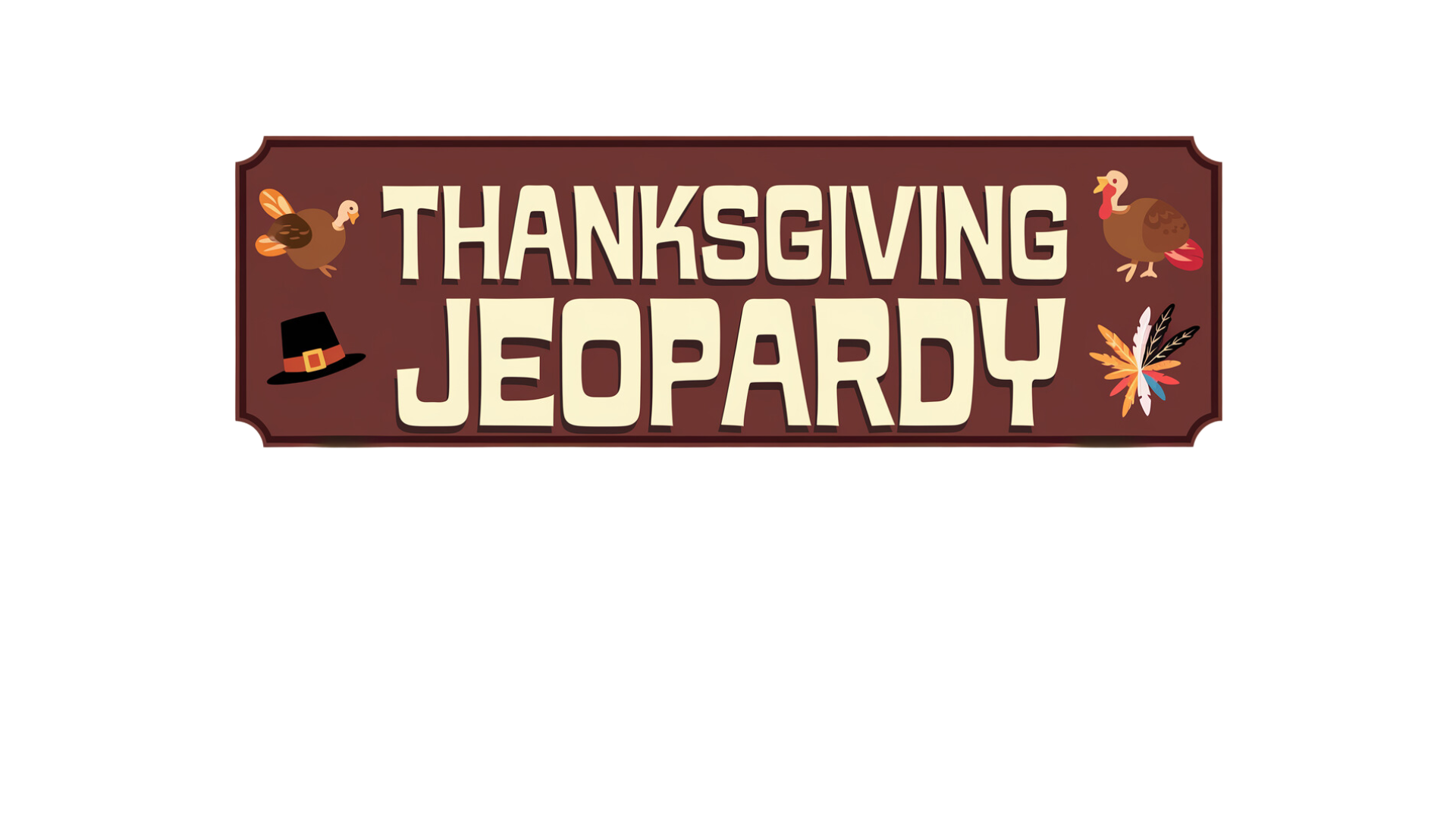
Thanksgiving Jeopardy
Choose questions about holiday food, history, and traditions, then see which team earns the most points.

Thanksgiving Spin Wheel
Spin, uncover a Thanksgiving phrase, and see who can solve it first.
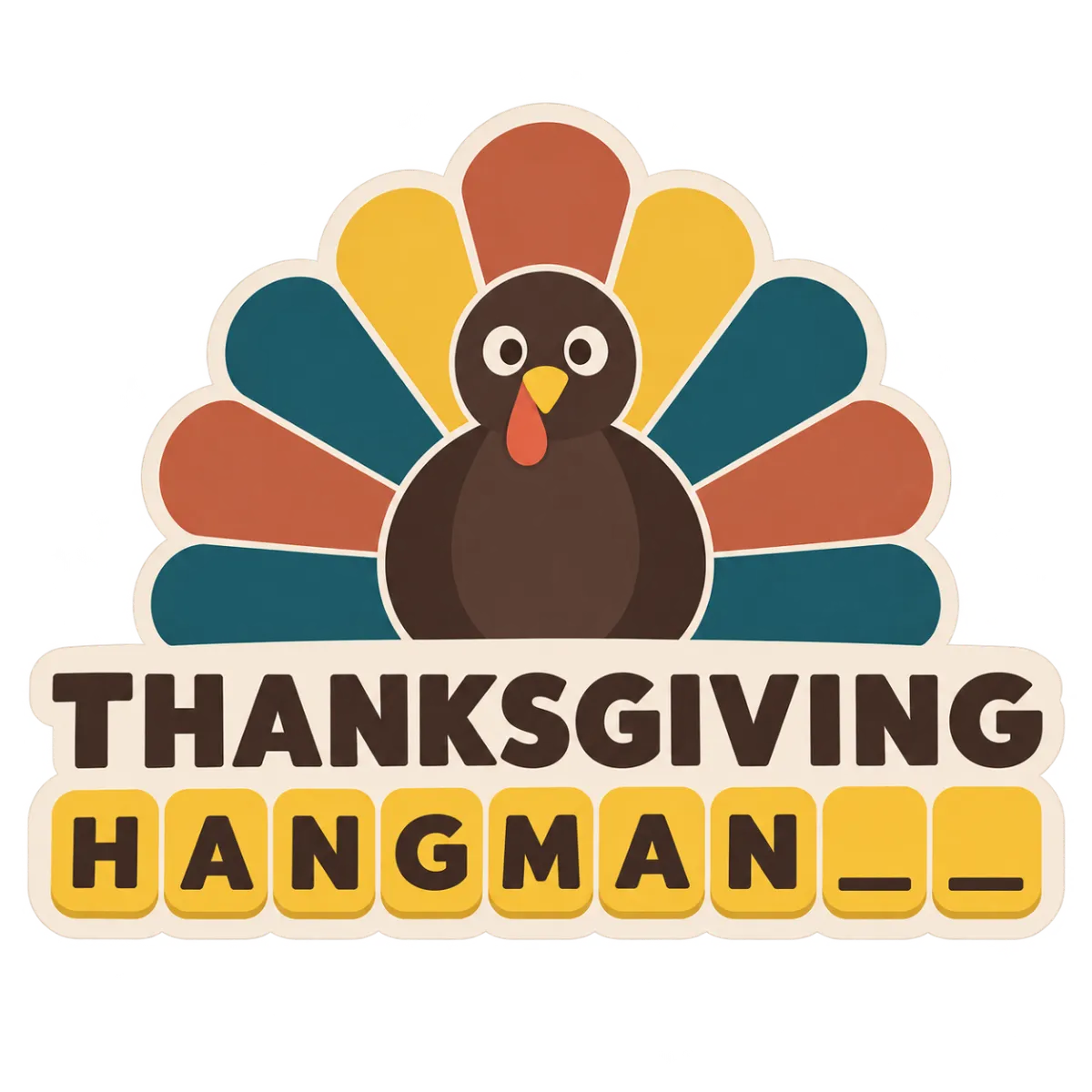
Thanksgiving Hangman
Guess the hidden Thanksgiving words and phrases one letter at a time.
Thanksgiving Quiz Ideas for Every Kind of Gathering
The best round is often the one that gets people talking. Mix familiar Thanksgiving facts with questions that bring out everyone’s opinions, memories, and sense of humor. Here are a few ways to shape your quiz:
- The family warm-up: Start with easy questions about Thanksgiving food, traditions, and the holiday itself. A multiple-choice Trivia round helps everyone ease into the game.
- Pick a category: Group questions under topics such as Thanksgiving history, famous parades, seasonal foods, and holiday movies. A Grid board lets teams choose what they want to answer.
- The great side-dish debate: Ask questions such as “Which Thanksgiving side dish deserves the most attention?” or “What food disappears first?” A List round built around popular answers can get the whole table debating.
- Guess the holiday phrase: Add familiar foods, traditions, and seasonal expressions as hidden phrases. A Wheel round gives each turn a fun element of surprise.
- A quick challenge for kids: Use short questions and let players earn squares by answering correctly. TicTac keeps the rules easy to follow.
- A mixed-age final round: Combine different question types and difficulty levels so children, parents, and grandparents all get a chance to shine. A Fusion game can bring several styles together.
Need questions to get started? Browse our free Thanksgiving Questions and Answers guide. Choose a mix of easy table warm-ups and trickier questions for guests who enjoy a challenge.
Browse the Free Q&A GuideHere’s a simple plan to take your game from an empty screen to a fun part of the celebration. If you’d like more detail on the platform, visit the TriviaMaker tutorial guide.
1. Create Your Free Account
Create a free TriviaMaker account to start building your game. There’s nothing to download or install to create your quiz.
2. Pick Your Game Style
Choose the style that fits your group: Grid for category-based questions, List for survey-style answers, Wheel for spin-and-solve rounds, or TicTac for quick head-to-head play. You can also keep things simple with a classic Trivia quiz.
3. Add Your Thanksgiving Questions
Write your own questions or copy a selection from our free Thanksgiving Questions and Answers list. Around 15–25 questions is a useful starting point for a game between dinner and dessert.
4. Make It Personal
Add images to selected questions and include a few family-specific prompts or inside jokes. Personal touches can make the quiz feel like part of your celebration rather than a generic question round.
5. Share the Game Link
Share the game link with guests before the party or display the join details when everyone is together. Guests can join from their own phones or other devices.
6. Play, Keep Score, and Crown a Champion
Run the game from your main screen and follow the scores as the rounds progress. At the end, announce the winner and offer a small prize—or let the last-place team help with the dishes.
Need a Game for Tonight?
Skip the prep and browse ready-made Thanksgiving trivia games in the Thanksgiving channel.
Make This Thanksgiving One for the Books
If you’d like to add something different to your holiday gathering, a Thanksgiving quiz is an easy way to bring people together. Mix questions about food, traditions, history, and family memories to create a few rounds everyone can enjoy.
Start with a ready-made game or create a quiz that feels right for your guests.
Thanksgiving Party FAQ
Create a free TriviaMaker account, choose a game style such as Grid, List, Wheel, TicTac, or Trivia, add your Thanksgiving questions or open a ready-made game from the Thanksgiving channel, then share the game link with your guests. You run the game from one screen while everyone joins on their phones. The tutorial guide explains the platform’s features.
Yes. TriviaMaker has a Free Basic plan that lets you create and play games with a selection of game styles. You can also open ready-made public games at no cost. Check the pricing page for current plan limits and features.
Yes. Start a video call, share your game screen, and send everyone the game link. Remote relatives can follow along and participate from their own devices.
Our Thanksgiving Questions and Answers guide has ready-to-use questions with answers. Choose your favorites and add them to your TriviaMaker game.
You can open our Thanksgiving Questions and Answers post and save it as a PDF from your browser using Print → Save as PDF.
Try questions about Thanksgiving history, food traditions, famous TV episodes, movies, and parade moments. You can also open the Pop Culture Thanksgiving Trivia Quiz for ideas.
Choose short, visual questions about Thanksgiving food, family traditions, and seasonal activities. The Wheel and TicTac styles can add variety while keeping each round easy to follow.
Yes. Use TriviaMaker’s Wheel game style to spin and reveal a value or puzzle for the round. You can try the ready-made Thanksgiving Spin Wheel to see an example.
Thanksgiving is celebrated on the fourth Thursday of November in the United States. In 2026, it falls on Thursday, November 26.
Yes. The same game styles can be used for Christmas and other occasions. Browse the Christmas Games channel or use the Christmas trivia questions and answers guide.
Ready to Host the Most Memorable Thanksgiving Yet?
Start with a ready-made game or build your own Thanksgiving quiz.
Free to start • 3 game styles included • Free Basic plan