
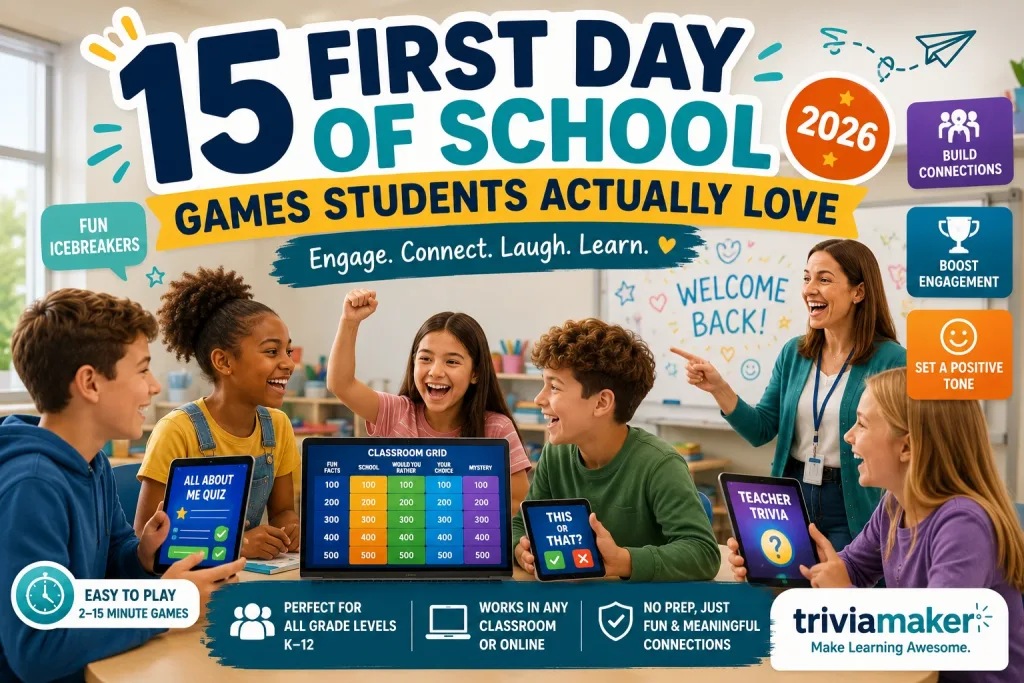
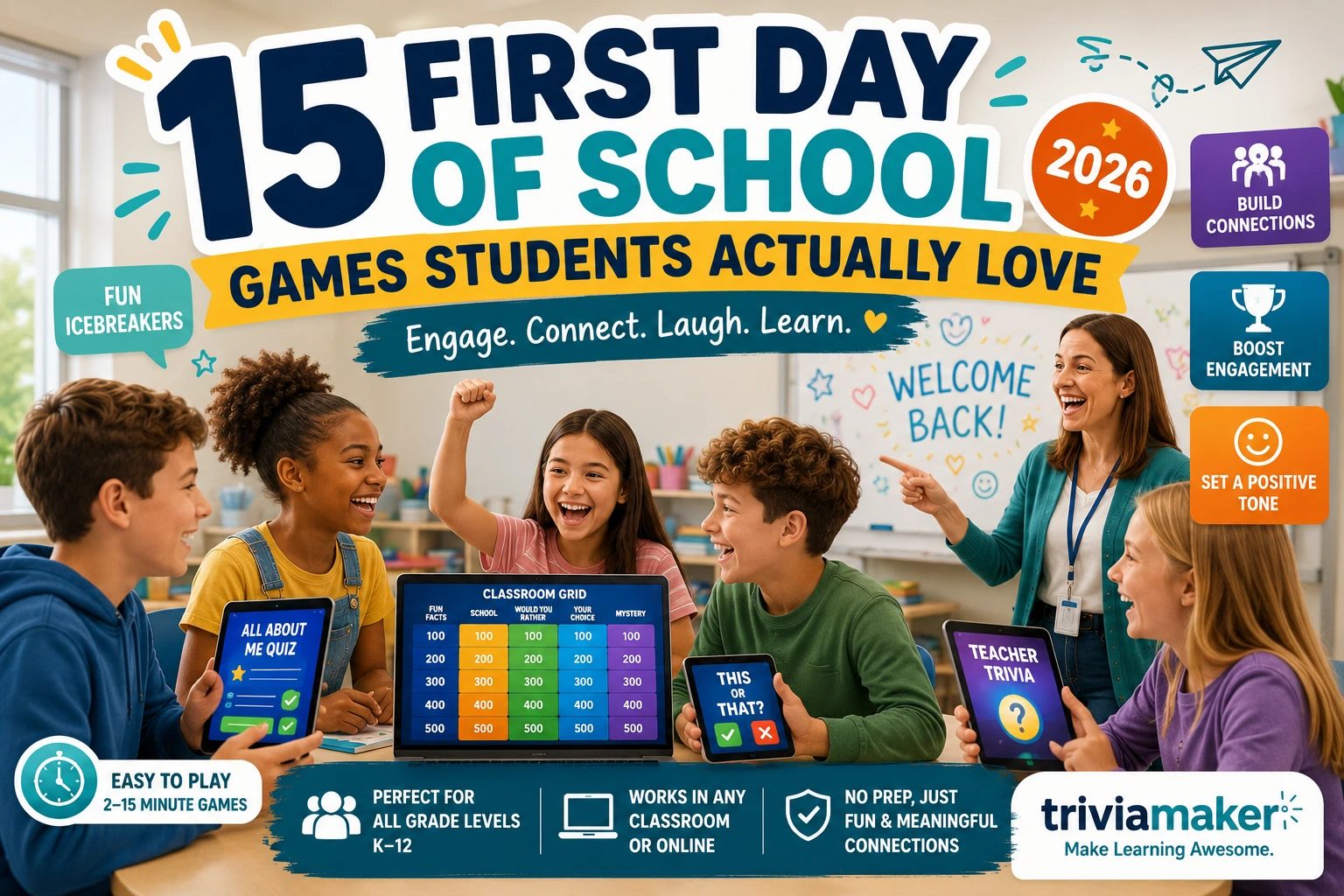
The first day sets the tone for the entire year. If students leave thinking “this class is going to be fun,” you’ve won. If they leave thinking “this is going to be boring,” you’re fighting that perception for months.
Research on first impressions in education shows that students form opinions about a class within the first 10 minutes. Interactive games are the fastest way to build a positive first impression – they accomplish three things at once: build community, establish participation norms, and create excitement.
Here are 15 first-day games organized by grade level. Each one can be created in TriviaMaker in under 2 minutes – just type a topic and AI generates the questions. For more icebreaker ideas, see our 20 Icebreaker Games That Don’t Make Students Cringe.
Turn any topic into a first‑day game your students will actually enjoy. AI generates the questions – you just share the code.
Create Your First-Day Game →Your First Week at a Glance
| Day | Focus | Activity Type | Goal |
|---|---|---|---|
| Day 1 | Icebreakers | Get-to-know-you games | Build community |
| Day 2 | Team Games | Group competitions | Build class identity |
| Day 3 | Expectations | Rules review through games | Establish norms |
| Day 4 | Subject Preview | Fun intro to content | Build curiosity |
| Day 5 | Bell Ringers | Introduce daily routine | Start habits |
Pro tip: Don’t try to teach content on day one. Use the entire first day for community-building. Students who feel connected to their class perform better academically all year. For a complete first-week plan, see our 32 Bell Ringer Activities.
🎒 Elementary School (K–5)
Simple, visual, fun. Focus on laughter and participation over competition. Keep games to 5–10 minutes maximum. Read questions aloud for younger students.
1. Animal Spinner
⏱️ Time: 5 minutes
Spin a Wheel to land on an animal. Students share why they picked it or act like it. Great for K–2 – simple and inclusive.
Why it works: No wrong answers. Every student can participate. The randomness makes it fair.
2. All About Me Quiz
⏱️ Time: 5–8 minutes
Teacher submits fun facts about themselves. Students guess which are true. Builds teacher-student connection immediately. Find more prompts in our 50+ All About Me Questions collection.
Sample questions:
- How many states has Mrs. Garcia lived in? – A) 2 B) 5 C) 8 D) 12
- What was Mr. Lee’s first job? – A) Teacher B) Lifeguard C) Pizza delivery D) Librarian
3. Color and Share
⏱️ Time: 5 minutes
Spin to land on a color. Students share their favorite thing of that color. Simple, visual, works for any age.
4. School Supply Quiz
⏱️ Time: 5 minutes
Fun quiz about classroom items. “Where do we keep the markers?” Helps students learn the room while playing a game.
Why it works: Practical AND fun. Students learn classroom logistics without a boring tour.
5. Emoji Word Association
⏱️ Time: 5 minutes
Spin to land on an emotion word: “Excited,” “Nervous,” “Proud.” Students share a time they felt that way. Builds emotional vocabulary and empathy.
📚 Middle School (6–8)
Competitive, social, pop-culture focused. Students at this age love leaderboards and friendly rivalry. Use competitive formats to motivate.
6. Pop Culture Showdown
⏱️ Time: 8–10 minutes
Quiz about trending movies, music, and memes. Shows you’re connected to their world. Use the AI generator to create it instantly.
Sample questions:
- Which movie made the most money this summer? – 4 options
- What’s the most popular song right now? – 4 options
Why it works: Students love showing what they know about pop culture. It’s the fastest way to build energy.
7. This or That
⏱️ Time: 5–8 minutes
Spin to reveal two options. Students vote on their preference. “Pizza or Tacos?” “Morning or Night?” Fast and revealing. See more This or That questions.
8. Two Truths and a Lie
⏱️ Time: 10–15 minutes
Students submit 3 statements. Class votes on which is the lie. Classic for a reason – it works every time. For more ideas, explore our 20 Icebreaker Games collection.
9. Classroom Grid (Category-Board)
⏱️ Time: 15–20 minutes
Category-based board with questions about school, class, and fun topics. Categories: “School Rules,” “Fun Facts,” “About the Teacher.” Use the Grid style – it’s the perfect first-day alternative to a traditional jeopardy board.
10. Summer Recap
⏱️ Time: 5–8 minutes
Quiz about summer movies, events, and trends. Bridges the gap between break and school. Keep it light – no grades.
🎓 High School (9–12)
Respect their time. No cheesy icebreakers. Competitive games with real stakes work best. Format should feel mature, not childish.
11. Subject Preview Quiz
⏱️ Time: 8–10 minutes
Fun quiz about what they’ll learn this year. Builds curiosity without pressure. “Which of these will we study this semester?”
Why it works: Students want to know what’s coming. A preview quiz answers that question in a fun format.
12. This or That: Opinions
⏱️ Time: 5–8 minutes
Spin to reveal two options. Students vote. “Summer or winter break?” “Morning person or night owl?” Reveals shared interests.
13. Teacher Trivia
⏱️ Time: 8–10 minutes
Quiz about the teacher with pre-submitted fun facts. “What is Mr. Johnson’s favorite movie?” Humanizes the teacher-student relationship.
14. Subject Grid (Category-Board)
⏱️ Time: 15–20 minutes
Category board with categories from the subject. “Key Concepts,” “Famous People,” “Big Ideas.” Shows students what’s coming in a fun format. See our Interactive Classroom Games guide for more format ideas.
15. Class Goals Quiz
⏱️ Time: 5–8 minutes
Quiz about what students want to achieve this year. “What do you want to learn most this year?” with options. Sets a positive tone for the year.
Step 1: Pick a game style – Wheel for spinners, Trivia for quizzes, Grid for category‑board games.
Step 2: Add questions, or use the AI quiz generator to create them from any topic.
Step 3: Display on screen. Students scan QR code. No app download, no accounts. Game starts instantly.
Create your first‑day game in under 2 minutes – free plan, 20 players, no credit card.
Why First-Day Games Work
The first day of school is about three things: building community, establishing routines, and creating excitement. Interactive games accomplish all three simultaneously.
Community. When students play a game together on day one, they learn about each other in a low-pressure way. Shared laughter creates bonds faster than any worksheet.
Routine. If you introduce a game-based format on day one, students know what to expect all year. “We play games in this class” is a powerful first impression.
Excitement. Students who enjoy day one come back on day two with a positive attitude. That momentum compounds throughout the year.
For more first‑day strategies, see our 20 Back to School Night Ideas and 25 All About Me Activities.
Common First-Day Mistakes
Going over the syllabus for 45 minutes. Students don’t remember rules they hear on day one. They remember how they felt. Cover the essentials in 5 minutes, then play a game.
Cheesy icebreakers. “Share your name and a fun fact” puts students on the spot. Game-based icebreakers let everyone participate simultaneously – no spotlight, no awkwardness.
Teaching content on day one. Day one is for community-building. Content starts on day two. Students who feel connected to their class learn better all year.
Not having a plan. Winging day one shows. Even a simple plan – “10 minutes of introductions, 15 minutes of games, 10 minutes of logistics” – makes a difference.
Frequently Asked Questions
What games should I play on the first day of school?
Start with low-pressure games like Would You Rather, This or That, or Two Truths and a Lie. These reveal fun facts about students without putting anyone on the spot. For elementary, use simple spinners and visual games. For high school, use competitive formats like Grid (Category‑Board) or Pop Culture Showdown. Browse our Interactive Classroom Games guide for more ideas.
How long should first-day games last?
15–20 minutes of a 50-minute class. Use the remaining time for introductions, logistics, and a brief overview of the year. Don’t try to fill the entire period with games – students need some structure too.
Should I teach content on the first day?
No. Research suggests that students form opinions about a class within the first 10 minutes. Use day one for community-building and excitement. Content starts on day two.
What if students don’t want to participate?
Never force participation. Offer low-pressure options: “You can answer on your phone, or just watch – both are fine.” After a few rounds, most reluctant students join in because they see others having fun.
Can I use these games for virtual classrooms?
Yes. All games work on any device with a browser. Share the game code in the chat. Students join from home on their phones or laptops. See our Crowd Mode for larger virtual events.
Make Day One Memorable
You don’t need an elaborate plan. You don’t need props or worksheets. You need one game and 15 minutes.
Open TriviaMaker. Pick a game style. Type a topic. Share the QR code.
Your students will remember how they felt on day one for the rest of the year.
Free to start. The free plan supports 20 students. If your class is larger, Premium ($6.99/month) supports 200. No credit card required to start.
Create your first‑day game free – no credit card, no app download. Just a QR code and excited students.
Create Your Free Game →Last updated July 2026. All games can be created free at TriviaMaker.com.