
Players Know the Answer. Their Fingers Sometimes Don’t.
One of the biggest frustrations in quiz games happens when a player knows the correct answer but gets marked wrong because of a tiny typing mistake.
Imagine entering:
Correct Answer: Washington
Player Types: Washignton
Most quiz platforms would mark this answer incorrect.
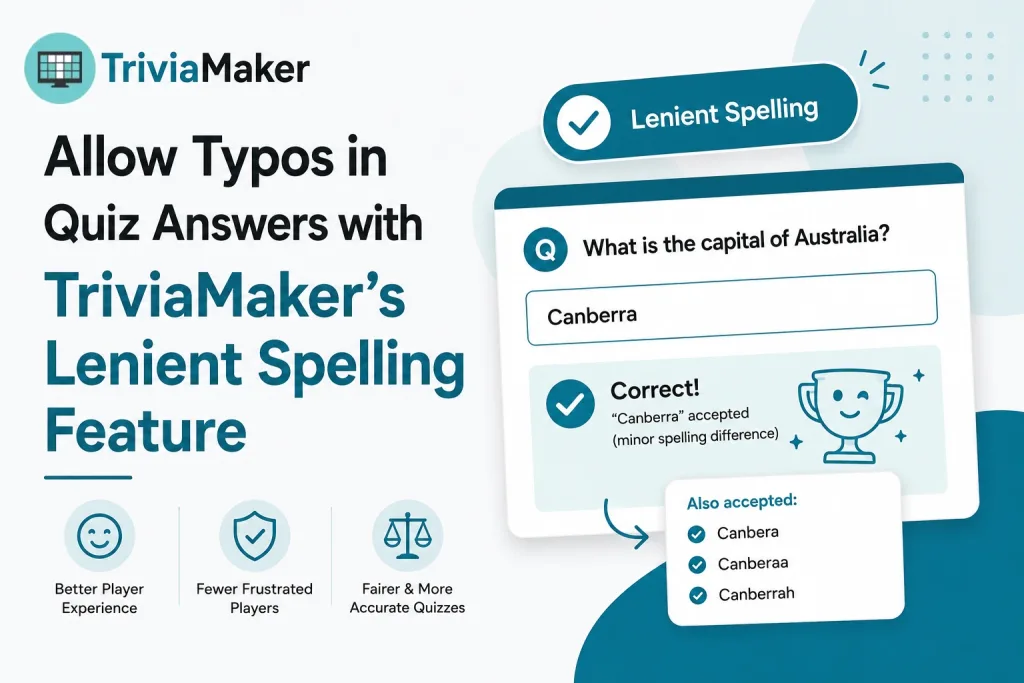
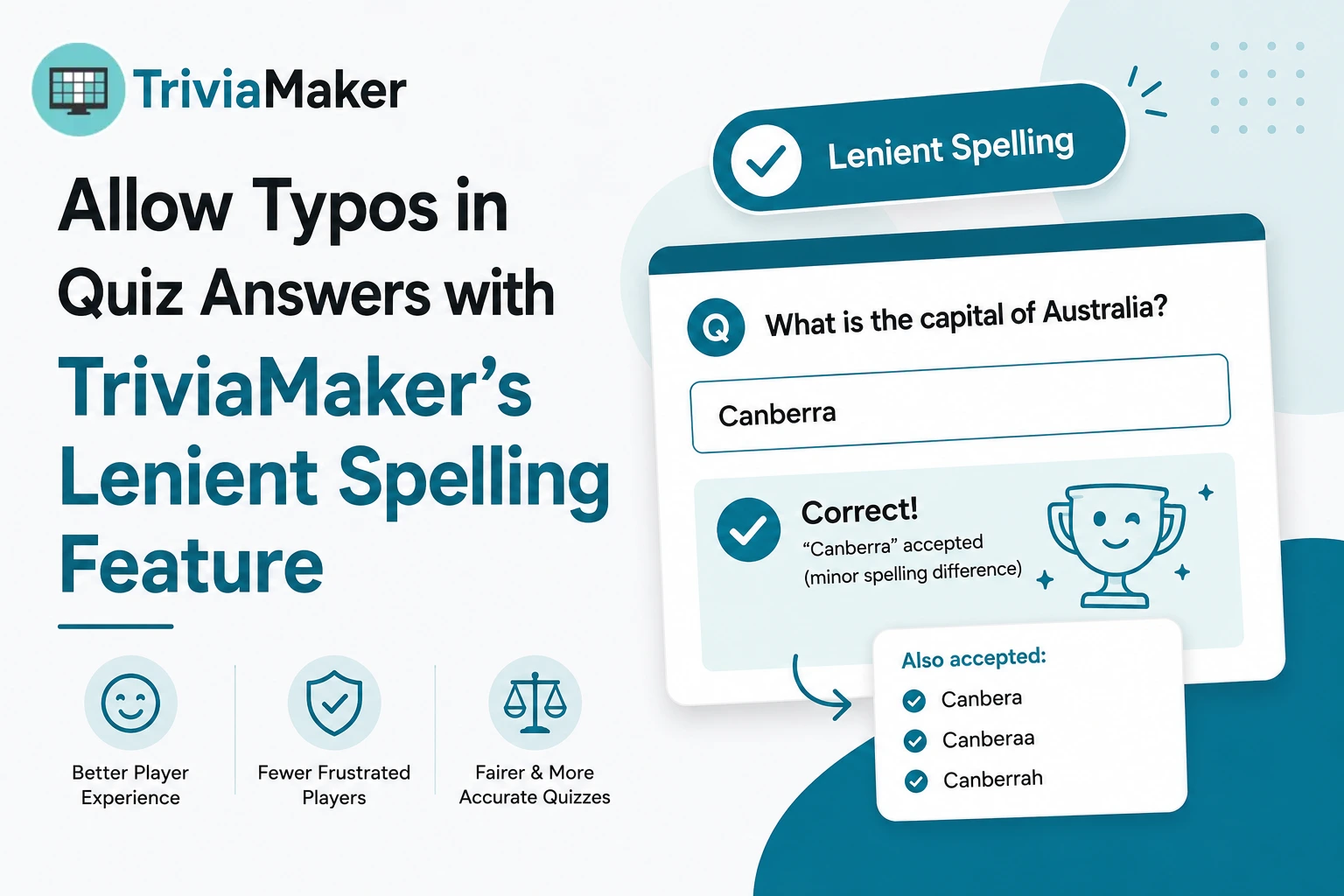
TriviaMaker now solves this problem with Enable Lenient Spelling (Single Answer) – a new feature that intelligently accepts minor spelling mistakes while still protecting answer accuracy.
This feature improves player experience, reduces frustration, and creates smoother gameplay across classrooms, team-building events, training sessions, and trivia competitions.
TriviaMaker allows typos in quiz answers using flexible answer matching, which automatically accepts minor spelling variations so students are not penalized for small mistakes.
What Is Lenient Spelling?
Lenient Spelling is a game setting that allows TriviaMaker to accept small typing mistakes in open-ended text answers.
Instead of requiring an exact character-by-character match, TriviaMaker uses intelligent fuzzy matching to determine whether a player’s answer should be accepted.
The feature is available in:
- Grid Games
- List Games
- Fusion Games
When enabled, players can make minor letter-position mistakes without being unfairly marked incorrect.
Why Did TriviaMaker Add This Feature?
Open-ended questions are powerful because they test actual knowledge rather than recognition.
However, strict validation creates several problems:
Common Challenges
- Mobile typing errors
- Fast-paced game environments
- Accidental letter swaps
- Frustrated participants
- Increased support requests
- Lower engagement
Players often know the answer but lose points because of a simple typo.
The result:
- Worse player experience
- Reduced confidence in game fairness
- More complaints from game creators
- Lower participation rates
The Lenient Spelling feature was designed to solve these issues while maintaining answer accuracy.
How Lenient Spelling Works
TriviaMaker applies different validation rules based on answer length.
Answers With 4 Characters or Less
Exact match required.
Example
| Correct Answer | Submitted Answer | Result |
|---|---|---|
| USA | UAS | ❌ Incorrect |
| Rome | Rmoe | ❌ Incorrect |
Short answers remain strict to prevent false positives.
Answers With 5–9 Characters
One letter-position swap is allowed.
Example
| Correct Answer | Submitted Answer | Result |
|---|---|---|
| London | Lnodon | ✅ Accepted |
| Apple | Aplpe | ✅ Accepted |
This covers the most common typing mistakes while preserving answer quality.
Answers With 10+ Characters
Up to two letter-position swaps are allowed.
Example
| Correct Answer | Submitted Answer | Result |
|---|---|---|
| Washington | Washignton | ✅ Accepted |
Longer words naturally have a higher chance of minor typing mistakes, so the tolerance level increases slightly.
What Types of Errors Are Not Allowed?
Double-Letter Mistakes
The system does not accept missing, added, or altered repeated letters.
Example
| Correct Answer | Submitted Answer | Result |
|---|---|---|
| Teacher | Teachee | ❌ Incorrect |
| Address | Adress | ❌ Incorrect |
| Committee | Commitee | ❌ Incorrect |
Numeric Answers
Numbers always require exact matching.
Example
| Correct Answer | Submitted Answer | Result |
|---|---|---|
| 2024 | 2042 | ❌ Incorrect |
| 100 | 1000 | ❌ Incorrect |
This ensures factual and mathematical answers remain accurate.
Benefits for Teachers
Educators often use open-ended questions to test understanding.
Lenient Spelling helps by:
- Reducing student frustration
- Rewarding knowledge instead of typing ability
- Supporting younger learners
- Improving classroom engagement
- Making assessments feel more fair
Students receive credit for knowing the answer rather than being penalized for a minor keyboard mistake.
Benefits for Corporate Training
Corporate trainers frequently use knowledge checks and team competitions.
The feature helps by:
- Improving participant confidence
- Reducing disputes about answer validity
- Increasing completion rates
- Creating smoother training sessions
Employees focus on learning rather than worrying about perfect spelling.
Benefits for Event Hosts
Whether you’re hosting:
- Team-building games
- Conference activities
- Icebreaker sessions
- Trivia nights
Lenient Spelling ensures the game moves quickly without unnecessary interruptions.
Participants enjoy the experience while hosts spend less time resolving answer disputes.
How to Enable Lenient Spelling in TriviaMaker
- Open your game.
- Navigate to Game Settings.
- Locate Enable Lenient Spelling (Single Answer).
- Turn the setting ON.
- Save your game.
The setting will automatically apply to supported single-answer questions.
Example Accepted Answers
| Correct Answer | Submitted Answer | Accepted |
|---|---|---|
| London | Lnodon | ✅ |
| Apple | Aplpe | ✅ |
| Washington | Washignton | ✅ |
Example Rejected Answers
| Correct Answer | Submitted Answer | Accepted |
|---|---|---|
| Teacher | Teachee | ❌ |
| Address | Adress | ❌ |
| USA | UAS | ❌ |
| 2024 | 2042 | ❌ |
Frequently Asked Questions
Does Lenient Spelling work in all TriviaMaker game styles?
No. Currently it is available in:
- Grid
- List
- Fusion
Does it work for multiple-choice questions?
No. The feature is designed for single-answer open-ended responses.
Are numbers affected by Lenient Spelling?
No. Numeric answers always require an exact match.
Can short answers use typo tolerance?
No. Answers with four characters or fewer require an exact match.
Does it accept missing letters?
No. Missing letters and double-letter mistakes are rejected.
Why This Feature Matters
Quiz games should reward knowledge.
A player who types “Washignton” clearly knows the answer is “Washington.”
By intelligently handling minor spelling mistakes, TriviaMaker creates a more enjoyable and accurate experience for players while maintaining answer integrity for creators.
The result is:
- Better engagement
- Fairer scoring
- Fewer complaints
- More successful quiz events
Whether you’re teaching a classroom, running a training session, or hosting a trivia competition, Lenient Spelling helps players focus on what matters most: knowing the answer.