
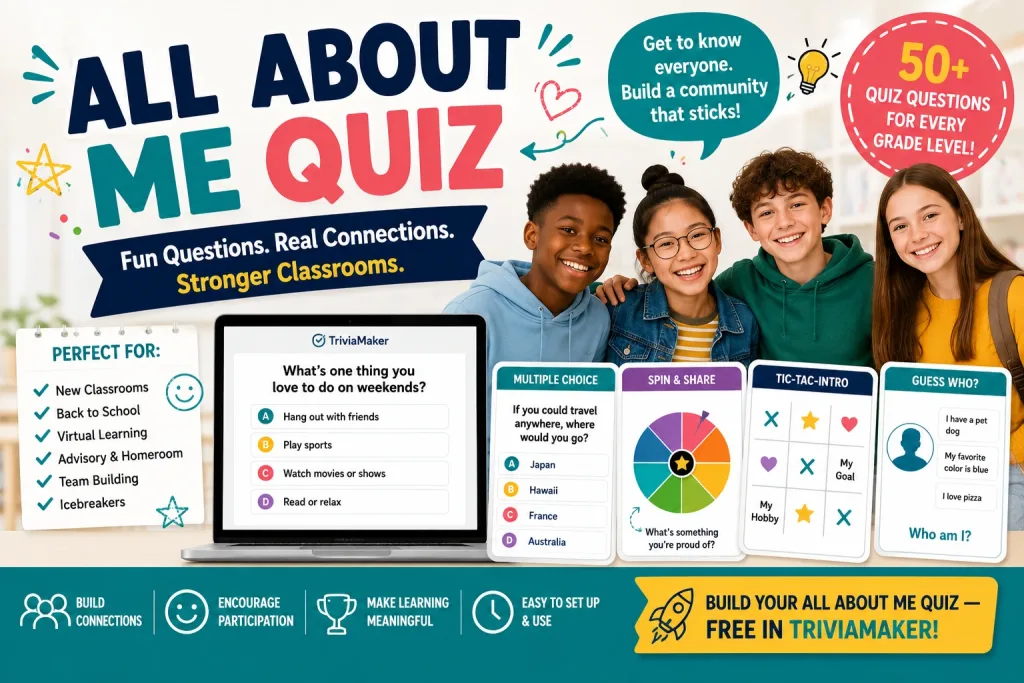
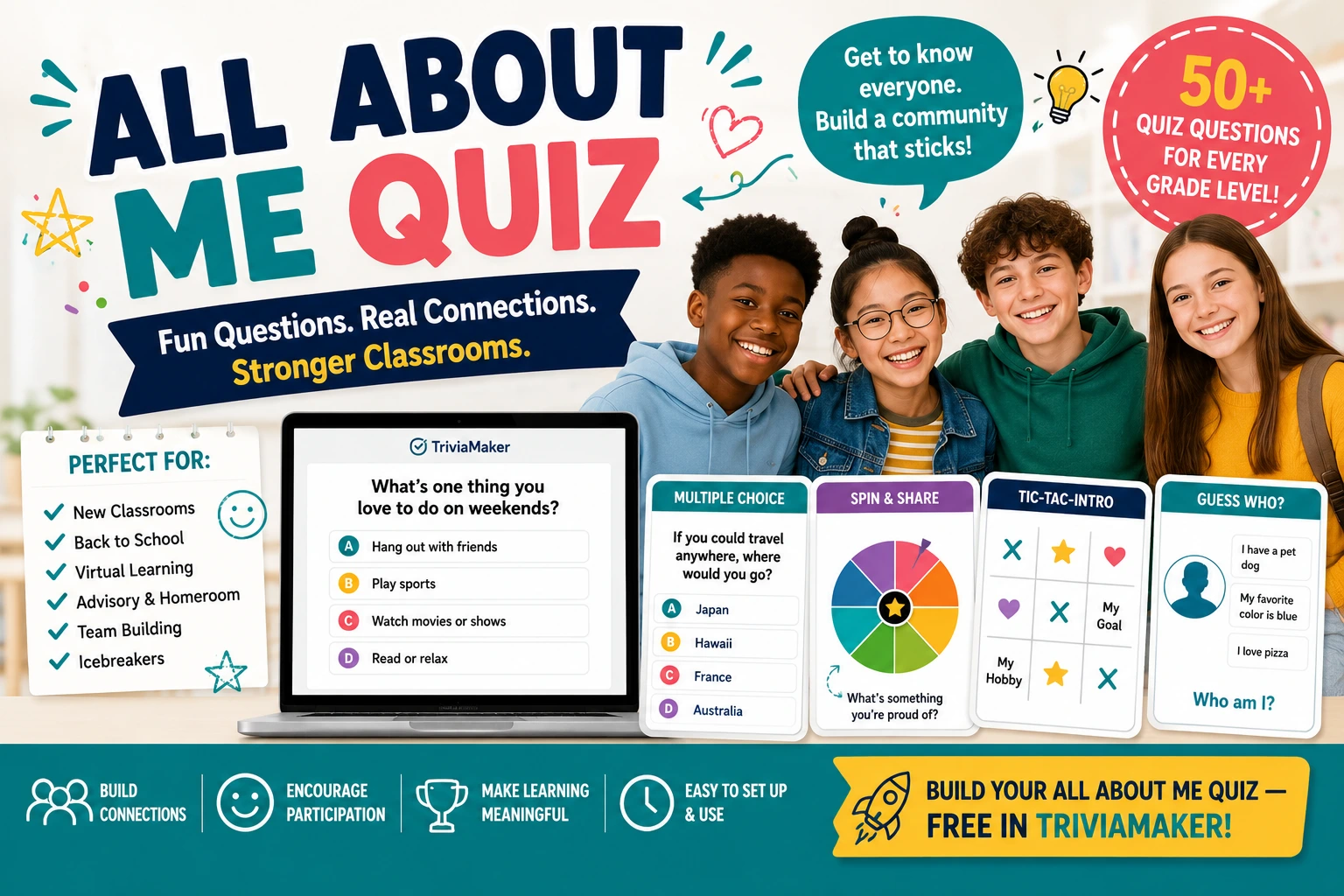
All About Me questions are the fastest way to turn a room full of strangers — new students, a class returning from summer, or a homeschool group meeting for the first time — into a group that actually knows each other. Someone shares a fun fact, everyone else guesses whose fact it is, and the reveal is where the fun happens. It works because it flips the usual awkward “introduce yourself” format into a game people want to win.
This guide covers what All About Me questions are, 50+ ready-to-use prompts organized by age group, a 5-minute quiz creation process using TriviaMaker, and four variations to keep it fresh throughout the year.
Why All About Me Questions Beat Standard Icebreakers
Most first-day activities ask students to talk about themselves in front of the class, which is exactly the situation shy students dread. All About Me questions remove that pressure: facts are submitted quietly (on paper or a form), and the reveal happens as a group guessing game. Nobody has to perform — they just have to be interesting, which is a much lower bar.
Why teachers use them
- Zero public speaking required — facts are submitted privately, not presented
- Built-in competition — guessing correctly feels like winning, not participating
- Works for any class size — 15 students or a full grade-level assembly
- Reusable — run it again mid-year or with a new class next fall
50+ All About Me Questions (by Grade Level)
The best All About Me questions are specific, not generic. “What’s your favorite color?” produces a boring guessing game because the answer is a coin flip between 6 options everyone already knows. Specific, surprising prompts create real suspense.
All About Me Preschool Questions (Ages 3–5)
All About Me Questions for Kids (Elementary K–5)
All About Me Questions for Students (Middle & High School 6–12)
All About Me Questions for Virtual & Homeschool Groups
How to Create an All About Me Quiz in TriviaMaker (5 Minutes)
Collect the facts first
Send a 2-question form (“What’s your name?” and “Give me 3 fun facts about yourself”) before class, or run it live: hand out index cards, give students 2 minutes to write 3 facts, then collect them.
Pick a game style
Open TriviaMaker and click “Create Game.” Use Trivia style for a classic multiple-choice guess, or List style for a Feud-style board reveal if you want a bigger group-guessing moment.
Turn facts into questions
For each fact, write one question with the correct student’s name plus 2–3 classmate names as decoys. Rotate the decoy names so students can’t just memorize a pattern. Short on time? The AI Quiz Maker can create the question wording for you in seconds — you just plug in the names.
“This person can solve a Rubik’s cube in under a minute.”
A) Marcus B) Sarah C) Tyler D) Jasmine
Correct answer: Marcus
Display the join code
Project the QR code using Crowd Mode. Students scan it and join on their own phones in about 10 seconds — no app download, no student accounts.
Play and reveal
Read each All About Me question aloud. Students guess on their devices, then you reveal the correct answer. The real student stands up or waves — that reveal moment is what makes the game memorable. Use Presenter Mode to control the pace from your own screen while the class watches a clean, distraction-free view.
4 Ways to Run All About Me Questions
| Variation | How it works | Best for |
|---|---|---|
| Teacher Edition | Collect facts about yourself instead of students — “What was Mrs. Garcia’s first job?” | Building teacher-student rapport fast |
| Two Truths and a Dream | A twist on Two Truths and a Lie — students guess which statement is an aspiration, not a lie. Pairs well with What If questions for extra rounds. | Older students, deeper conversation |
| Speed Round | Set a 15-second timer per question to keep energy high | Short class periods, high-energy groups |
| Team Mode | Split into teams that earn points for correct guesses, tracked on a live leaderboard | Larger classes, grade-level assemblies |
If your class has already done a straight facts-guessing game before, mix formats to keep it fresh — combine All About Me questions with This or That questions or Would You Rather prompts using TriviaMaker’s Assignment Mode so latecomers or absent students can still play at their own pace.
Printable Worksheet vs. Live Quiz: Which Should You Use?
Printable All About Me worksheets are useful for individual reflection or a bulletin board display, but they don’t create the group guessing-game moment that makes these questions memorable. A live quiz turns the same facts into a shared, competitive experience.
| Format | Group participation | Setup time | Reusable |
|---|---|---|---|
| Printable worksheet | Individual | ~10 min (print/copy) | Per student |
| Paper-based guessing game | Group | ~15 min (manual tally) | No live scoring |
| TriviaMaker live quiz | Whole class, phone-based | ~5 min | Yes — clone and reuse |
Create Your All About Me Quiz — Free
Free plan supports up to 20 players — plenty for most classrooms.
More Resources You’ll Love
- 100+ All About Me Questions for Students
- 25 First Day of School Games to Break the Ice
- Icebreaker Games for Students That Actually Get Everyone Talking
- Interactive Classroom Games for Every Grade Level
- 33 Back-to-School Trivia Questions to Play with Your Class
- Bell Ringer Activities to Start Every Class Strong
- Classroom Review Games That Keep Students Engaged
- Back-to-School Night Ideas for Teachers and Families
Frequently Asked Questions About All About Me Questions
What are All About Me questions?
How do you make All About Me questions into a quiz?
What are good All About Me questions for preschoolers?
What are good All About Me questions for kids?
What are good All About Me questions for students?
Is TriviaMaker free to use for an All About Me quiz?
Do students need an app to play?
How many All About Me questions should a quiz have?
Can I run this activity virtually or with a homeschool group?
Can I reuse the same All About Me questions later in the year?
Last updated July 2026. Create your free All About Me quiz at TriviaMaker.com.