
We tested 20+ platforms so you don’t have to. Find the perfect free quiz maker for your classroom, corporate event, or team building in 5 minutes.
⚡ Last updated: March 2026 • 20+ platforms tested • No app downloads required
It’s Sunday night, and you need an engaging quiz for tomorrow’s class. Or maybe it’s Monday morning, and your team meeting needs a quick ice-breaker. You search for a free quiz maker, but you’re overwhelmed by options – and worried about hidden paywalls, complicated setup, or forcing participants to download yet another app.
Here’s the truth: not all quiz platforms are created equal. Some excel at classroom energy but cap free users at 10 participants. Others offer unlimited questions but lack the presentation polish you need for corporate events.
What You’ll Learn:
- 10 best online quiz maker platforms tested and ranked for 2026
- Honest pros, cons, and free tier limitations for each tool
- Clear recommendations by use case (K-12 teachers, corporate trainers, event hosts)
- Quick comparison table for fast decision-making
Jump to: Best for Teachers | Best for Corporate | Best for Events | Comparison Table
What Makes a Great Free Quiz Maker?
Before diving into our rankings, let’s establish what separates genuinely useful platforms from disappointing ones.
7 Must-Have Features
✅ Setup Speed – Can you create a functional quiz in under 10 minutes?
✅ Question Variety – Multiple choice, true/false, open-ended, matching, fill-in-blank
✅ Participant Experience – No forced logins? Mobile-friendly? Works on locked-down school devices?
✅ Presentation Options – Big-screen mode for projectors? Self-paced? Live hosted?
✅ Free Tier Generosity – How many questions and participants before hitting paywalls?
✅ Analytics & Insights – Real-time results? Individual tracking? Exportable reports?
✅ Customization – Branding, themes, time limits, multiple game formats
💰 Real Pricing: What You’ll Actually Pay
TriviaMaker ⭐
Free: 3 game styles, 20 Crowd Mode participants
Pro: $19/year
✓ All 7 game formats
✓ AI quiz generator
✓ 50 participants
✓ Assignment (100 Entries)
✓ Embedded (100 Entries)
Kahoot
Free: 10 participants max
Paid from: $228/year/teacher
✗ Multiple choice only
✗ App required per student
✗ 10 player free hard cap
Quizizz
Free: Unlimited participants, limited formats
Premium: $96/year
✓ Self-paced homework
✗ No live presentation mode
→ See full TriviaMaker pricing ←
Our Testing Methodology
We tested each platform across three real-world scenarios: a 25-student middle school classroom, a 40-person corporate training session, and a 200-participant virtual event. Rankings prioritize value-for-free – not just feature quantity.
Top 10 Best Free Quiz Makers in 2026 (Ranked)
We tested dozens of platforms. Here are the 10 that deliver genuine value without requiring a credit card – ranked by overall versatility and user satisfaction.
#1 PICK
TriviaMaker – Best Free Quiz Maker for Teachers & Teams in 2026
Quick Stats:
💰 Free Plan: 3 game styles (Grid, Trivia, List) · 20 Crowd Mode participants · no credit card
💳 From $19/year: All 7 styles · 50 participants · AI generator · custom branding
👥 Best For: K-12 teachers, corporate trainers, event hosts, Kahoot switchers
⚡ Standout: Zero student logins · big-screen + mobile simultaneously
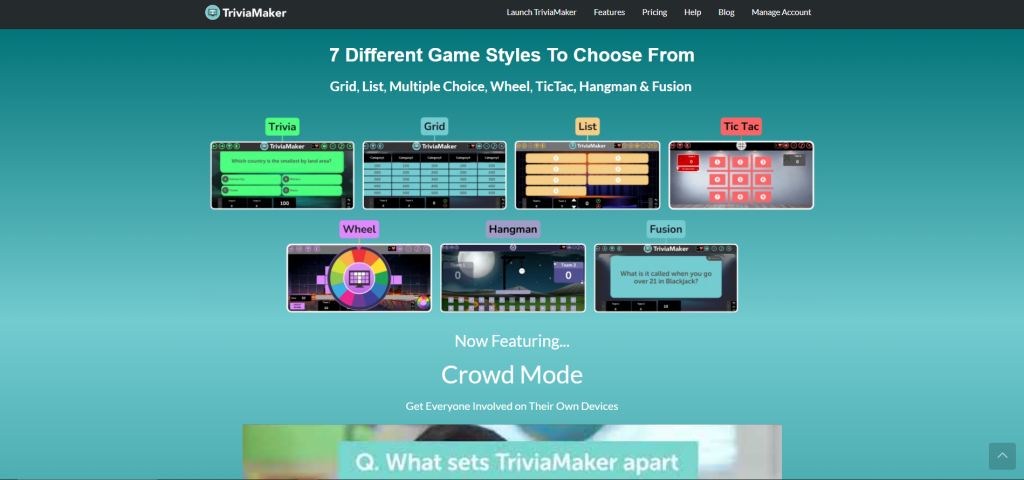
TriviaMaker offers seven distinct game styles – Grid, Wheel, Trivia, TicTac, Hangman, List, and Fusion. Three formats are free; all seven unlock from $19/year.
Why 500,000+ educators choose TriviaMaker:
- ✅ 3 free game formats (7 on paid) – not just multiple choice
- ✅ Zero app downloads – works on any device or SmartBoard
- ✅ AI quiz generator – build from any topic in 30 seconds (paid)
- ✅ 20 participants free – double Kahoot’s free limit of 10
- ✅ $19/year Pro – 91% cheaper than Kahoot’s $228/year
4.5★ · 10,247 reviews · App Store
“My students beg for TriviaMaker. The Grid game format makes review days actually fun.”
– Sarah K., 8th Grade Teacher
🎯 Start creating in 5 minutes – no credit card
Join 500,000+ educators using TriviaMaker’s game show formats.
2. Opinion Stage
Quick Stats:
💰 Free Plan: 25 responses per month
👥 Best For: Interactive quizzes, lead generation, and audience engagement
⚡ Standout: Multiple interactive content formats (quizzes, polls, surveys) in one platform
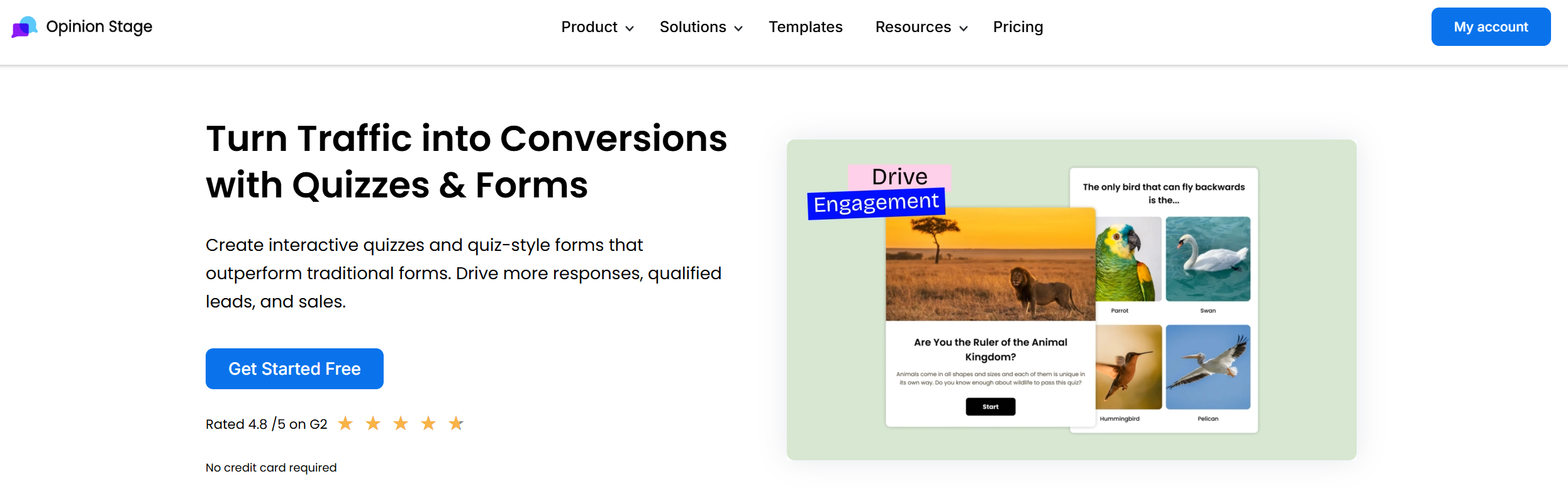
Opinion Stage is an interactive content platform that allows users to create quizzes, polls, surveys, and forms designed to increase audience engagement. The platform focuses on visually appealing interactive content that can be embedded directly on websites, blogs, and landing pages.
Best For: Businesses, bloggers, and marketers who want interactive quizzes that double as engagement and lead-generation tools.
Limitation: The free plan limits responses, and advanced customization and integrations are only available on paid plans.
| Platform | Free Plan Limits | Best For |
|---|---|---|
| TriviaMaker | 20 participants (free plan) | Live trivia games, classroom quizzes, and team competitions |
| Opinion Stage | 25 responses/month | Interactive quizzes and lead generation |
3. Quizizz
Quick Stats:
💰 Free Plan: Unlimited quizzes, student-paced mode
👥 Best For: Homework assignments, asynchronous learning
⚡ Standout: Students work at their own speed with instant feedback
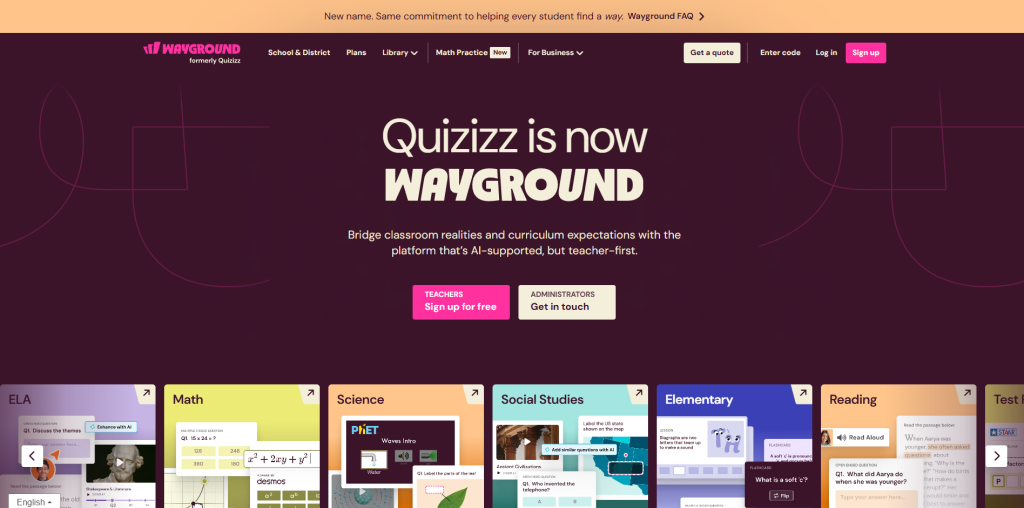
Quizizz excels at self-paced homework-style quizzes. Perfect for assignments where students work on their own schedule.
Limitation: Less engaging than live projected formats. See our Kahoot vs Quizizz guide.
4. Google Forms
Quick Stats:
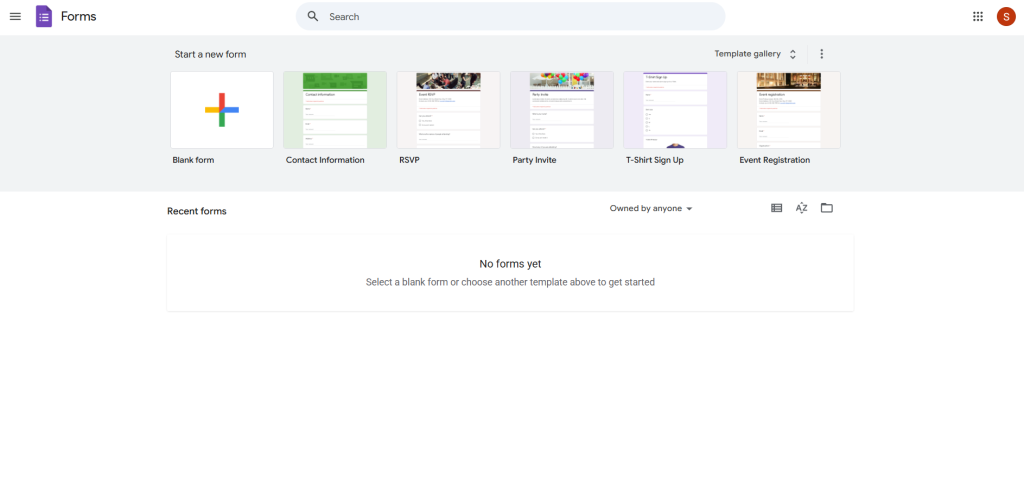
💰 Free Plan: Truly unlimited – no participant or question caps
👥 Best For: Basic assessments, exit tickets, data collection
⚡ Standout: Everyone already has a Google account; zero friction
Google Forms isn’t a game platform, but it’s genuinely unlimited and free forever. Best for simple assessments where engagement isn’t the goal.
Limitation: Zero gamification. No live leaderboard or team play. See how to create a Google Forms quiz.
5. Mentimeter
Quick Stats:
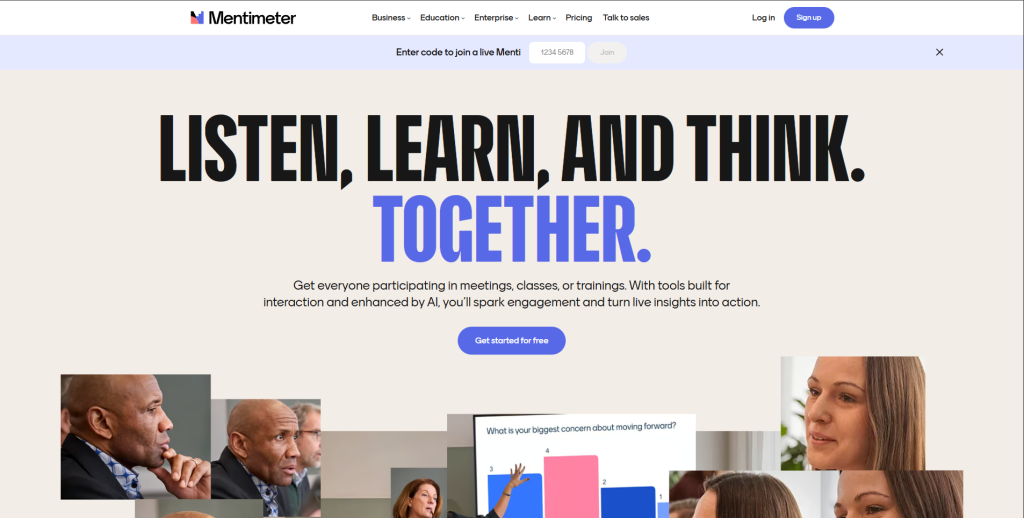
💰 Free Plan: Only 2 interactive slides per presentation – very restrictive
👥 Best For: Corporate presentations, conference polling
⚡ Standout: Beautiful slide integration, professional aesthetic
Mentimeter is the premium-feel choice for corporate settings – word clouds, polls, and Q&A embedded directly in slide decks.
Limitation: 2 quiz slides free is not viable for real classroom or training use. Best purchased as a paid tool.
Need more than 2 slides? TriviaMaker has 3 full formats free.
No slide limits – 3 game formats free, all 7 unlock from $19/year.
6. Quizlet
Quick Stats:
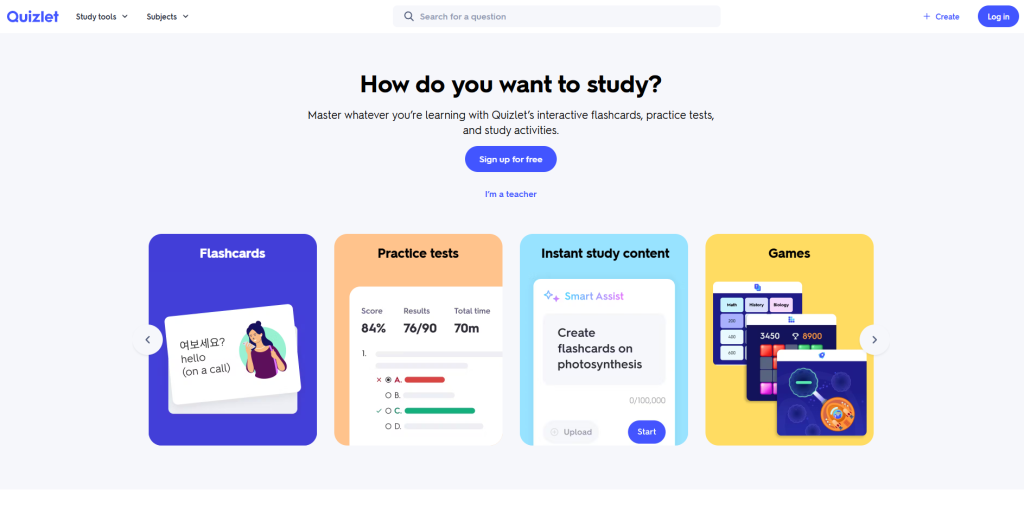
💰 Free Plan: Unlimited flashcard sets
👥 Best For: Individual student study, vocabulary, language learning
⚡ Standout: Multiple study modes auto-generated from one card set
Quizlet is study-focused rather than presentation-focused – perfect for students studying independently.
Limitation: Not built for teacher-led group games or live events. See our Quizlet alternatives guide.
7. ProProfs Quiz Maker
Quick Stats:
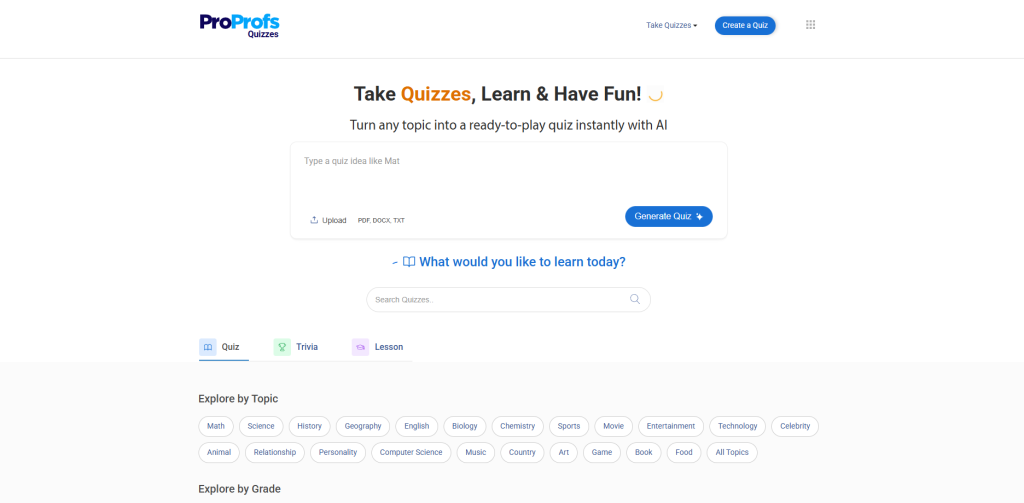
💰 Free Plan: Up to 100 quizzes, 10 questions each
👥 Best For: Compliance testing, certification exams, formal HR assessments
⚡ Standout: Detailed analytics, question randomization, pass/fail grading
ProProfs Quiz Maker focuses on serious assessments over entertainment – reliable when question randomization and detailed reporting matter.
Limitation: Interface feels dated. 10-question cap per quiz on free. Not engaging for casual classroom use.
8. Socrative
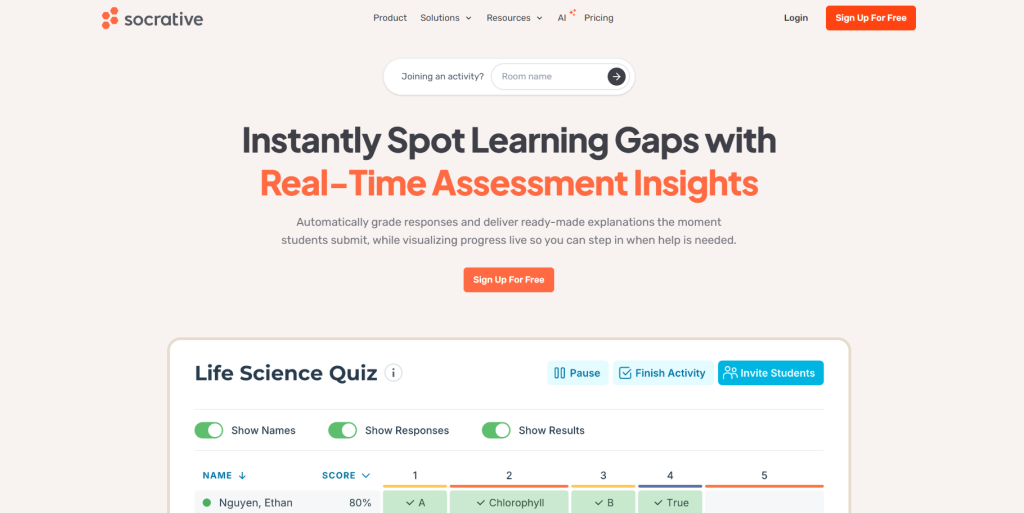
Quick Stats:
💰 Free Plan: 50 students per room
👥 Best For: Quick mid-lesson comprehension checks
⚡ Standout: Instant real-time feedback during lessons
Socrative is built for “pulse check” moments – quick questions launched on-the-fly to gauge understanding before moving on.
Limitation: Limited question types. No game-show presentation energy.
9. Kahoot
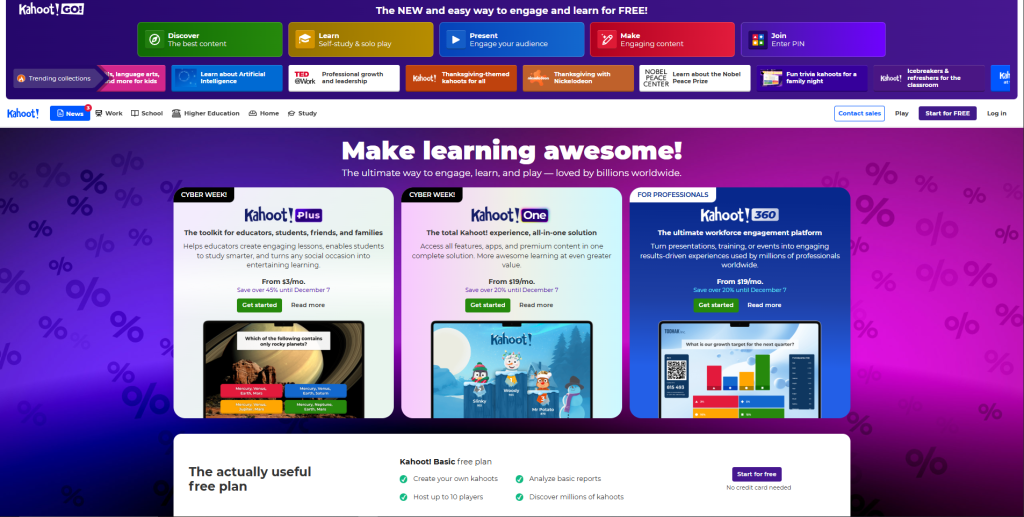
Quick Stats:
💰 Free Plan: Unlimited quizzes, up to 10 participants per game
💳 Paid from: $19/teacher/month ($228/year) – significantly higher than TriviaMaker
👥 Best For: K-12 classrooms with fewer than 10 students on free tier
⚡ Standout: Game-show energy, massive pre-made question library
Kahoot remains the classroom standard for live quiz games. Its leaderboard system creates genuine excitement, and the pre-made library covers every subject.
Limitation: Free plan hard-caps at 10 participants. One format only (multiple choice). Paid plans start at $228/year/teacher – vs TriviaMaker’s $19/year. See our Kahoot alternative comparison.
⚠️ Kahoot limits you to 10 players free – costs $228/year to upgrade
TriviaMaker: 20 free participants · 3 game formats free · $19/year to unlock all 7.
10. Poll Everywhere
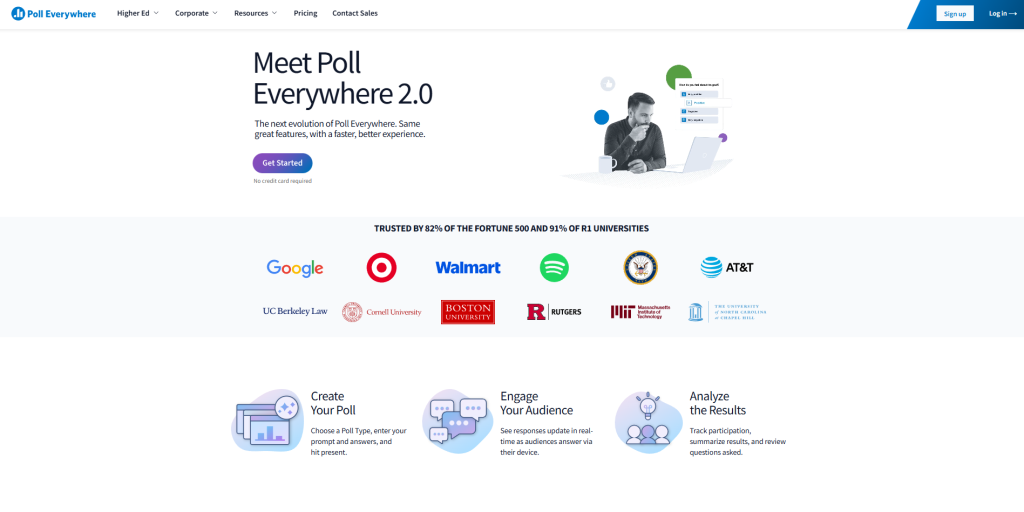
Quick Stats:
💰 Free Plan: 25 participants maximum
👥 Best For: University lecture halls, conference polling
⚡ Standout: Direct PowerPoint and Keynote slide integration
Poll Everywhere embeds polls directly into presentation software – ideal for lecture halls where polling needs to be in existing slide decks.
Limitation: Hard cap of 25 free participants. Best as a paid institutional license.
Free Online Quiz Maker Comparison Table (2026)
| Platform | Free Participants | Game Formats | AI Quiz Maker | No App Download | Entry Paid Price | Action |
|---|---|---|---|---|---|---|
| TriviaMaker ⭐ | 20 (Crowd Mode) | 3 free · 7 on paid 🎮 | ⚡ Paid | ✅ Yes | $19/year | Try Free |
| Opinion Stage | 25 responses/month | Quiz + poll formats | ❌ No | ✅ Yes | ~$25/month | — |
| Quizizz | Unlimited | Multiple types | ❌ No | ✅ Yes | ~$96/year | — |
| Google Forms | Unlimited | Basic only | ❌ No | ❌ No | Free | — |
| Mentimeter | 50 (2 slides only) | Polling only | ❌ No | ❌ No | ~$144/year | — |
| Quizlet | Unlimited | Flashcard-based | ❌ No | ✅ Yes | ~$36/year | — |
| ProProfs | 10 per quiz | Comprehensive | ❌ No | ❌ No | ~$120/year | — |
| Socrative | 50 | Basic | ❌ No | ❌ No | ~$99/year | — |
| Kahoot | 10 per game ⚠️ | Multiple choice only | ⚡ Paid only | ❌ No | $228/year | — |
| Poll Everywhere | 25 | Polling only | ❌ No | ❌ No | ~$120/year | — |
Ready to Compare for Yourself?
500,000+ educators chose TriviaMaker. Start free – no credit card.
Best Free Quiz Maker Like Kahoot in 2026
Searching for a free quiz maker like Kahoot – or a straight-up Kahoot alternative? The reason is almost always the same: Kahoot’s free plan caps at 10 players, offers only one game format, and upgrading costs $228/year per teacher.
TriviaMaker is the closest free alternative – and better in almost every way:
TriviaMaker lets you run a game on a single projected screen with no student devices at all – split into teams, pick a category, track points. It feels like a real TV game show. Kahoot always requires every student to have their own device open every session.
For a complete feature breakdown, see our full Kahoot alternative guide.
Switching from Kahoot?
Try the Free Kahoot Alternative With 7 Game Formats
20 free participants · No student logins · $19/year vs $228/year
Best Quiz Maker by Use Case in 2026
For K-12 Teachers & Educators
Top Picks: TriviaMaker, Kahoot, Quizizz
For classroom review games students actually look forward to, TriviaMaker for teachers and Kahoot are the strongest free choices. TriviaMaker’s rotating formats prevent the predictability fatigue Kahoot suffers from. For self-paced homework, Quizizz. For individual vocabulary study, Quizlet.
Why TriviaMaker wins for hybrid classrooms: No student accounts – works on school-locked Chromebooks. The Grid-style game turns unit review into a TV game show on the projected screen.
For Corporate Trainers & HR Teams
Top Picks: TriviaMaker, Mentimeter, ProProfs
For team building with professional polish, TriviaMaker for organizations offers enterprise branding, custom team names, and game variety. Browse trivia games for work for ready-made content. For meeting polls in slides, Mentimeter. For compliance testing with analytics, ProProfs.
Corporate Training That Doesn’t Feel Like Work
Custom branding. Team analytics. Scales to 2,000 participants. Try free – no credit card.
For Event Hosts & Virtual Facilitators
Top Picks: TriviaMaker, Poll Everywhere, Mentimeter
For virtual or hybrid events, TriviaMaker’s no-download requirement and Crowd Mode make it the strongest option – share your screen on Zoom or Teams and go. For simple conference Q&A, Poll Everywhere and Mentimeter handle basics well.
For Small Businesses & Marketers
Top Picks: Opinion Stage, TriviaMaker
For interactive quizzes, polls, and surveys embedded on websites, Opinion Stage helps boost engagement while capturing leads through customizable interactive content.
For social media engagement, classroom activities, and live interactive games, TriviaMaker’s embeddable quiz games drive higher engagement than traditional forms.
Stop Paying $228/year for a Single Quiz Format
Get all 7 game formats, AI quiz generator, and 50 participants for just $19/year – or try 3 formats free right now.
💳 No Credit Card
↩️ 7-Day Money-Back
⚡ Instant Access
Frequently Asked Questions About Free Quiz Makers
What is the best free online quiz maker?
The best free quiz maker depends on your use case. TriviaMaker offers the most versatility: 3 game formats free (7 from $19/year), 20 Crowd Mode participants, and no app download required. Kahoot excels for live classroom energy but hard-caps at 10 participants free and costs $228/year to upgrade. Quizizz is ideal for self-paced homework. Google Forms is the only truly unlimited free option for basic surveys. For the best balance of free features and upgrade value, most educators choose TriviaMaker.
Can I create online trivia games for free?
Yes! TriviaMaker, Kahoot, and Quizizz all let you create and host trivia games free. TriviaMaker’s free plan includes Grid, Trivia, and List game styles with 20 Crowd Mode participants – no credit card required. Paid plans from $19/year unlock all 7 styles, higher participant limits, AI question generation, and custom branding. For most classroom and small-team uses, the free plan is genuinely sufficient.
Which free quiz maker is best for teachers?
For K-12 teachers, the top 3: 1) TriviaMaker – best for variety (3 free formats, works on school Chromebooks without app downloads, no student accounts ever needed). 2) Kahoot – best for live energy with small groups under 10 free participants. 3) Quizizz – best for homework and asynchronous review. Quick guide: live classroom game show → TriviaMaker; self-paced homework → Quizizz; simple exit tickets → Google Forms.
How do I create my own trivia quiz online?
Creating a trivia quiz takes 5–10 minutes: 1) Go to triviamaker.com/register – free, no credit card. 2) Choose a game style (Grid, Trivia, or List are free). 3) Add questions and answers – or use AI generation to build from a topic in 30 seconds (paid). 4) Share via code, link, or embed on your website. Browse the pre-made library for subject-specific games ready to run immediately.
What’s the best free quiz maker like Kahoot?
TriviaMaker is the most popular free Kahoot alternative – and most teachers who switch don’t go back. Key differences: 20 free participants (vs Kahoot’s 10), no student devices required every session (project mode available), 3 free game formats vs Kahoot’s 1, and $19/year vs $228/year. The Grid-style game delivers the same game-show competitive energy with team-based category boards. See the full Kahoot comparison →
Continue Learning: Related Guides
Quiz Creation:
- How to Create a Quiz: Step-by-Step Guide
- AI Quiz Generators: Complete Guide for 2026
- Best Assessment Tools for Educators
Platform Comparisons:
- TriviaMaker vs Kahoot: Full Feature Comparison
- Kahoot vs Quizizz: Complete Comparison
- Games Like Kahoot: Top Free Alternatives
For Your Use Case: