
Before you go, build your first game free
Students join with a code. No accounts, no app downloads.
Works on Apple TV and Android TV out of the box.
Blooket Knockoffs, Rip-Offs & Free Alternatives That Actually Work
If you searched “Blooket knockoff,” “games like Blooket free,” “Blooket rip offs,” or “off brand Blooket” – you’re in the right place. Whether you’re a student who wants to play, or a teacher who needs a better tool to run games, this covers both.
Build your first quiz game in under 3 minutes – students join with a code, no accounts needed.
Quick Comparison: 10 Best Blooket Alternatives at a Glance
| Platform | Best For | Free Plan | Game Formats | TV App | Ages |
|---|---|---|---|---|---|
| TriviaMaker 🏆 | Teachers, corporate, events | ✅ Generous | 7+ styles | ✅ Apple TV + Android TV | All ages |
| Kahoot! | Large-group events | ⚠️ Limited | 4 modes | ❌ No | K – 12 + adult |
| Gimkit | High school strategy | ⚠️ 5 students only | 7+ modes | ❌ No | MS – HS |
| Quizizz | Self-paced homework | ✅ Decent | 3 modes | ❌ No | K – 12 |
| Nearpod | Full interactive lessons | ⚠️ Basic | Slide-based | ❌ No | K – 12 |
| Brighterly | 1:1 gamified math tutoring | ❌ No free tier | Gamified lessons | ❌ No | K – 5 |
| Pear Deck | Google Slides integration | ⚠️ Minimal | Interactive slides | ❌ No | K – 12 |
| Edpuzzle | Video-based learning | ✅ Basic | Embedded questions | ❌ No | All ages |
| AhaSlides | Presentations & polling | ✅ Limited | Polling/Q&A | ❌ No | Adults/Corporate |
| Slido | Live Q&A & polling | ✅ Basic | Polling only | ❌ No | Corporate/Events |
If you’re specifically comparing Blooket vs. Kahoot, we’ve got dedicated deep dives: Blooket alternative overview and Kahoot alternative comparison. But first, let’s explore the #1 pick.
1. TriviaMaker – Best Blooket Alternative for Teachers, Trainers & Events
We built TriviaMaker because teachers kept asking for one thing: a quiz platform that looks professional on any screen and doesn’t require 10 minutes of login troubleshooting before class. Blooket is excellent for elementary students. TriviaMaker is built for educators and trainers who need something that works at every level – from a 5th-grade spelling review to a 500-person corporate onboarding session.
7 Game Formats – Variety That Keeps Students Engaged
- Grid-style: Category columns, increasing difficulty, teams pick questions
- Wheel (Wheel of Fortune-style): Spin to determine point value – adds real tension
- Trivia (multiple choice): Classic live quiz with a real-time leaderboard
- Tic-Tac: Answer questions to claim squares – strategy meets trivia
- Hangman: Letter-reveal format that brings the class together
- List / Feud (Family Feud-style): Survey-style guessing for team rounds
- Fusion: Blends multiple styles in one game – perfect for longer events
The TV App Advantage – No Screen Mirroring Needed
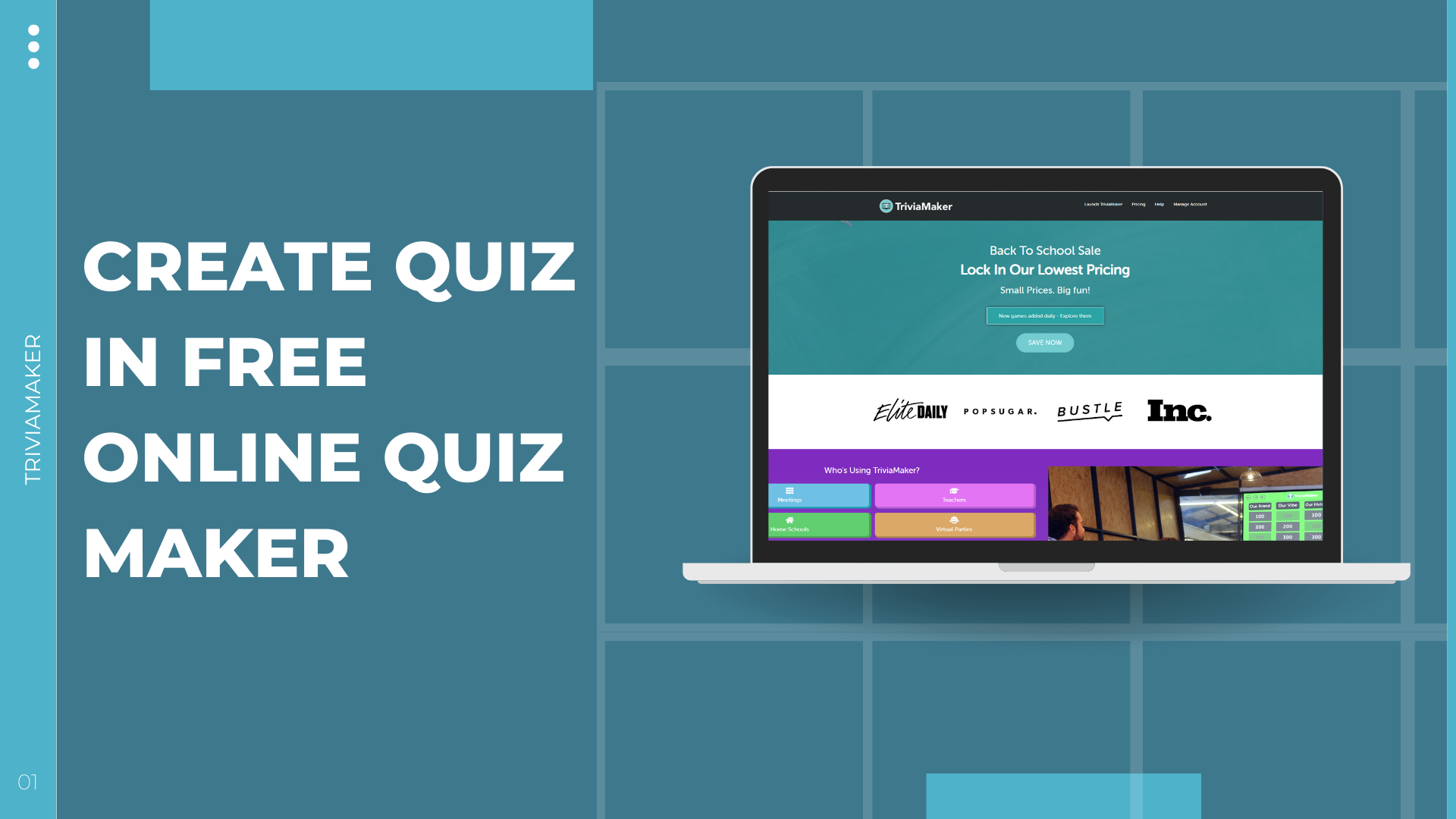
TriviaMaker is the only platform in this list with dedicated native apps for Apple TV and Android TV. Install once, and your classroom display becomes a proper game show screen – no laptop mirroring, no dropped connections, no browser tabs to manage.
Zero Friction for Students
Students enter a join code and they’re in – no accounts, no passwords, no app download required. Middle school teachers report saving 5 – 8 minutes of instructional time per session.
Works for K – 12 and Corporate
TriviaMaker transitions naturally from a third-grade classroom to a corporate boardroom. Enterprise features include custom branding, white-label options, and support for up to 2,000 live participants.
Pros & Cons
- ✅ Dedicated Apple TV + Android TV apps
- ✅ No student login required
- ✅ 7+ game formats – variety prevents repetition fatigue
- ✅ Works K – 12 through corporate and events
- ✅ Generous free tier, transparent paid plans from $6.99/month
- ✅ Large library of ready-made templates
- ❌ No character-collection system like Blooket’s Blooks (better for younger elementary)
- ❌ Advanced customization has a short learning curve
🎯 Teachers: Turn any lesson into a live game – students join with a code.
No accounts. No downloads. Just instant engagement.
Free to start • Works on any device • Setup in under 60 seconds
Blooket vs. TriviaMaker: Honest Side-by-Side
Both are legitimate choices. Here’s where each wins – and where it doesn’t.
| Feature | Blooket | TriviaMaker |
|---|---|---|
| Free Plan | Generous for students | Generous + professional features |
| Game Variety | 12+ modes | 7+ styles |
| Target Audience | Elementary / Middle school | K – 12 + Corporate + Events |
| Big Screen Quality | Browser mirroring only | Native Apple TV + Android TV apps |
| Student Login Required | Simple join code | No login – code only |
| Character System | ✅ Blooks collection | ❌ Not available |
| Corporate / Enterprise | ❌ Not designed for it | ✅ White-label + branding |
| Max Live Participants | Classroom scale | Up to 2,000 |
| Pre-made Content | ✅ Good marketplace | ✅ Extensive template library |
| 🏆 Best For | Elementary fun + Blooks | Professional presentations + all audiences |
The verdict: Choose Blooket for elementary character-collection fun. Choose TriviaMaker for professional presentation quality, TV-screen output, adult-appropriate design, or enterprise features. Need a pure Blooket alternative deep-dive? We’ve got you covered.
Ready to see the difference? Run your first game in minutes
Other Games Like Blooket Worth Knowing
2. Kahoot! – Best for Large-Group Live Events
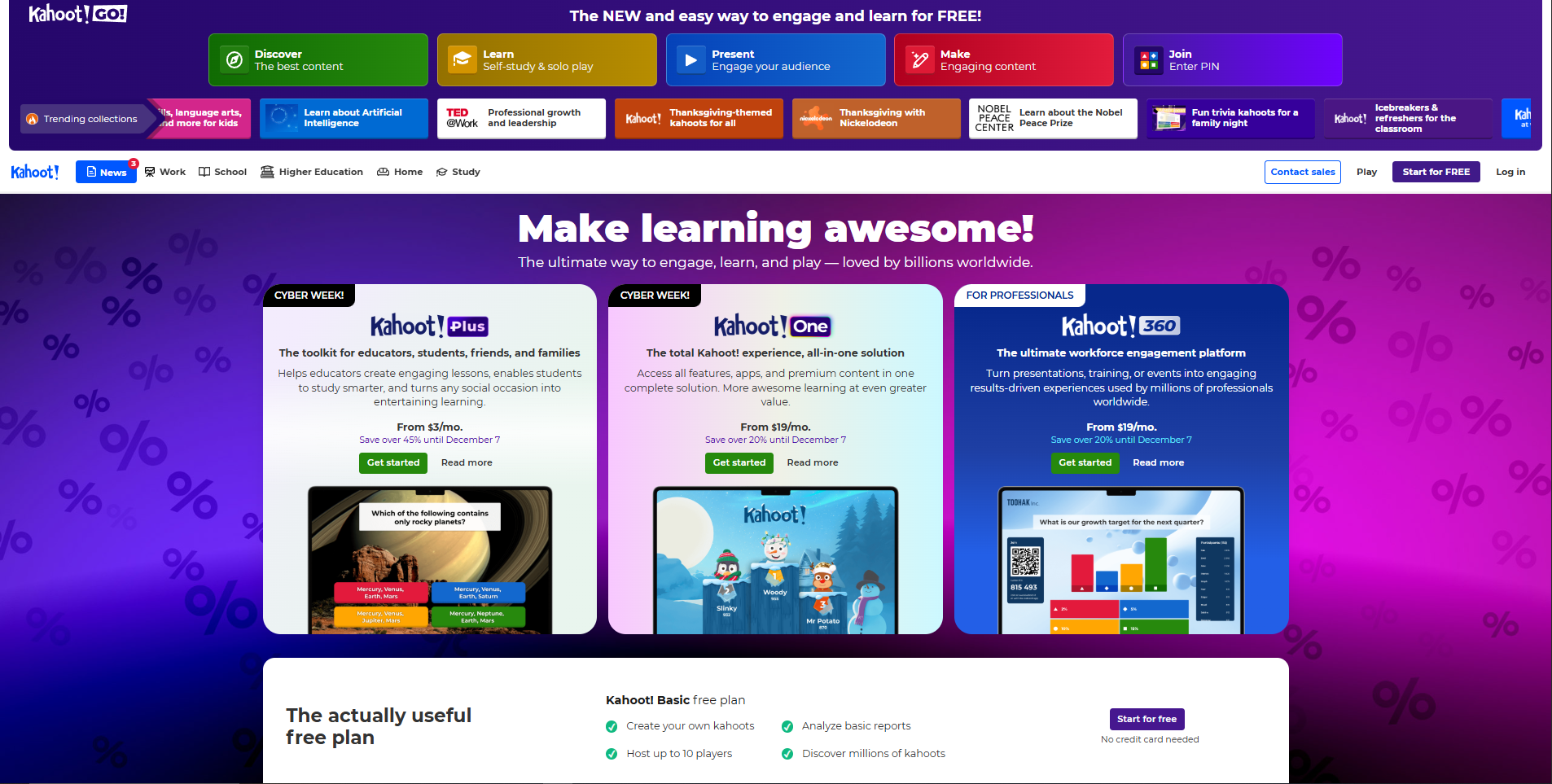
Kahoot! pioneered the live quiz game format – its recognizable music and leaderboard still create instant energy in classrooms and assemblies.
Game Modes: Four modes (Quiz, Jumble, Poll, Puzzle) cover most instructional scenarios with a clean, intuitive interface.
Engagement: Competitive leaderboard updates after every question; time pressure and music keep students focused throughout.
Limitations: Free version restricts key features; meaningful classroom use typically requires a $10/month subscription.
Pricing: Free basic plan; Kahoot! Plus from $10/month.
Best for: Large-group events, assemblies, and schools with institutional Kahoot licenses. Also read: Blooket vs Kahoot 2025 detailed comparison.
3. Gimkit – Best for High School Strategy Lovers
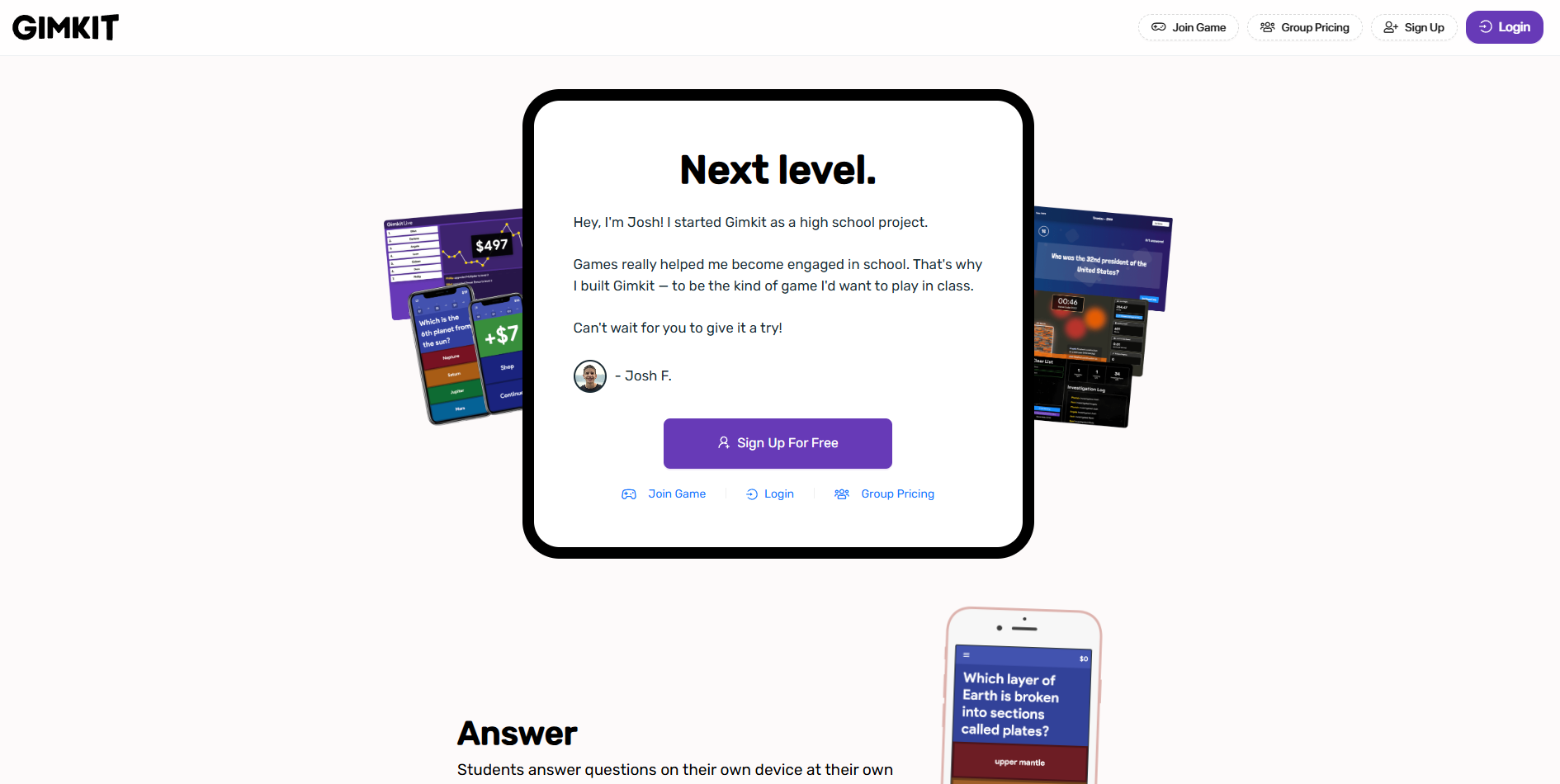
Gimkit adds a virtual economy layer to quiz games – students earn currency for correct answers and spend it on upgrades, keeping older students engaged long after traditional quizzes feel repetitive.
Game Modes: 7+ modes including Trust No One and The Floor Is Lava give Gimkit variety that rivals Blooket.
Team Collaboration: Several modes promote teamwork, naturally increasing engagement through a social element.
Limitations: Free plan caps at 5 students only; full classroom use requires $60/year.
Pricing: Free (5 students); Individual plan $60/year; Premium $120/year.
Best for: High school and college classrooms with teachers who can budget for the annual subscription.
4. Quiziz – Best for Self-Paced Homework & Review
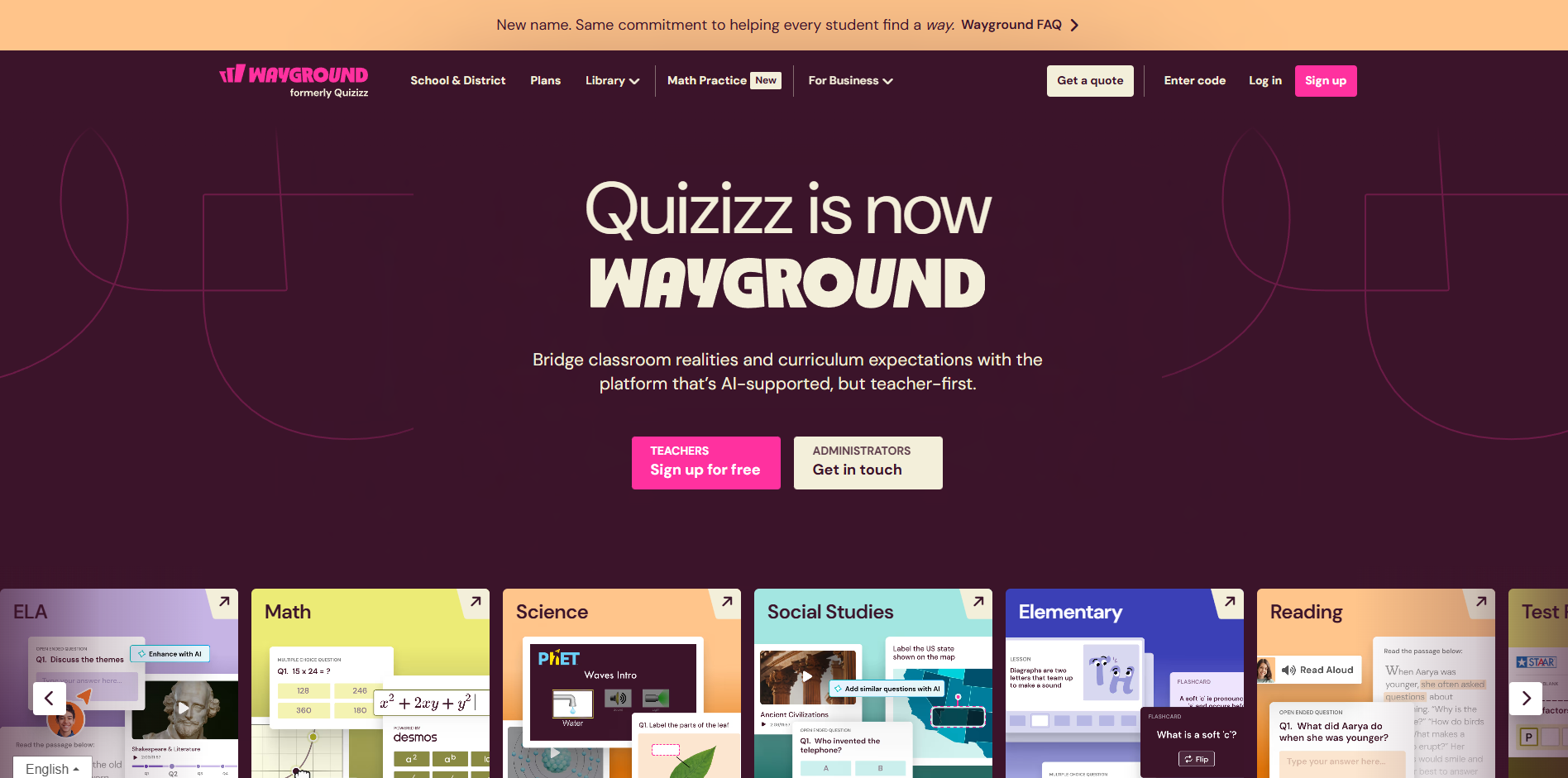
Quizizz lets students work at their own pace instead of racing classmates – reducing pressure and encouraging more thoughtful answers.
Customization: Supports images, timers, optional powerups, and meme-style celebrations students enjoy.
Analytics: Detailed reports show which questions challenge students most, helping teachers plan follow-up lessons.
Limitations: Live game energy doesn’t match synchronous platforms; self-paced format reduces whole-class momentum.
Pricing: Strong free version; paid plans $8 – 10/month.
Best for: Asynchronous homework, self-paced review, and data-driven instruction.
5. Nearpod – Best for Full Interactive Lesson Delivery
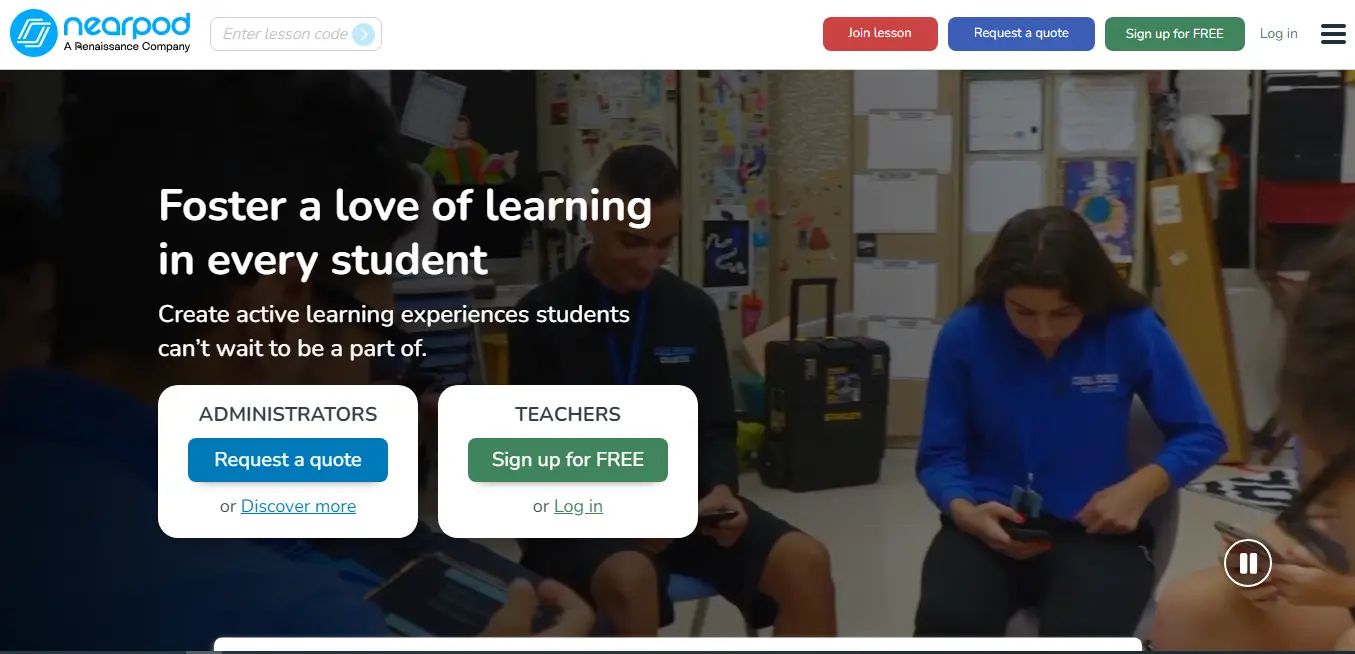
Nearpod is a complete lesson-delivery system – quizzes, polls, VR field trips, and collaborative boards all live inside interactive presentations.
VR & AR Features: Students can virtually visit historical sites or explore 3D models – making abstract concepts concrete for visual learners.
Assessment Tools: Draw-it activities and collaborate boards integrate seamlessly into slide progression.
Limitations: Building full Nearpod lessons takes significant time; many features require paid plans.
Pricing: Free version available; useful tools start at $10 – 20/month.
Best for: Immersive multimedia lessons and schools with district-level digital learning initiatives.
6. Pear Deck – Best for Google Slides Users
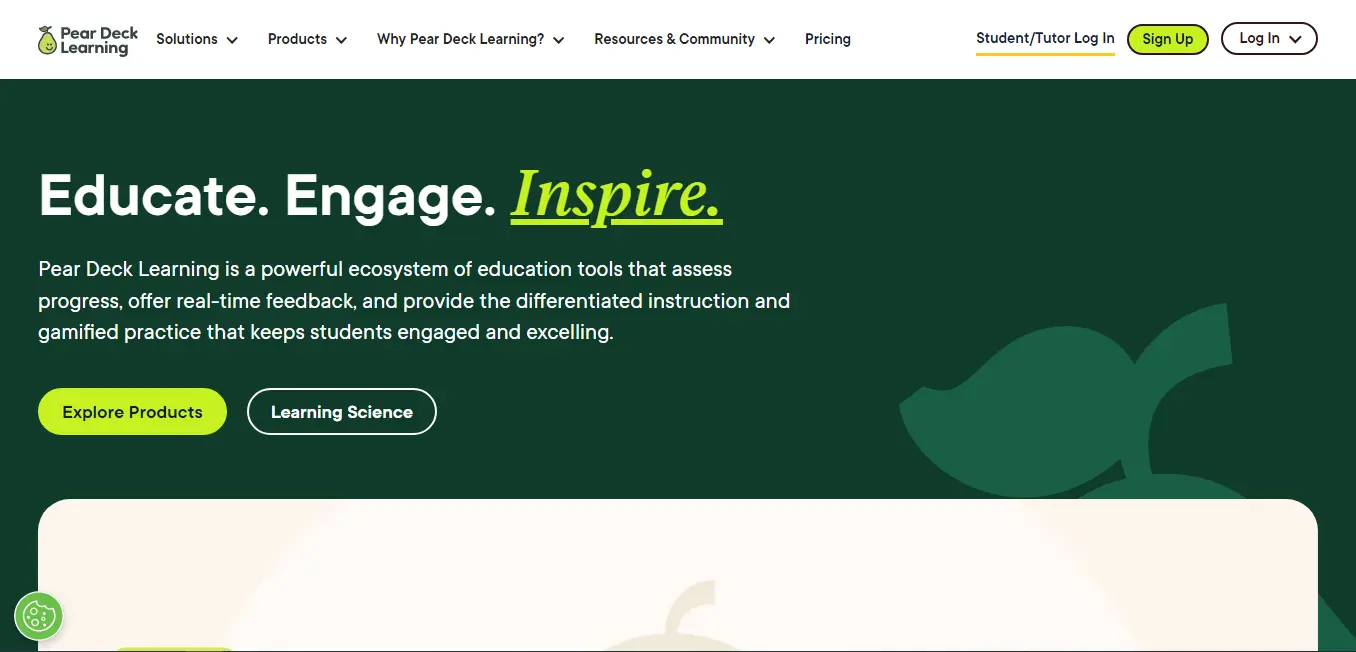
Pear Deck integrates with Google Slides and PowerPoint, turning static presentations into interactive lessons students respond to in real time.
Real-Time Responses: Results appear instantly during your presentation; anonymous mode boosts participation from shy students.
Integration: Existing slide decks become interactive with minimal rework; supports hybrid learning for remote and in-person students.
Limitations: Free version is extremely limited; most essential features require the $15/month premium plan.
Pricing: Minimal free tier; premium $15/month; school plans available.
Best for: Hybrid classrooms, Google Workspace schools, and formative assessment inside existing slide decks.
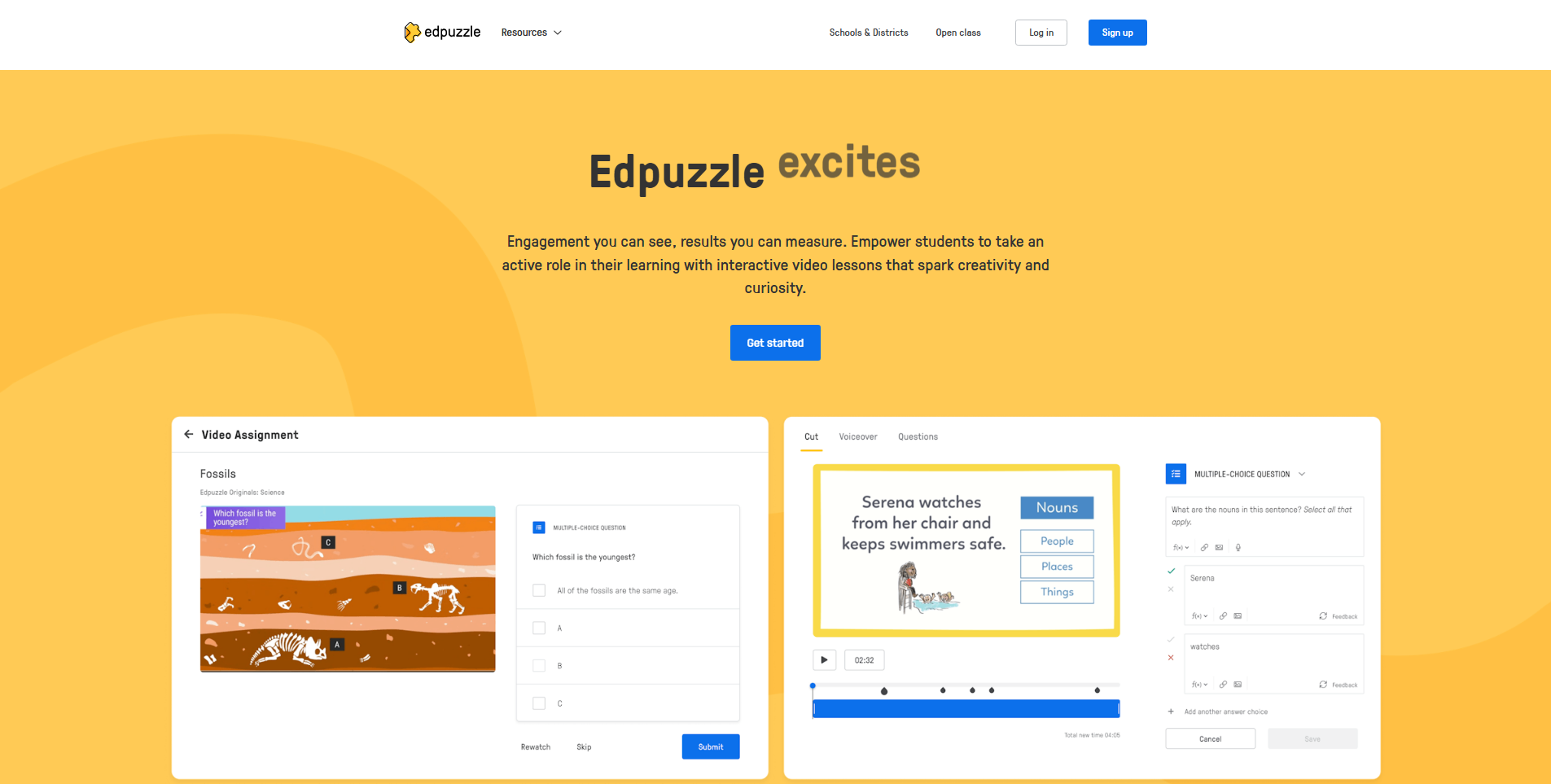
7. Edpuzzle – Best for Video-Based Learning
Edpuzzle embeds questions directly into educational videos – students must answer before continuing, ensuring they engage with every key segment.
Interactive Video: Add questions at specific timestamps to any YouTube, self-recorded, or library video; students get immediate feedback.
Analytics: Detailed reports reveal exactly what each student watched and how they answered – granular insight for reteaching decisions.
Limitations: No live game energy; serves a different purpose than game-based quiz platforms.
Pricing: Functional free version; paid plans add features at reasonable cost.
Best for: Flipped classrooms, video-heavy subjects, and homework with built-in accountability.
8. Brighterly – Transforming Math Through Interactive Play
Brighterly takes the idea that math learning is boring and turns it on its head with gamified education and personalized tutoring.
Adaptive Learning Paths
Students receive a personalized curriculum that adapts as they progress in their learning journey. Each lesson is tailored to their skill level and addresses kids’ weaknesses.
Gamified Math Lessons
Children can easily understand abstract concepts and complex math topics through gamified learning. Tutors enlist high-quality animations to tell a story and simplify the subject.
Live Tutoring Integration
Brighterly may not be a standalone quiz app, but that’s what makes it stand out. It integrates human expertise into children’s educational experience with personalized learning.
Pricing
The Brighterly reading and math learning platform is available with lessons from $17.3 a class, making it more expensive than quizzing apps, but a worthwhile investment in your child’s education.
Best for
One-on-one tutoring for children that uses games and puzzles to simplify learning.
9. AhaSlides – Engaging Presentations for All
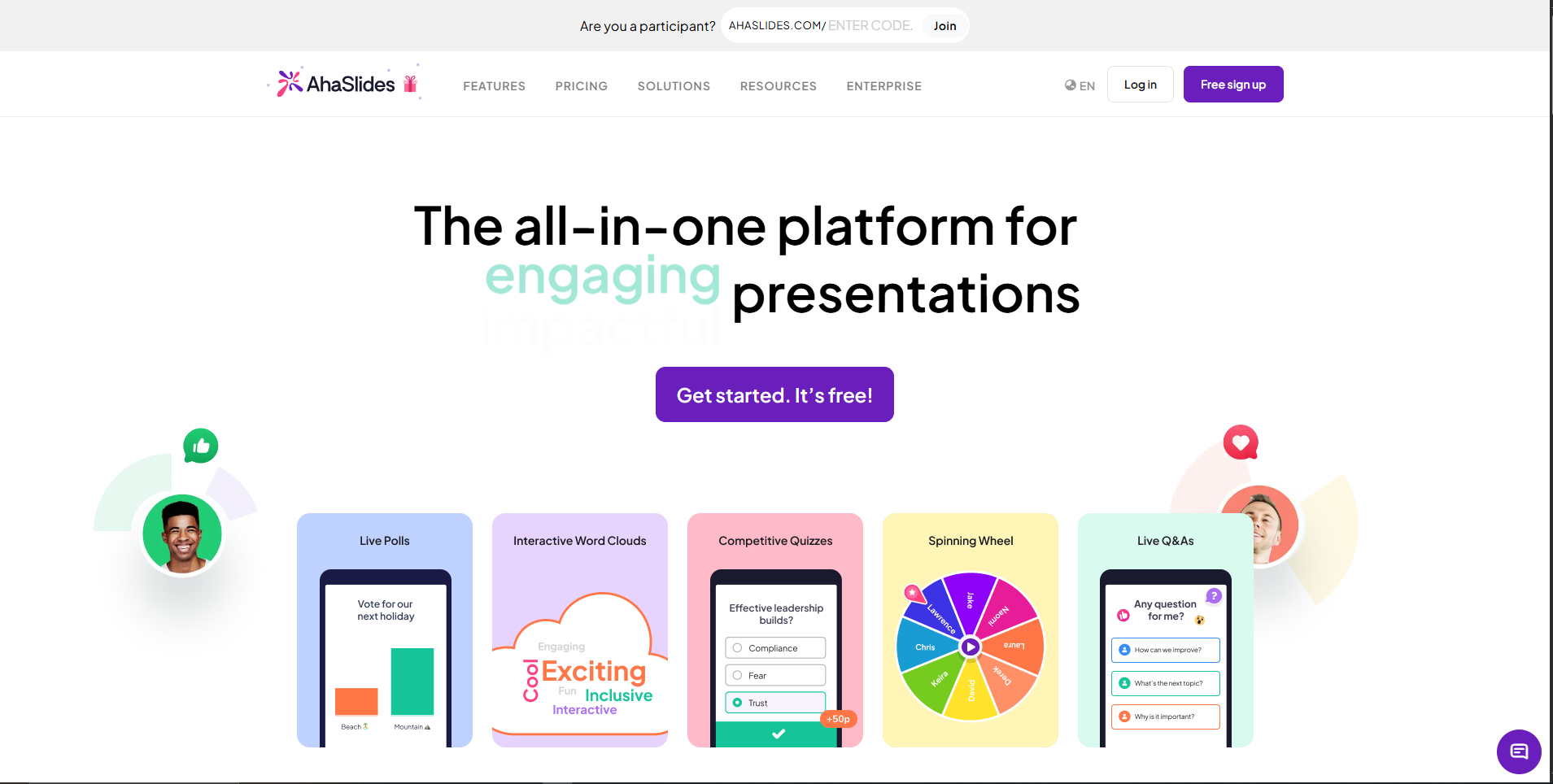
AhaSlides focuses on interactive presentations with word clouds, polls, Q&A, and quizzes – modern templates and real-time audience participation make it strong for both education and corporate settings.
Polling & Q&A: Word clouds, scales, multiple-choice, and open-ended questions appear instantly in visually appealing formats; anonymous Q&A lets audiences submit freely.
Templates: Extensive library for education, training, workshops, and events; modern professional designs suit corporate environments.
Limitations: Not built specifically for K – 12; lacks some teaching-oriented features found in dedicated EdTech tools.
Pricing: Free plan available; paid plans from ~$20/month.
Best for: Corporate presentations, workshop facilitation, conferences, and teachers who prefer flexible polling tools.
10. Slido – Live Polling & Q&A for Events
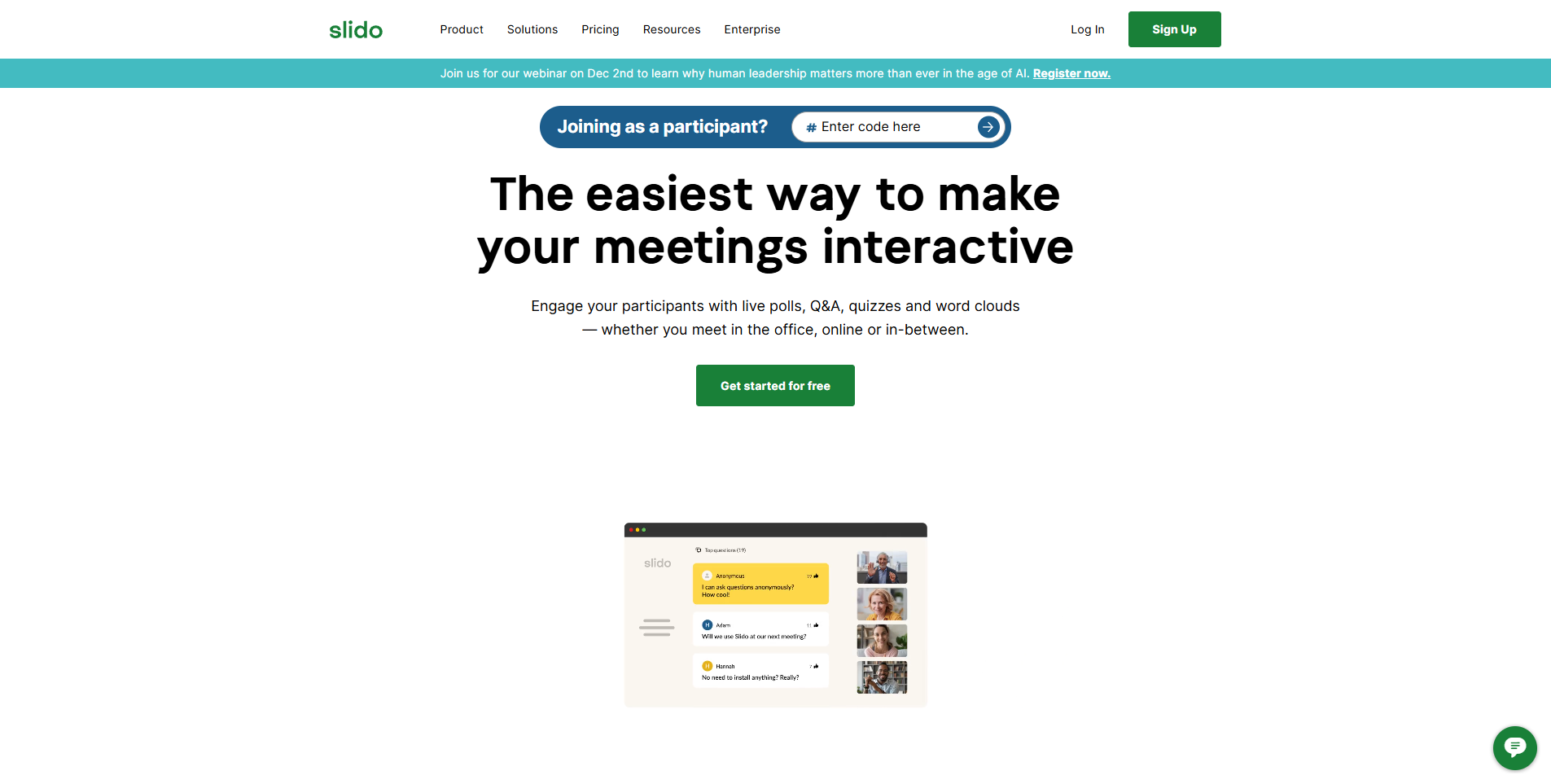
Slido specializes in live polling and Q&A, integrated with Zoom, Teams, and PowerPoint – purpose-built for smooth audience interaction and real-time feedback at scale.
Event Integration: Add polls to Zoom, Teams, or in-person events with minimal effort; word clouds visualize audience sentiment instantly.
Post-Event Analytics: Export all polling and Q&A data to analyze what resonated and refine future presentations.
Limitations: Not a game platform – doesn’t provide gamified learning experiences; better suited for professional development than student instruction.
Pricing: Free tier available; paid plans scale based on event size.
Best for: Conferences, corporate meetings, and situations where gathering audience feedback matters more than testing knowledge.
Which Alternative Is Right for You? (By Use Case)
| Your situation | Best pick | Why |
|---|---|---|
| K – 5 classroom, want character motivation | Blooket | Blooks collection drives elementary engagement |
| 6 – 12 classroom, need variety + big-screen display | TriviaMaker | 7 formats + TV apps, no student login |
| High school, strategy-based engagement | Gimkit | Virtual economy resonates with older students |
| Self-paced review / homework | Quizizz | Async-first, strong analytics, generous free plan |
| Full lesson with multimedia + VR | Nearpod | Complete lesson delivery |
| Corporate training / HR onboarding | TriviaMaker | White-label branding, scales to 2,000 participants |
| Large event or conference (200+ people) | TriviaMaker | Up to 2,000 live participants, TV app display |
Blooket vs. TriviaMaker: Which Should You Choose?
Both platforms serve educators well, but they excel in different areas. Here’s the honest comparison.
| Feature | Blooket | TriviaMaker |
|---|---|---|
| Free Plan | Generous for students | Generous + professional features |
| Game Variety | 12+ modes | 7+ styles |
| Target Audience | Elementary / Middle school | K – 12 + Corporate |
| Big Screen Quality | Basic browser display | Dedicated TV apps |
| Participant Access | Simple join code | No login required |
| Character System | ✅ Blooks collection | ❌ Not available |
| Professional Features | ❌ Limited | ✅ Full enterprise options |
| TV Apps | ❌ No | ✅ Apple TV, Android TV |
| Corporate Training | ❌ Not designed for it | ✅ White-label, branding |
| Pre-made Content | ✅ Good marketplace | ✅ Extensive library |
| Age Appropriateness | Elementary perfect | All ages including adults |
| Scalability | Classroom size | 15 to 500+ attendees |
| 🏆 Best For | Elementary fun | Professional presentations |
The Bottom Line
Blooket remains excellent for elementary and middle school classrooms. The character collection system motivates younger students beautifully. The game variety is impressive. The free version is generous.
TriviaMaker becomes essential when you need professional presentation quality. The dedicated TV apps make a real difference. The enterprise features open corporate training opportunities. The platform scales from third grade to executive boardrooms.
You’re not necessarily replacing Blooket – you’re adding a professional-grade tool that serves different contexts. Try TriviaMaker as a free Blooket alternative.
Frequently Asked Questions
What are the best free Blooket knockoffs?
What games are like Blooket but free?
What is a good Blooket rip-off or alternative for teachers?
Is there a Blooket alternative that works on Apple TV?
Which Blooket alternative is best for high school students?
What are sites like Blooket and Kahoot?
Is Gimkit a ripoff of Blooket?
Can any Blooket alternative work for corporate training?
Ready to Try the Best Free Blooket Alternative?
TriviaMaker is free to start, works on every device, and is the only platform here with a native TV app. Whether it’s a classroom review game or a 300-person training session – the same platform handles both.
Join teachers and trainers in 40+ countries who run games without the setup stress.