
Looking for Mentimeter alternatives for quizzes? While Mentimeter excels at interactive polls and presentations, its quiz features can feel limited for creating true game-show experiences. This guide explores the best free mentimeter alternatives and quiz alternatives – platforms designed for engaging, competitive, and professional quiz games perfect for classrooms, corporate events, and social gatherings. If you need mentimeter kahoot alternatives or best free trivia tools, you’re in the right place.
Why Look Beyond Mentimeter for Quizzes?
Mentimeter is a popular cloud-based tool for live polls, word clouds, and audience feedback. However, when your primary goal is to host a dynamic, scored quiz with competitive elements, you might find its features restrictive. Common reasons for seeking alternatives include a desire for more varied game formats, deeper gamification, better visual customization, and tools specifically built for host-led competition rather than just audience feedback.
If you need more than a scored multiple-choice slide and want to create a memorable quiz event, a dedicated platform is the way to go. Many users search for mentimeter alternatives free or free alternative to mentimeter – and we’ve got the best options below.
What Makes a Great Quiz Platform Different from Polling Tools?
Understanding the Core Distinction
Before diving into alternatives, it’s essential to understand what separates quiz platforms from polling tools. While Mentimeter shines for quick audience feedback, quiz platforms are purpose-built for different objectives.
Key Differences:
| Feature | Polling Tools (Mentimeter) | Quiz Platforms |
|---|---|---|
| Primary Purpose | Gather opinions, feedback | Test knowledge, compete, learn |
| Scoring System | Minimal or none | Comprehensive with leaderboards |
| Game Variety | Limited formats | Multiple game styles (Grid, Wheel, Trivia, etc.) |
| Competition | Individual responses | Teams, head-to-head, tournaments |
| Replayability | One-time use | Saved games, repeated sessions |
| Participant Setup | Usually requires device + code | Often zero setup required (no sign-in) |
Pro Tip: The best quiz platforms let participants join with zero friction, no accounts, no downloads, just instant play.
Need More Than Just Polls?
If Mentimeter’s quiz features feel limited, you need a platform built for real game shows. Discover the difference with 7 game styles.
Explore TriviaMaker’s Game Styles →Top 10 Mentimeter Alternatives for Quizzes in 2026
1. TriviaMaker – Complete Quiz Game Platform ⭐ (Best Overall)
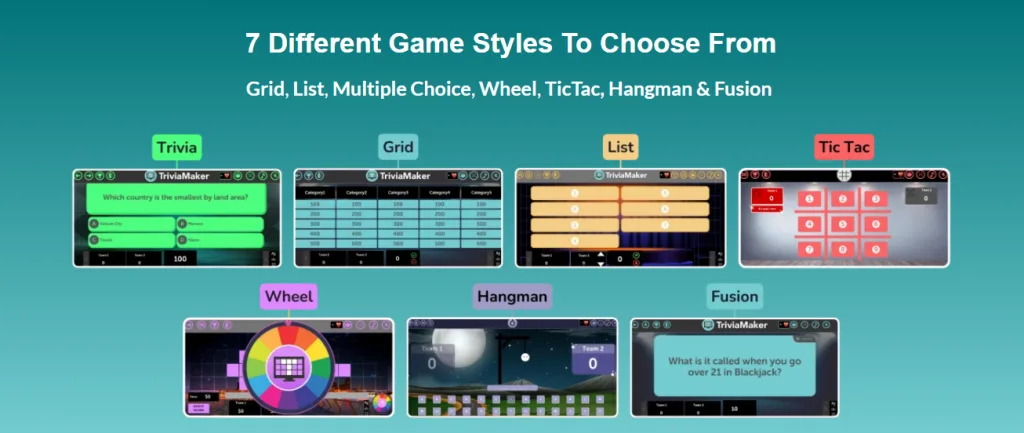
What is TriviaMaker? TriviaMaker is a dedicated quiz and game platform built specifically for creating, hosting, and presenting competitive quiz experiences. Unlike polling tools, it’s designed from the ground up for engaging, scored competitions across classrooms, corporate events, and entertainment venues.
Why TriviaMaker Stands Out:
Game Variety That Actually Matters TriviaMaker offers seven distinct game formats, giving hosts flexibility that Mentimeter can’t match. For instance, teachers can run a Grid game for math review in the morning, then switch to a Wheel game for vocabulary practice in the afternoon.
Zero-Friction Participation Participants need zero setup, no accounts, no app downloads, no email addresses. This makes it ideal for K-12 classrooms where student privacy matters, and corporate events where attendees shouldn’t waste time registering.
Cross-Platform Excellence Unlike most alternatives, TriviaMaker works natively on Apple TV and Android TV. You can run polished, big-screen quiz experiences in auditoriums, conference rooms, or even bars with mounted TVs.
Enterprise-Ready Customization Organizations can fully brand their quiz experiences with custom logos, colors, team names, and even background music. Enterprise accounts get advanced controls for managing multiple hosts and tracking usage across departments.
Real-World Scenarios:
- K-12 Teacher: “I use TriviaMaker every Friday for review games. The Grid format makes it feel like a game show, and my students love that they don’t need accounts. Setup takes 2 minutes.”
- Corporate Trainer: “We run quarterly compliance training with TriviaMaker. The team competition feature turns boring content into engaging challenges. Our completion rates jumped from 67% to 94%.”
- Event Host: “I host monthly trivia nights at three different venues. The Apple TV app lets me present professionally on any screen, and the custom branding makes each venue feel unique.”
Pros:
- ✅ Seven game formats for variety
- ✅ No participant sign-in required
- ✅ Native TV apps (Apple TV, Android TV)
- ✅ Pre-made game library saves time
- ✅ Enterprise customization options
- ✅ Scales from 5 to 500+ participants
- ✅ One-time purchase or subscription options
Cons:
- ❌ Steeper learning curve than basic polling tools
- ❌ More features than needed for simple one-question polls
Ready to Host Engaging Quiz Games?
Join thousands of teachers and pros who use TriviaMaker. Launch your first game in minutes.
Best For: K-12 teachers, corporate trainers, event hosts, bars/venues, organizations needing branded quiz experiences
Pricing: Free tier available; Pro plans start at $6.99/month; Enterprise custom pricing
Pro Tip: Start with TriviaMaker’s pre-made game library to save 80% of creation time, then customize as you learn the platform.
2. Kahoot! – Gamified Classroom Quizzes
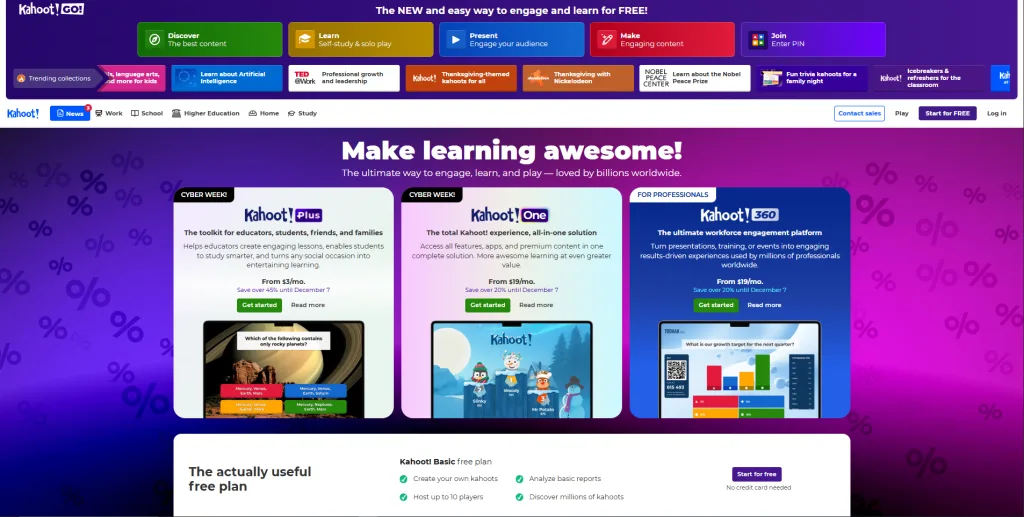
What is Kahoot!? Kahoot! is the most recognized name in educational quiz gaming. It pioneered the colorful, fast-paced quiz format that made learning feel like a game show.
How It Works: Teachers create multiple-choice quizzes, students join via code on their devices, and everyone races to answer questions displayed on the main screen. Points are awarded for speed and accuracy.
Pros:
- ✅ Massive brand recognition in education
- ✅ Huge library of user-created quizzes
- ✅ Student-friendly, colorful interface
- ✅ Extensive question bank by subject
Cons:
- ❌ Limited game format variety (mostly multiple choice)
- ❌ Requires participant devices and accounts
- ❌ Less flexibility for corporate/enterprise use
- ❌ Premium features can be expensive
Best For: K-12 classrooms, college lectures, youth groups
Pricing: Free basic version; Kahoot!+ starts at $8/month
3. Quizizz – Self-Paced Quiz Platform
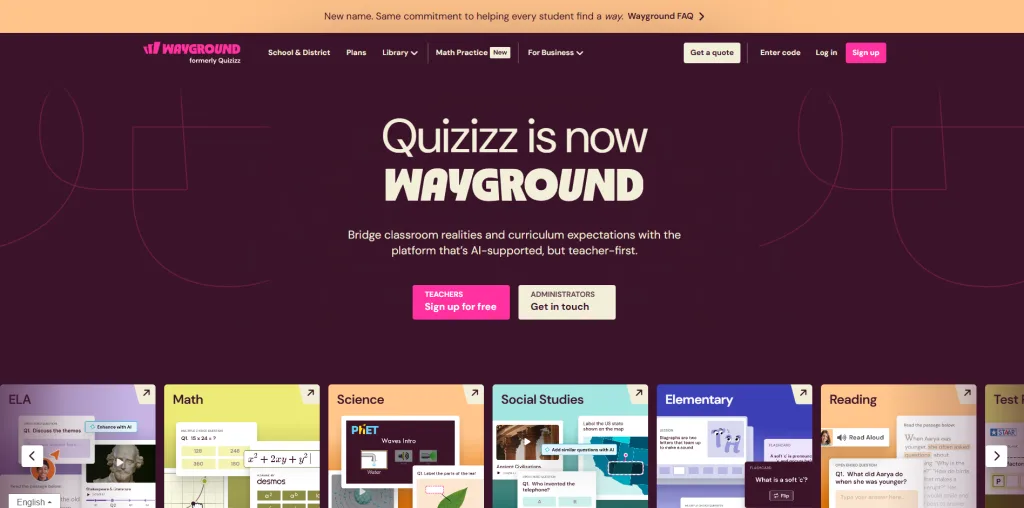
What is Quizizz? Quizizz focuses on self-paced learning, allowing students to answer questions at their own speed rather than racing against the clock.
How It Works: Unlike live-hosted quizzes, Quizizz can run as homework assignments where students complete questions independently. However, it also offers live game modes similar to Kahoot.
Pros:
- ✅ Homework mode for asynchronous learning
- ✅ Individual pacing reduces pressure
- ✅ Detailed performance analytics
- ✅ Memes and fun elements between questions
Cons:
- ❌ Less focused on live event hosting
- ❌ Can feel slower-paced for competitive events
- ❌ Participant accounts required for tracking
Best For: Teachers assigning homework, flipped classrooms, remote learning
Pricing: Free for teachers; Super plan at $20/month
4. AhaSlides – Presentation Plus Polling
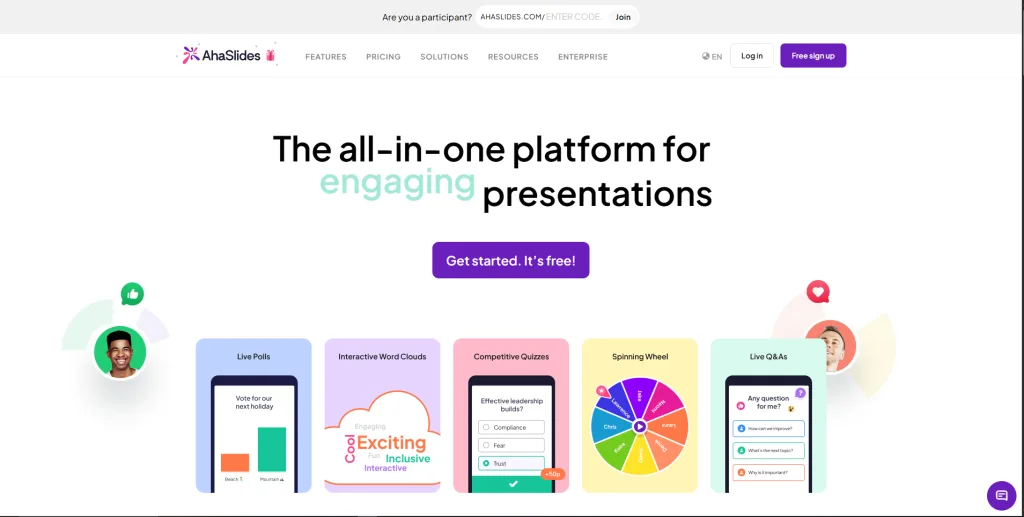
What is AhaSlides? AhaSlides blends presentation slides with interactive elements, positioning itself between Mentimeter and dedicated quiz platforms.
How It Works: Create slide decks with embedded polls, quizzes, and Q&A. Participants join via phone and interact with each slide as you present.
Pros:
- ✅ Combines slides and interactivity
- ✅ More quiz features than Mentimeter
- ✅ Good for hybrid presentations
- ✅ Real-time result visualization
Cons:
- ❌ Still presentation-focused, not game-focused
- ❌ Limited game format variety
- ❌ Less enterprise customization
Best For: Conference speakers, workshop facilitators, hybrid meetings
Pricing: Free tier; Pro plans from $8/month
5. Slido – Live Q&A and Polling
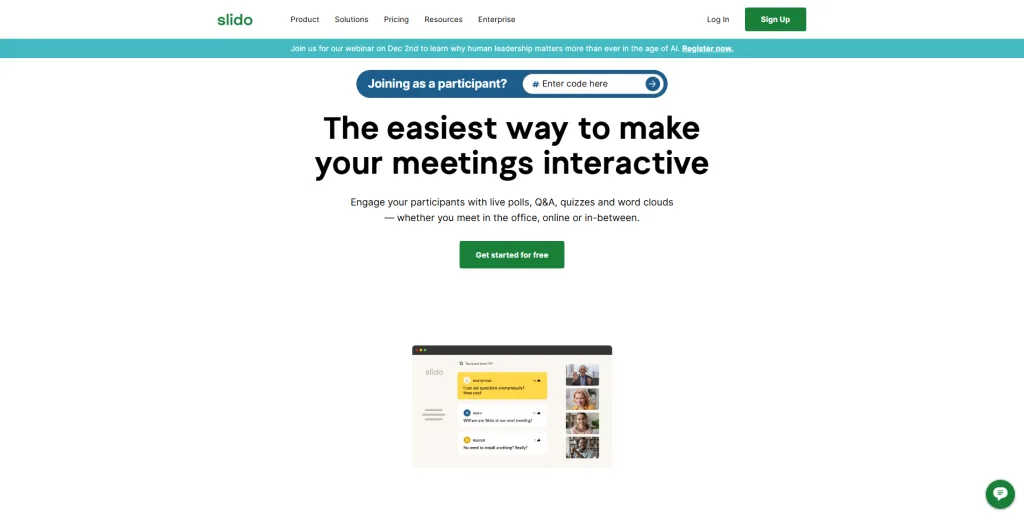
What is Slido? Slido specializes in live Q&A moderation and polling for corporate events and all-hands meetings. It’s now owned by Cisco (Webex).
How It Works: Attendees submit questions and vote on favorites. Hosts can also run quick polls. Quiz features exist but aren’t the primary focus.
Pros:
- ✅ Excellent Q&A moderation tools
- ✅ Enterprise-grade security
- ✅ Webex/Teams integration
- ✅ Analytics and reporting
Cons:
- ❌ Quiz features are secondary
- ❌ Not designed for competitive games
- ❌ Better for Q&A than knowledge testing
Best For: Corporate all-hands, conferences, panel discussions
Pricing: Free tier; Pro from $13/month
6. Poll Everywhere – Hybrid Polling Tool
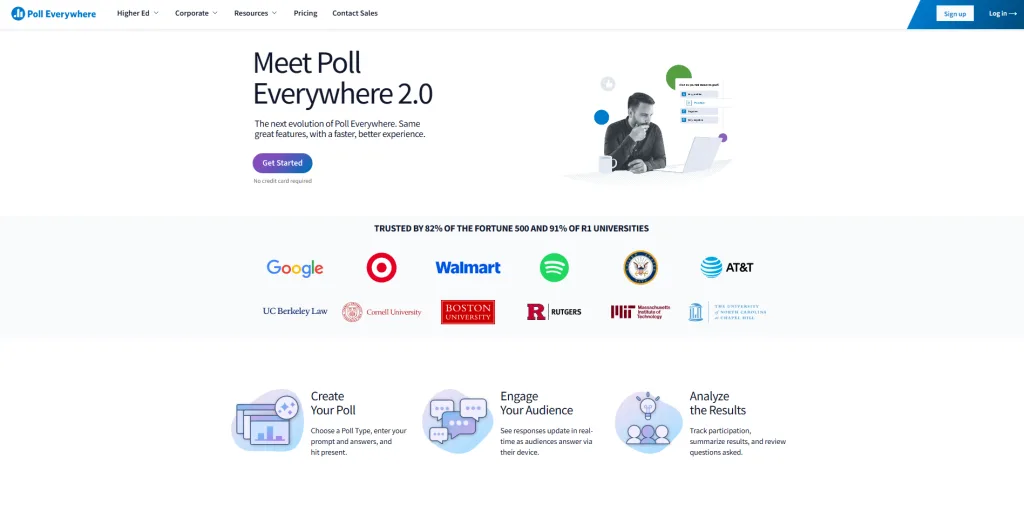
What is Poll Everywhere? Poll Everywhere offers live polling with SMS voting capabilities, making it accessible even without internet-connected devices.
How It Works: Participants text responses or use web voting. Results appear in real-time during your presentation, with PowerPoint/Keynote integration.
Pros:
- ✅ SMS voting for accessibility
- ✅ PowerPoint integration
- ✅ Word clouds and open-ended responses
- ✅ Higher education adoption
Cons:
- ❌ Quiz mode is basic
- ❌ Expensive compared to alternatives
- ❌ More polling-focused than game-focused
Best For: University lectures, large conferences, venues with varied connectivity
Pricing: Free tier limited; Pro from $10/month
7. Wooclap – European Education Platform
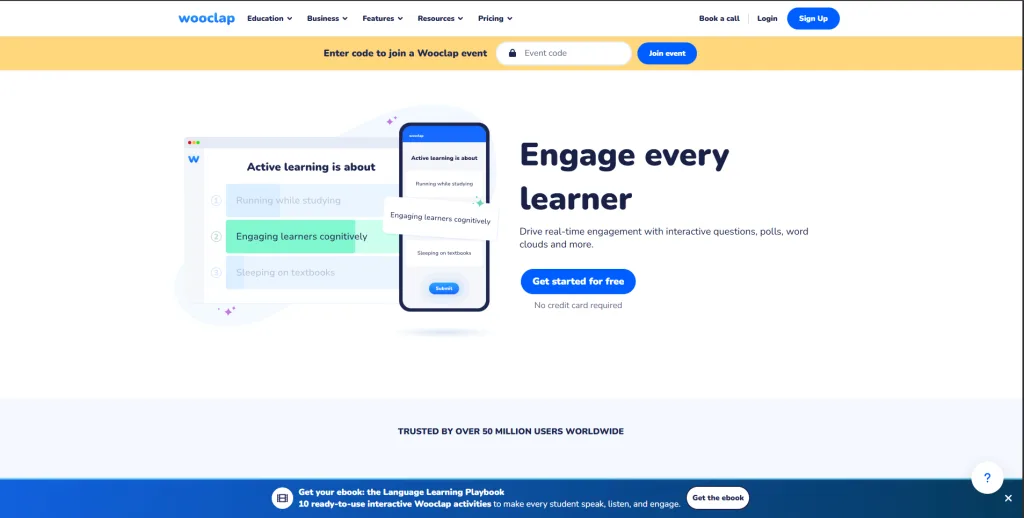
What is Wooclap? Wooclap (based in Belgium) targets European educational institutions with GDPR-compliant interactive learning tools.
How It Works: Similar to Mentimeter but with stronger quiz features. Create questions, students respond via devices, and results display in real-time.
Pros:
- ✅ GDPR-focused for European schools
- ✅ Better quiz features than Mentimeter
- ✅ LMS integration options
- ✅ Multilingual support
Cons:
- ❌ Less game variety than TriviaMaker or Kahoot
- ❌ Smaller user community
- ❌ Fewer pre-made resources
Best For: European schools, universities requiring GDPR compliance
Pricing: Free for up to 1,000 participants/year; paid plans $11/month
8. Crowdpurr – Event-Focused Trivia
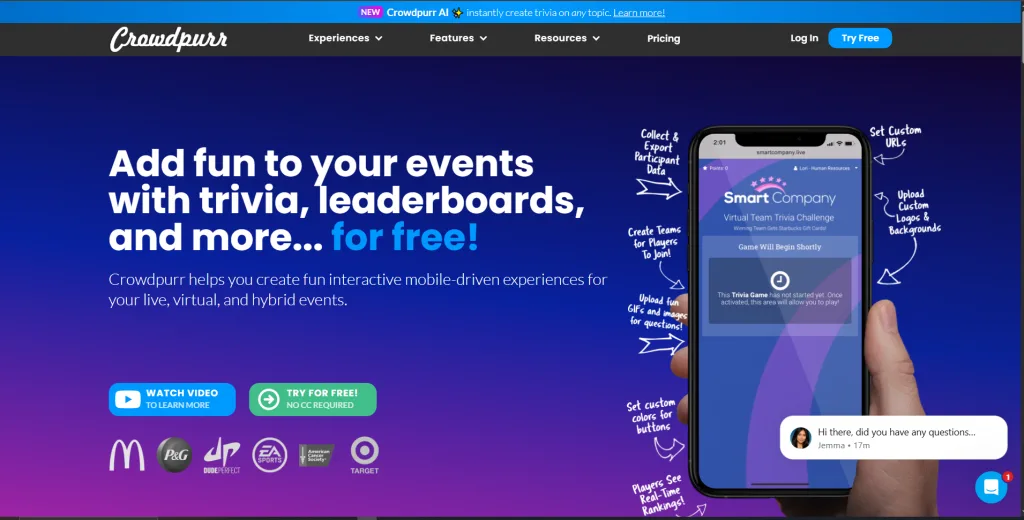
What is Crowdpurr? Crowdpurr specializes in trivia nights and live event competitions, particularly for bars, fundraisers, and corporate team building.
How It Works: Hosts create rounds of trivia questions. Teams compete using their phones. Leaderboards update after each round. Optional sponsorship and branding features.
Pros:
- ✅ Built specifically for trivia events
- ✅ Team-based competition
- ✅ Sponsorship/branding options
- ✅ Photo and video question support
Cons:
- ❌ Not ideal for education
- ❌ Limited game format variety
- ❌ Can be pricey for regular use
Best For: Bars, fundraisers, corporate events, trivia businesses
Pricing: Free tier; Pro from $50/month
9. Quizlet Live – Collaborative Team Quizzes
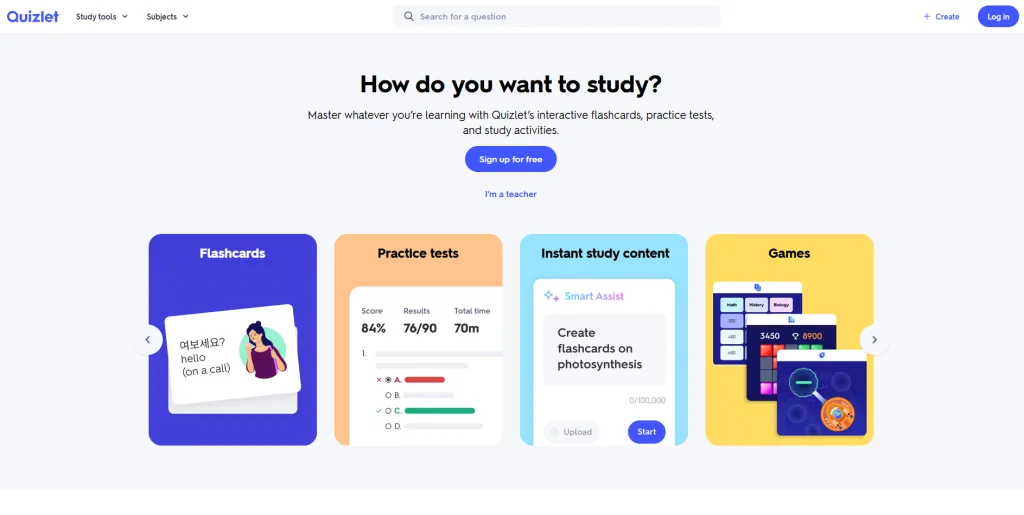
What is Quizlet Live? While Quizlet is primarily a flashcard platform, Quizlet Live offers collaborative team quiz games built from study sets.
How It Works: Students form teams and work together to match terms correctly. The twist: each team member sees different answer options, requiring collaboration.
Pros:
- ✅ Massive library of study sets
- ✅ Unique collaborative game mechanic
- ✅ Free for teachers
- ✅ Popular with students
Cons:
- ❌ Only works with Quizlet study sets
- ❌ Limited customization
- ❌ One game format only
Best For: Teachers already using Quizlet for flashcards
Pricing: Free with Quizlet account $6/month
10. Gimkit – Live Learning Game Show
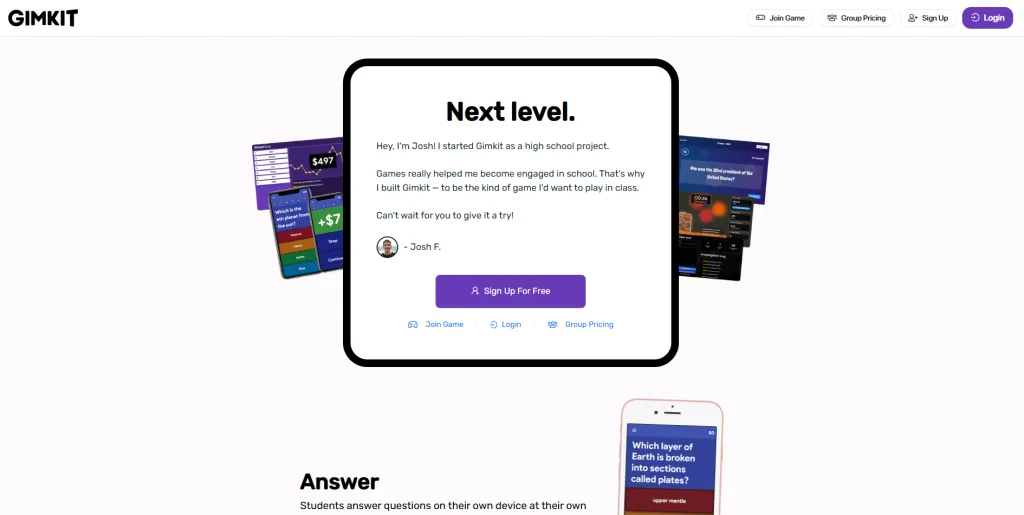
What is Gimkit? Created by a high school student, Gimkit turns quizzes into a game show where students earn virtual money to upgrade their performance.
How It Works: Students answer questions to earn cash, then spend it on power-ups and upgrades. The strategy layer adds depth beyond simple trivia.
Pros:
- ✅ Engaging economy/strategy layer
- ✅ High student engagement
- ✅ Creative game modes
- ✅ Built by educators
Cons:
- ❌ Can be complex for younger students
- ❌ Focuses on K-12, less suitable for corporate
- ❌ Requires participant accounts
Best For: Middle and high school classrooms
Pricing: Free tier limited; Pro from $59.88/year
Head-to-Head Comparison: Which Alternative Wins?
| Platform | Game Variety | No Sign-In | TV/Big Screen | Enterprise Branding | Pre-Made Content | Best Use Case |
|---|---|---|---|---|---|---|
| TriviaMaker | ⭐⭐⭐⭐⭐ | ✅ Yes | ✅ Native Apps | ✅ Full Branding | ⭐⭐⭐⭐ | All scenarios |
| Kahoot! | ⭐⭐ | ❌ No | ⭐⭐⭐ | ⭐⭐ | ⭐⭐⭐⭐⭐ | K-12 classrooms |
| Quizizz | ⭐⭐ | ❌ No | ⭐⭐ | ⭐ | ⭐⭐⭐⭐ | Homework/async |
| AhaSlides | ⭐⭐⭐ | ✅ Yes | ⭐⭐⭐ | ⭐⭐⭐ | ⭐⭐ | Presentations |
| Slido | ⭐ | ✅ Yes | ⭐⭐⭐ | ⭐⭐⭐⭐ | ⭐ | Corporate Q&A |
| Poll Everywhere | ⭐ | ✅ Yes | ⭐⭐⭐ | ⭐⭐⭐ | ⭐ | SMS voting |
| Crowdpurr | ⭐⭐⭐ | ✅ Yes | ⭐⭐⭐⭐ | ⭐⭐⭐⭐ | ⭐⭐ | Trivia nights |
Choosing the Right Alternative for Your Needs
For K-12 Teachers
Top Choice: TriviaMaker Why: No student sign-in requirements, multiple game formats keep lessons fresh, and the free tier works for most classrooms. Pre-made games save preparation time.
Runner-Up: Kahoot! (if you only need basic multiple choice)
Pro Tip: Use TriviaMaker’s Grid game for math facts and the Wheel game for vocabulary – variety prevents boredom.
For Corporate Training & HR
Top Choice: TriviaMaker Why: Enterprise branding makes training feel professional, team competition increases engagement, and the platform scales from onboarding sessions to company-wide events. You can run the same quiz across multiple offices consistently.
Runner-Up: Slido (if you prioritize Q&A over quizzes)
Real Scenario: A Fortune 500 company replaced their Mentimeter polls with TriviaMaker quiz games for compliance training. Completion rates increased 35%, and employees reported training was “actually fun” for the first time.
For Event Hosts & Entertainment
Top Choice: TriviaMaker Why: Apple TV and Android TV apps deliver professional presentation quality, custom branding creates unique experiences per venue, and unlimited participants handle any crowd size. You can save games and reuse them weekly.
Runner-Up: Crowdpurr (specifically for bar trivia)
Pro Tip: Create branded versions of the same game for different clients – change colors, logos, and team names in minutes.
For Quick Classroom Polls
Top Choice: Mentimeter Why: If you genuinely just need quick yes/no polls or word clouds, Mentimeter remains excellent. However, once you need competitive quizzes, switch to a dedicated platform.
Do these alternatives work for remote and hybrid teams?
All listed alternatives support remote participation since participants join via internet-connected devices. However, TriviaMaker excels in hybrid scenarios by combining in-room big screens with remote player support. Meanwhile, platforms like Slido integrate directly with Zoom and Teams. For hybrid success, choose platforms with both screen-sharing optimization and mobile responsiveness.
Frequently Asked Questions
Do students need to download apps for these quiz alternatives?
Most modern quiz platforms, including TriviaMaker, Kahoot, and AhaSlides, allow students to join via web browsers without downloading apps. However, some platforms like Kahoot require student accounts for tracking, while TriviaMaker offers completely anonymous participation. For the smoothest classroom experience, choose platforms that support browser-only access with no mandatory registration.
Which Mentimeter alternative works best on projectors and TVs?
TriviaMaker stands out with native Apple TV and Android TV apps, delivering optimal big-screen performance. Alternatively, Kahoot and Crowdpurr work well via browser casting. Ensure your chosen platform supports high-resolution displays and keeps text readable from the back of the room. Test your setup before the actual event.
Can I customize quiz branding for corporate events?
Yes, several alternatives offer enterprise branding. TriviaMaker provides comprehensive customization including logos, colors, team names, and background music. Similarly, Crowdpurr offers sponsorship branding for events. However, basic platforms like Quizizz and Gimkit have limited branding options. For professional corporate use, invest in platforms with full white-label capabilities.
What’s the best free alternative to Mentimeter for quizzes?
TriviaMaker, Kahoot, and Quizizz all offer free tiers with quiz capabilities. However, TriviaMaker’s free version provides more game variety without forcing participant accounts. For instance, Kahoot’s free tier allows up to 10 participants, while TriviaMaker’s free plan supports larger groups. Evaluate based on your specific participant size and feature needs.
How do quiz platforms handle scoring and leaderboards?
Dedicated quiz platforms like TriviaMaker, Kahoot, and Quizizz automatically track scores based on accuracy and speed. Real-time leaderboards display rankings after each question or round. In contrast, polling tools like Mentimeter have minimal scoring features. For competitive learning experiences, choose platforms with comprehensive scoring systems and customizable point values.
Can I reuse and share quiz games I create?
Most platforms let you save and replay games. TriviaMaker stores all games in your library for instant reuse across unlimited sessions. Similarly, Kahoot allows game duplication and sharing via links. However, always check licensing terms before sharing copyrighted content. Additionally, platforms like Quizlet encourage community sharing of study sets.
Which alternative requires the least technical setup?
TriviaMaker and AhaSlides require minimal setup – create a game, generate a join code, and start. Participants need only a web browser. Conversely, platforms requiring participant accounts add friction. For time-constrained scenarios like substitute teachers or last-minute meetings, prioritize platforms with instant-join capabilities and simple host interfaces.
Stop Adapting. Start Engaging.
Don’t force a polling tool to do a quiz platform’s job. Create a real game show experience today.
Create Your Free Quiz Game Now📚 Further Reading: Looking for alternatives to other popular engagement platforms? These in-depth comparisons can help you choose the right tool.
Kahoot vs TriviaMaker
Curious how TriviaMaker compares to the classroom favorite? This head-to-head guide breaks down game formats, ease of participation, and professional use cases.
Blooket vs Gimkit vs Kahoot
Not sure which gamified classroom platform fits your teaching style? This guide compares engagement mechanics, learning depth, and ideal classroom scenarios.
Wooclap Alternatives
Looking for quiz-first tools that go beyond basic polling for classrooms or corporate events? Explore flexible platforms with stronger quiz features.
Best Slido Alternative for Large Groups
Discover why TriviaMaker is the top Slido alternative for interactive quizzes, polls, and Q&A sessions with up to 500+ participants.
Conclusion: Making the Switch from Mentimeter
While Mentimeter works for quick polls, dedicated quiz alternatives like TriviaMaker deliver real scoring, game variety, and zero participant friction. Unlike apps like mentimeter that limit you to basic polling, TriviaMaker offers seven game styles, enterprise branding, and native TV apps – making it the top free alternative to mentimeter for classrooms, corporate training, and events. For mentimeter kahoot alternatives that truly engage, prioritize platforms with multiple formats and no mandatory accounts.
Ready to Create Real Quiz Games?
Stop adapting presentation tools. Start with a platform built for real game-show engagement.
Get Started for Free